
StickC-Plus SE
SKU:K016-P-SE
Description
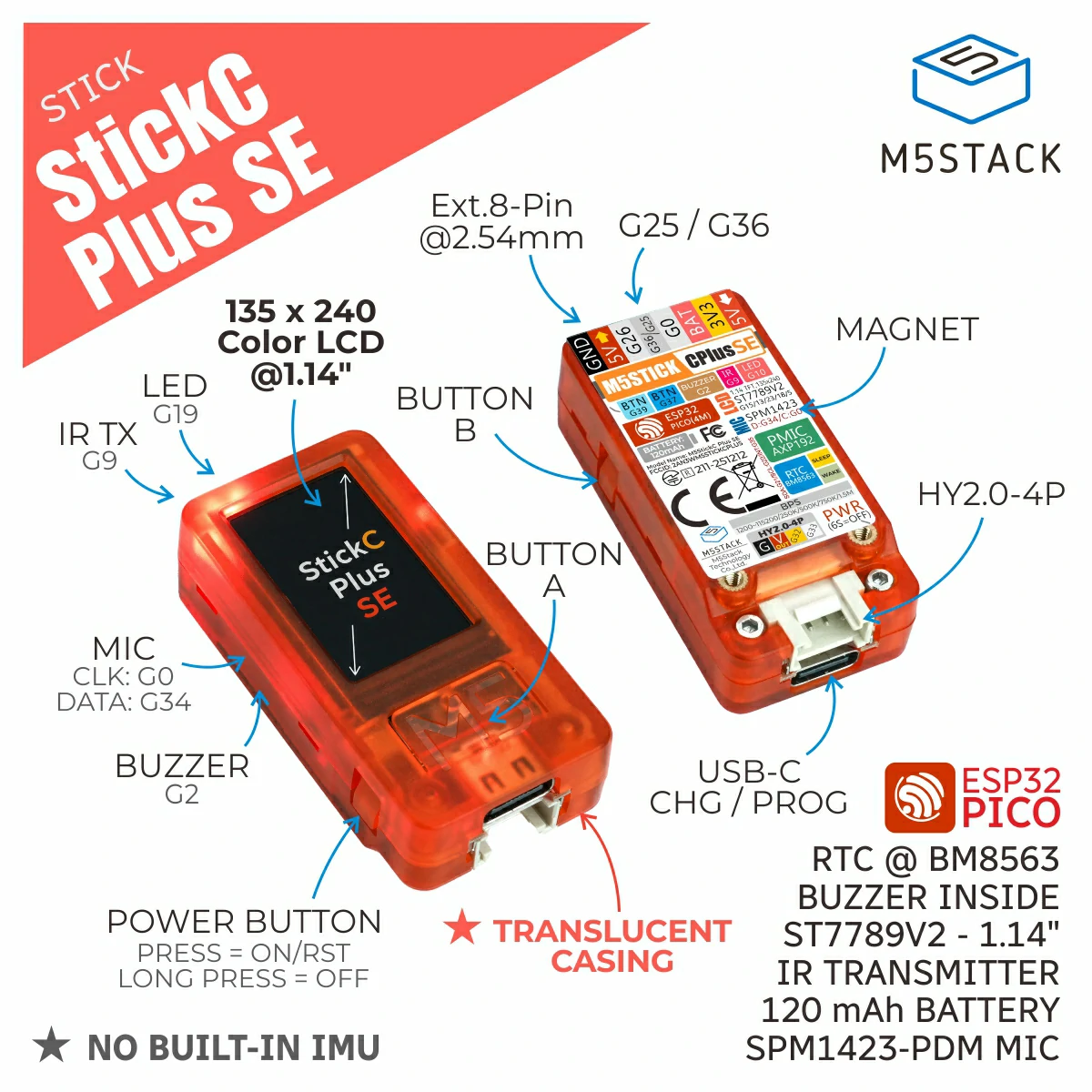
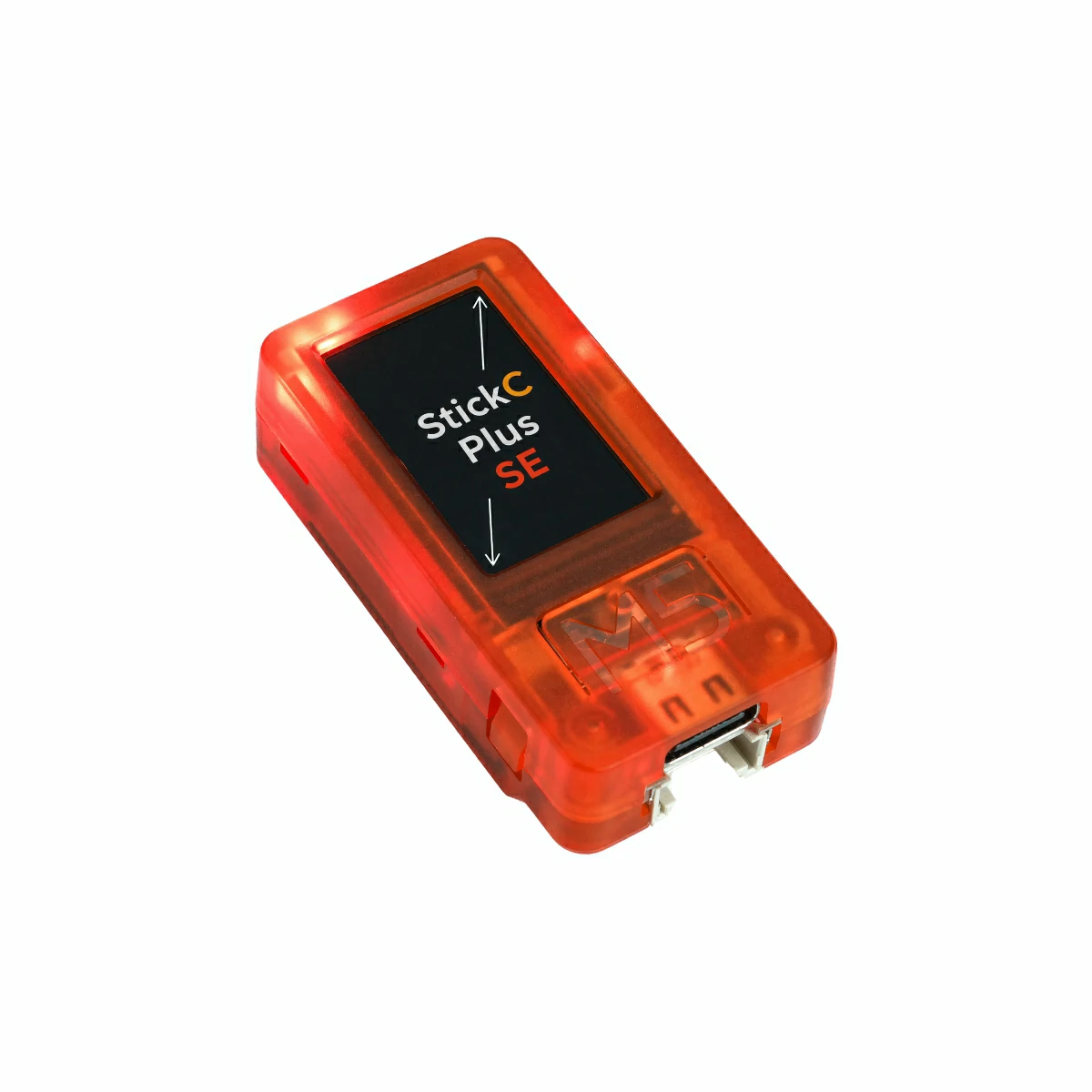
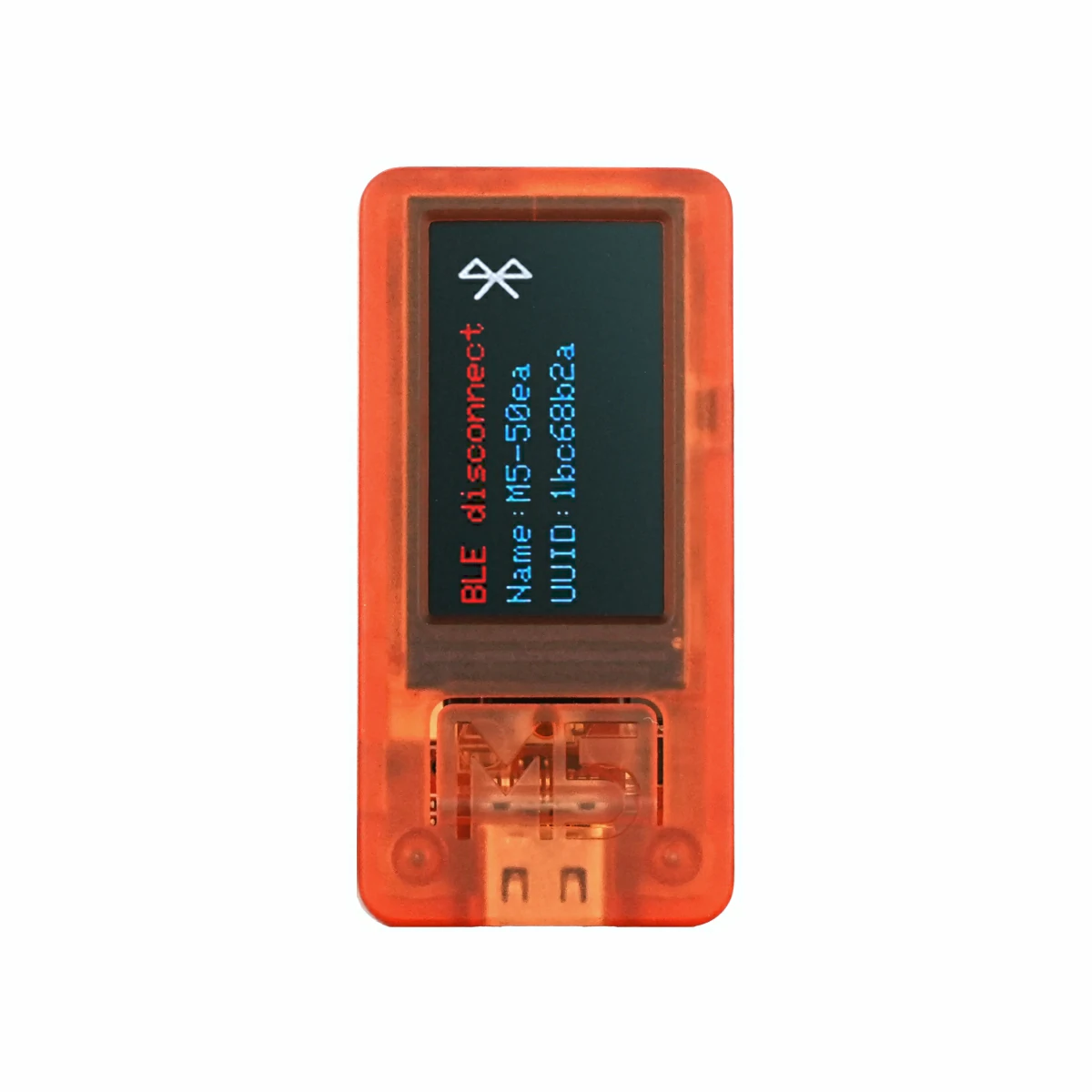
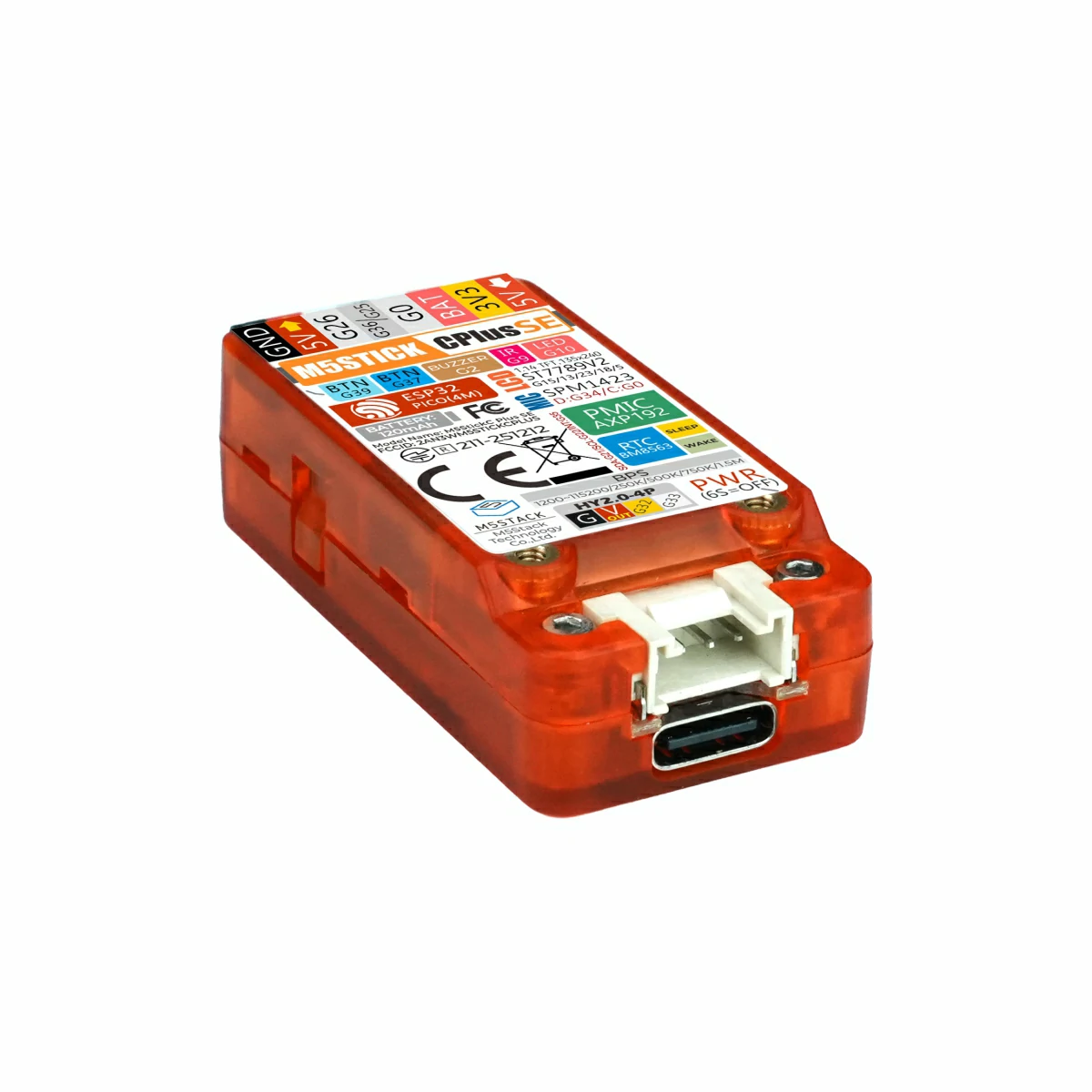
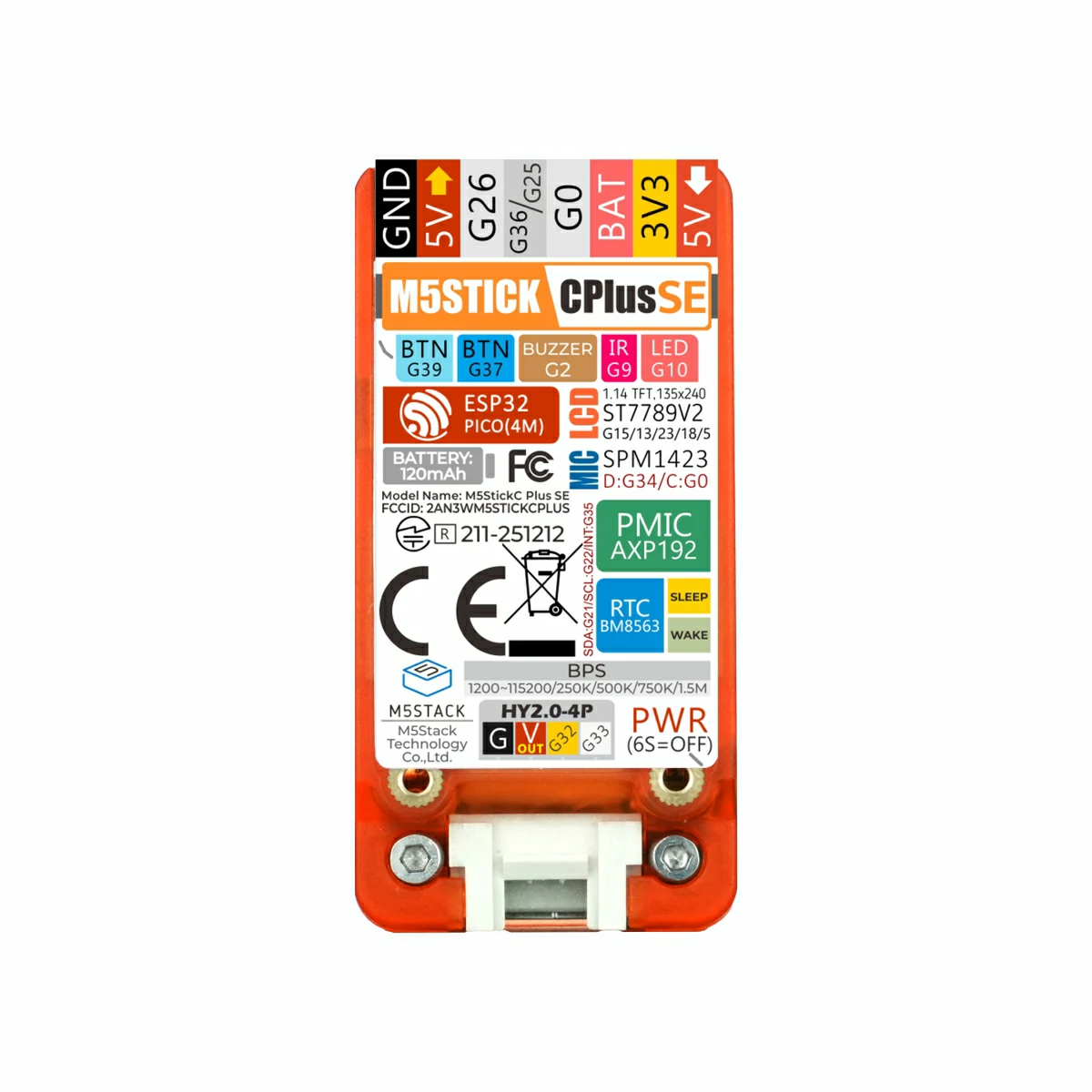
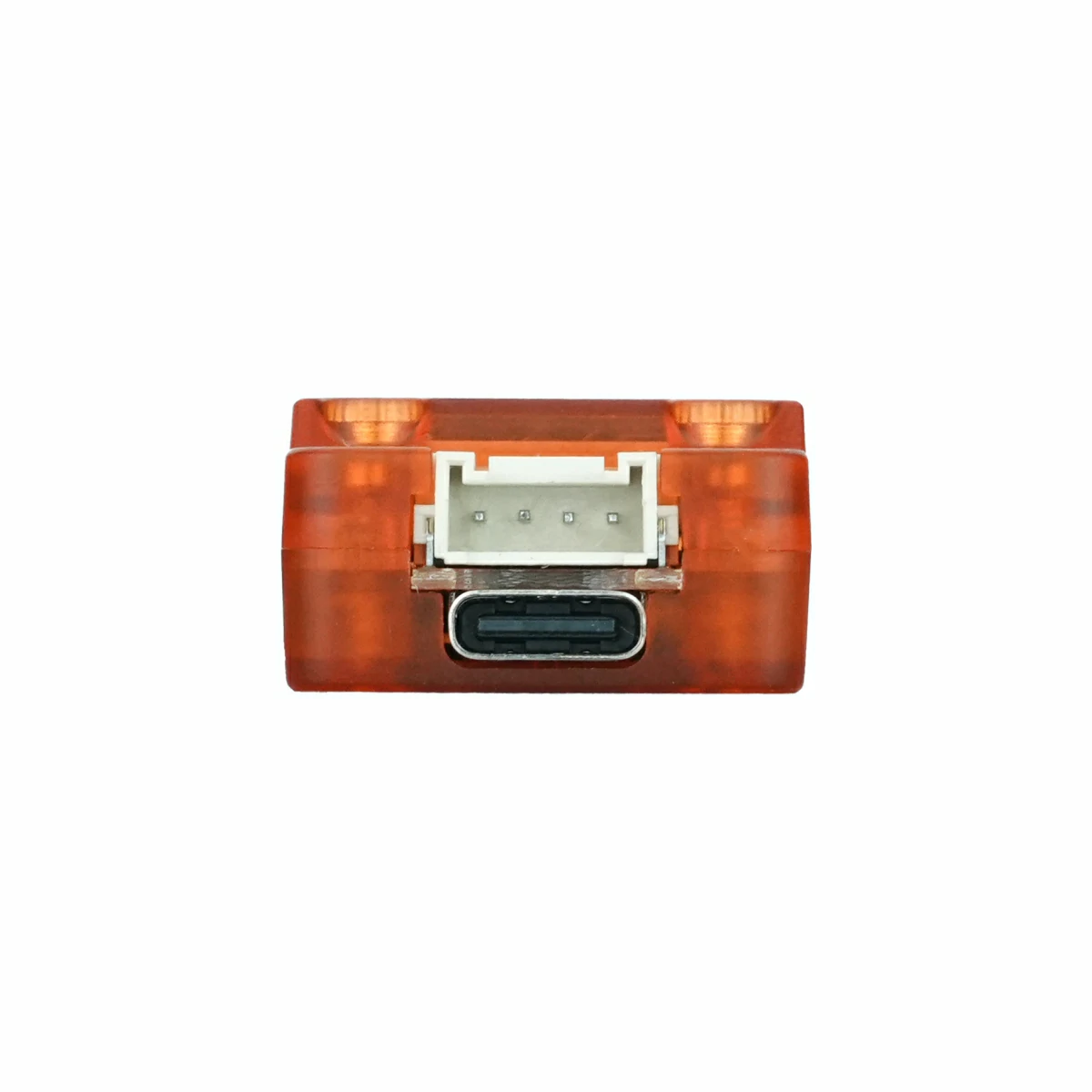
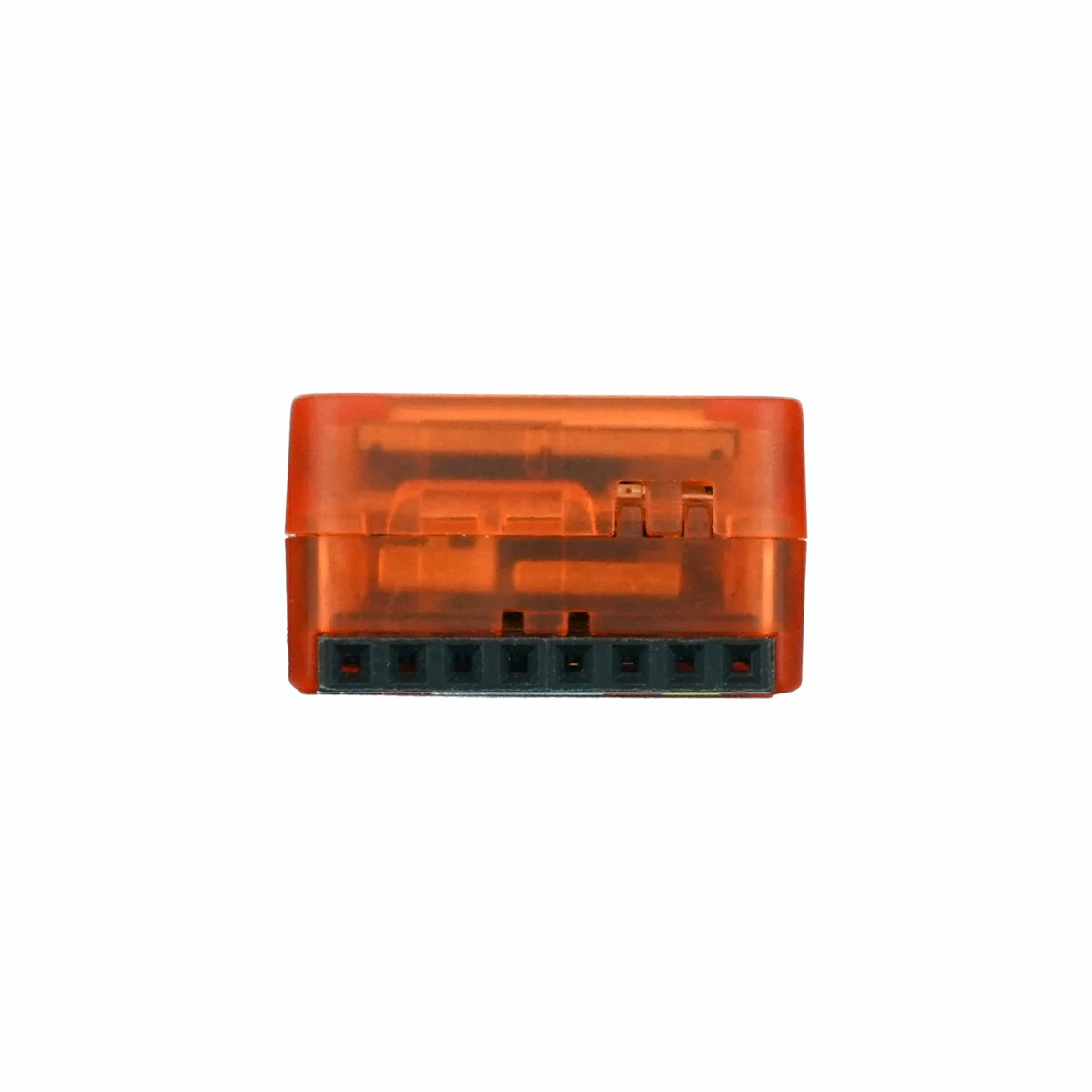
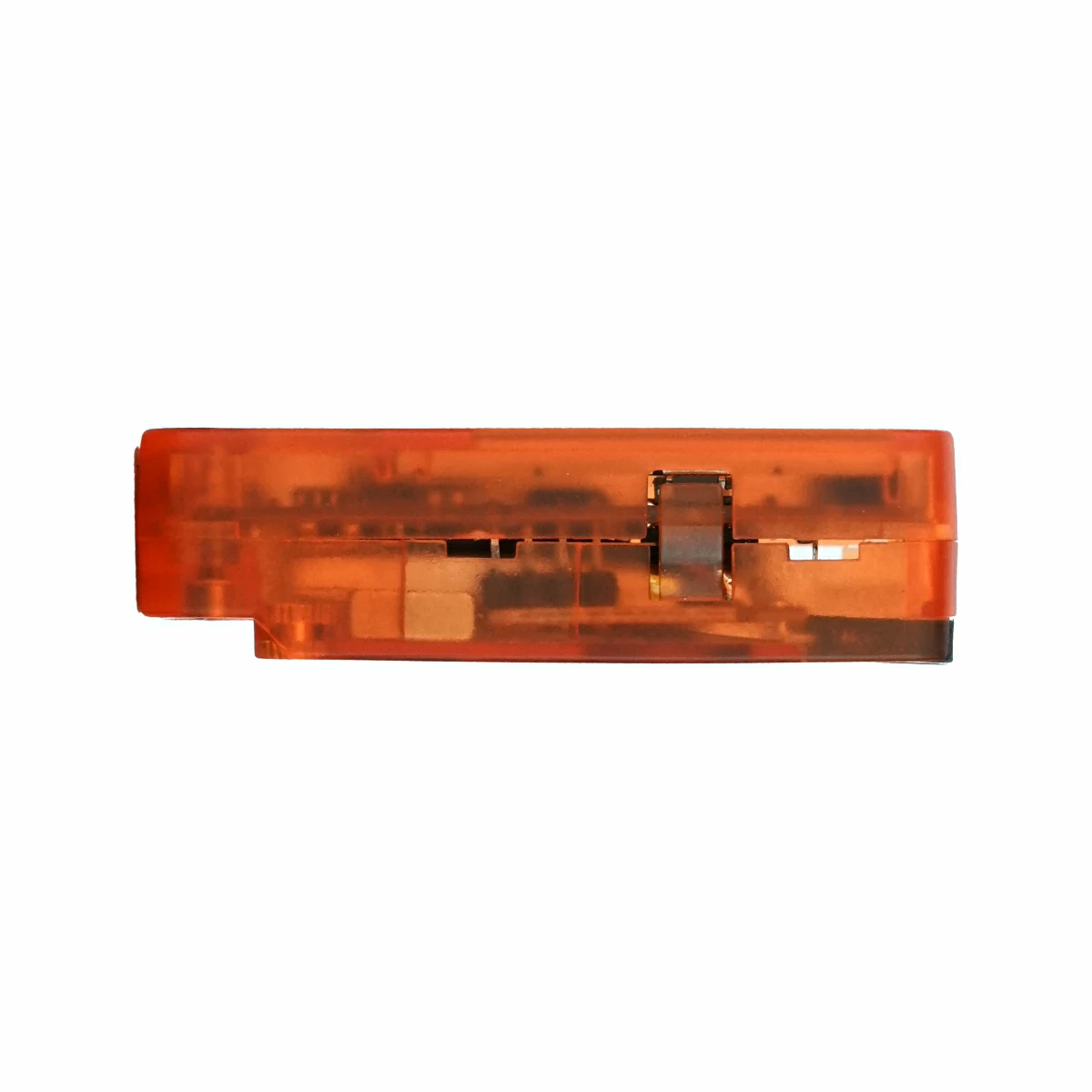
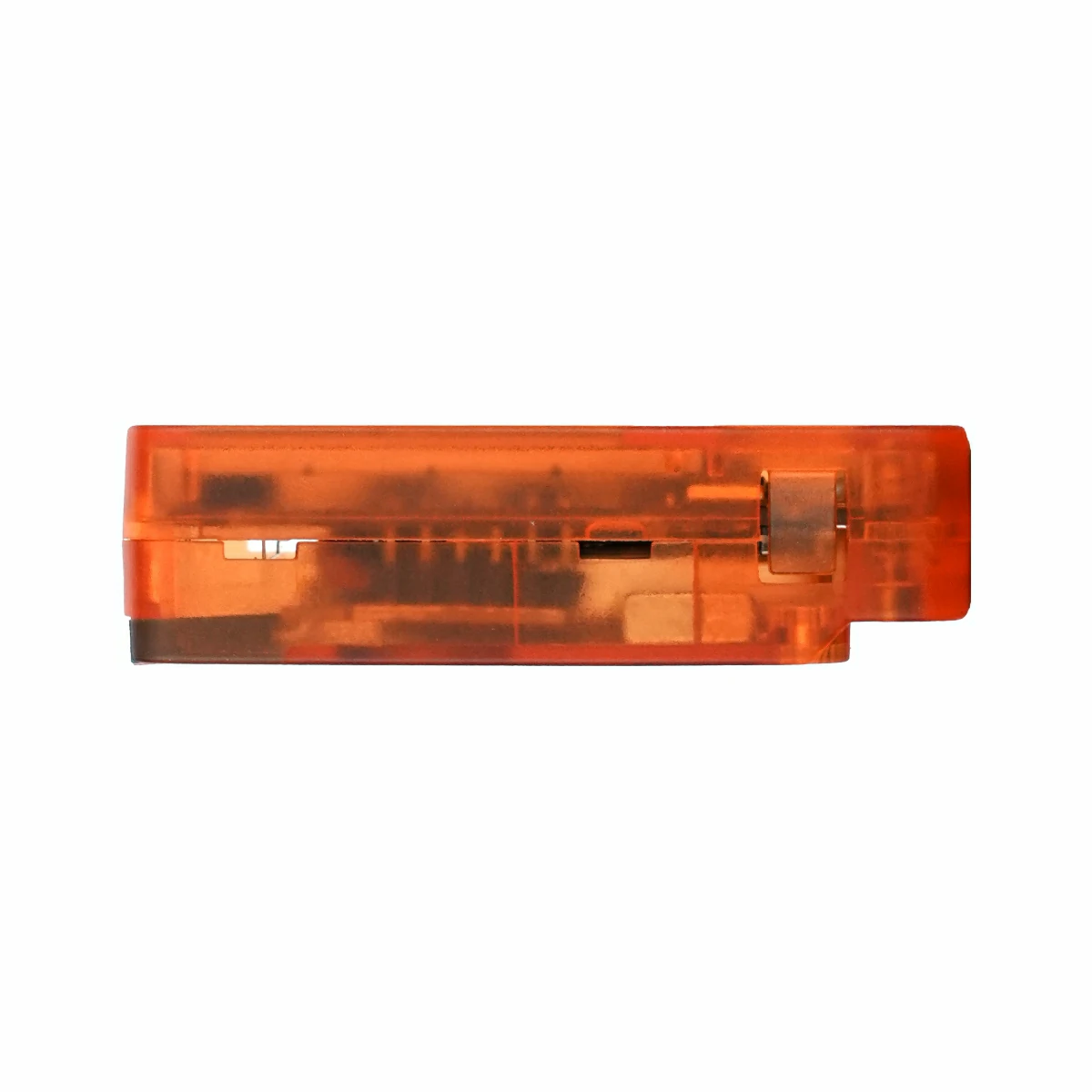
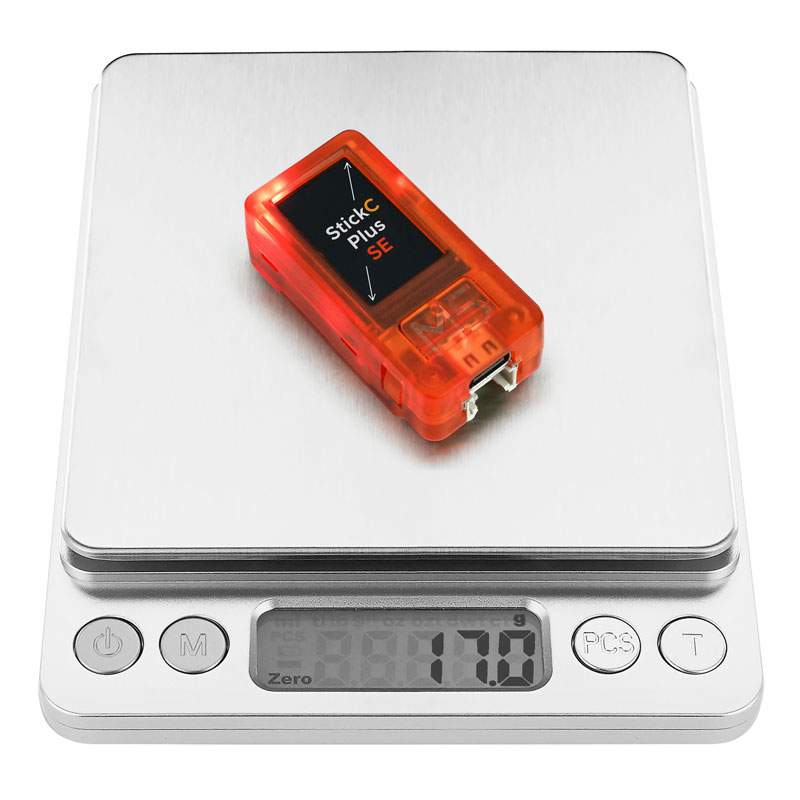
StickC-Plus SE is a lightweight version of StickC-Plus. It retains the core features while removing the onboard 6-axis IMU sensor, offering better cost efficiency. The enclosure features a new translucent orange design with a distinctive translucent appearance. Powered by the ESP32-PICO-D4 module, it supports 2.4 GHz Wi-Fi and integrates an infrared transmitter, RTC, onboard microphone, status indicator, customizable buttons, passive buzzer, and power management unit (PMU). It features a 1.14-inch color LCD with a 135 x 240 resolution for clear, detailed visuals. The built-in 120mAh battery and compatibility with Hat and Unit series expansion products provide flexible extensibility. This product is suitable for lightweight IoT development and simple creative projects that do not require motion sensing and prioritize cost efficiency.
Tutorial


Features
- ESP32-PICO-D4 main controller
- 4MB Flash
- 520KB SRAM
- 2.4 GHz Wi-Fi
- Onboard red status indicator
- Integrated infrared transmitter
- Built-in RTC module
- Onboard microphone
- Customizable buttons, LCD, power button, and reset button
- Built-in 120 mAh lithium battery
- Integrated passive buzzer
- Magnetic back; translucent orange enclosure
- Development Platform
- UiFlow1
- UiFlow2
- Arduino IDE
- ESP-IDF
- PlatformIO
Includes
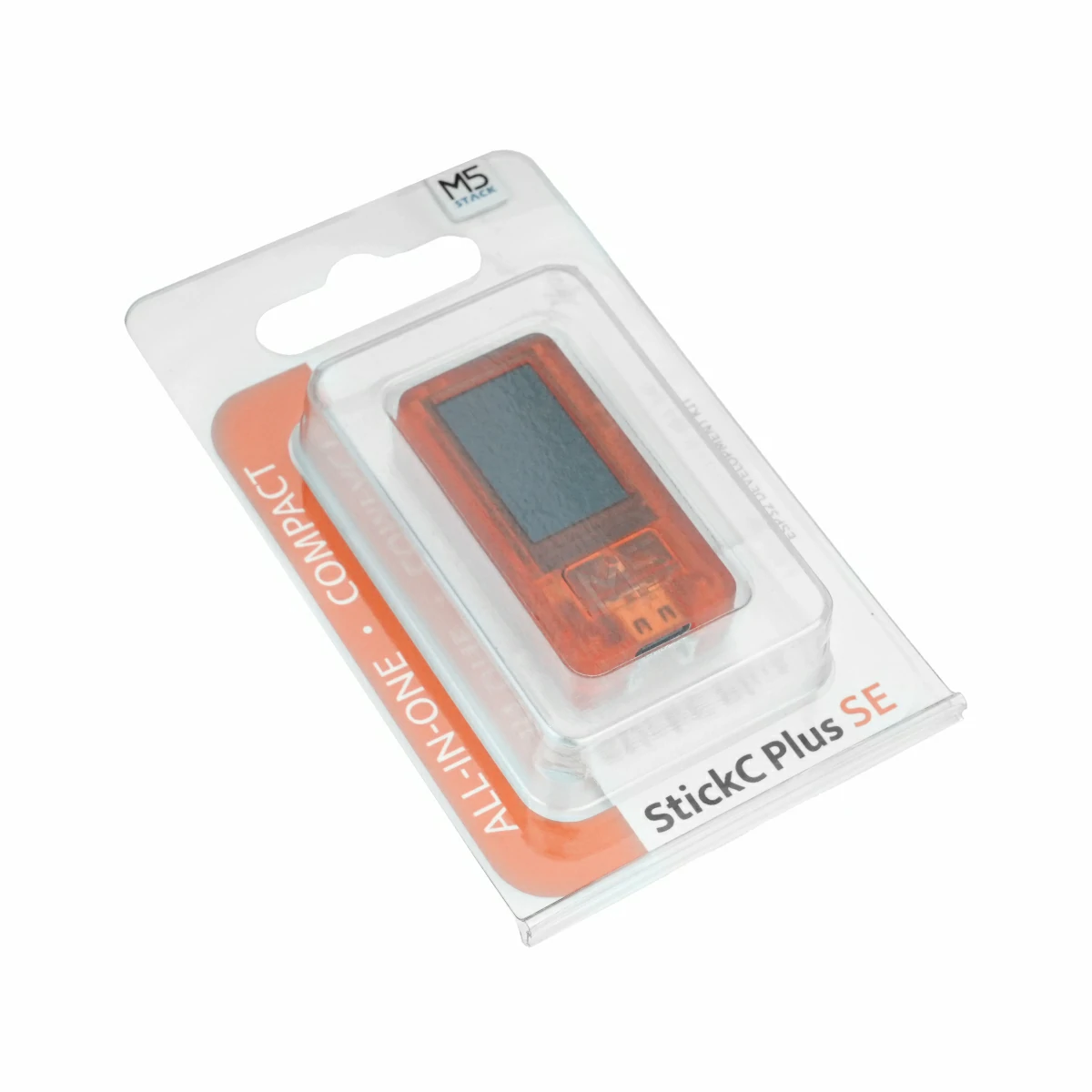
- 1 x StickC-Plus SE
Applications
- Lightweight wearable devices
- IoT smart controllers
- Simple creative DIY projects
- Compact smart home control terminals
Specifications
| Specification | Parameter |
|---|---|
| SoC | ESP32-PICO-D4 @ Xtensa® 32-bit LX6 dual-core processor, clock frequency 240MHz |
| Flash | 4MB |
| SRAM | 520KB |
| Wi-Fi | 2.4 GHz Wi-Fi |
| Antenna | 2.4G 3D Antenna |
| Input Voltage | 5V@500mA |
| Battery | Built-in 3.7V 120mAh lithium battery |
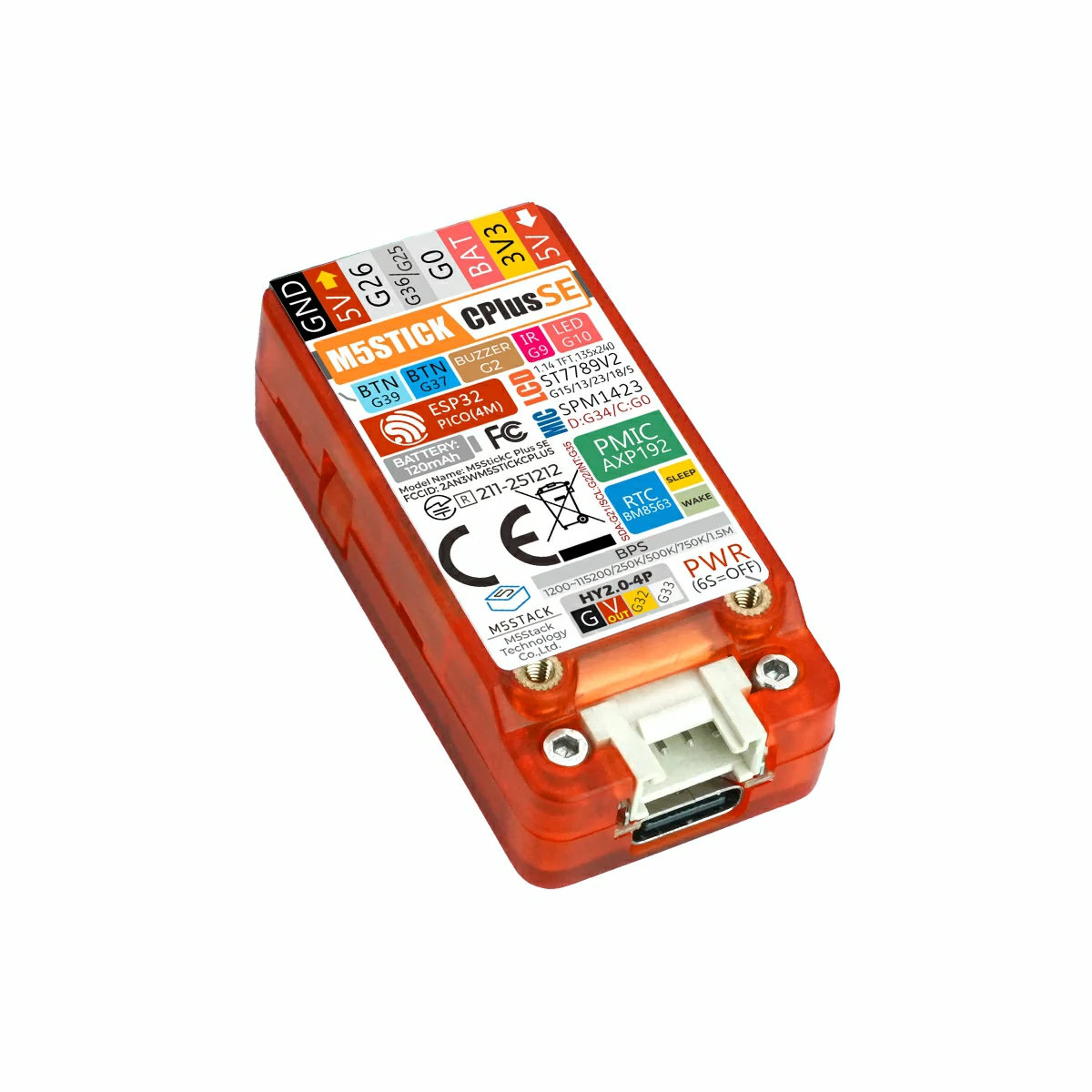
| Power Management | AXP192 |
| Expansion Interface | HY2.0-4P x 1, Hat-Bus 2.54-8P interface |
| LCD | 1.14-inch color TFT LCD, 135 x 240 resolution, ST7789v2 driver |
| Microphone | SPM1423 |
| RTC | BM8563 |
| IR | Infrared transmission |
| Button | Customizable button x 2 |
| LED | Red LED x 1 |
| Buzzer | Onboard passive buzzer |
| Operating Temperature | 0 ~ 60°C |
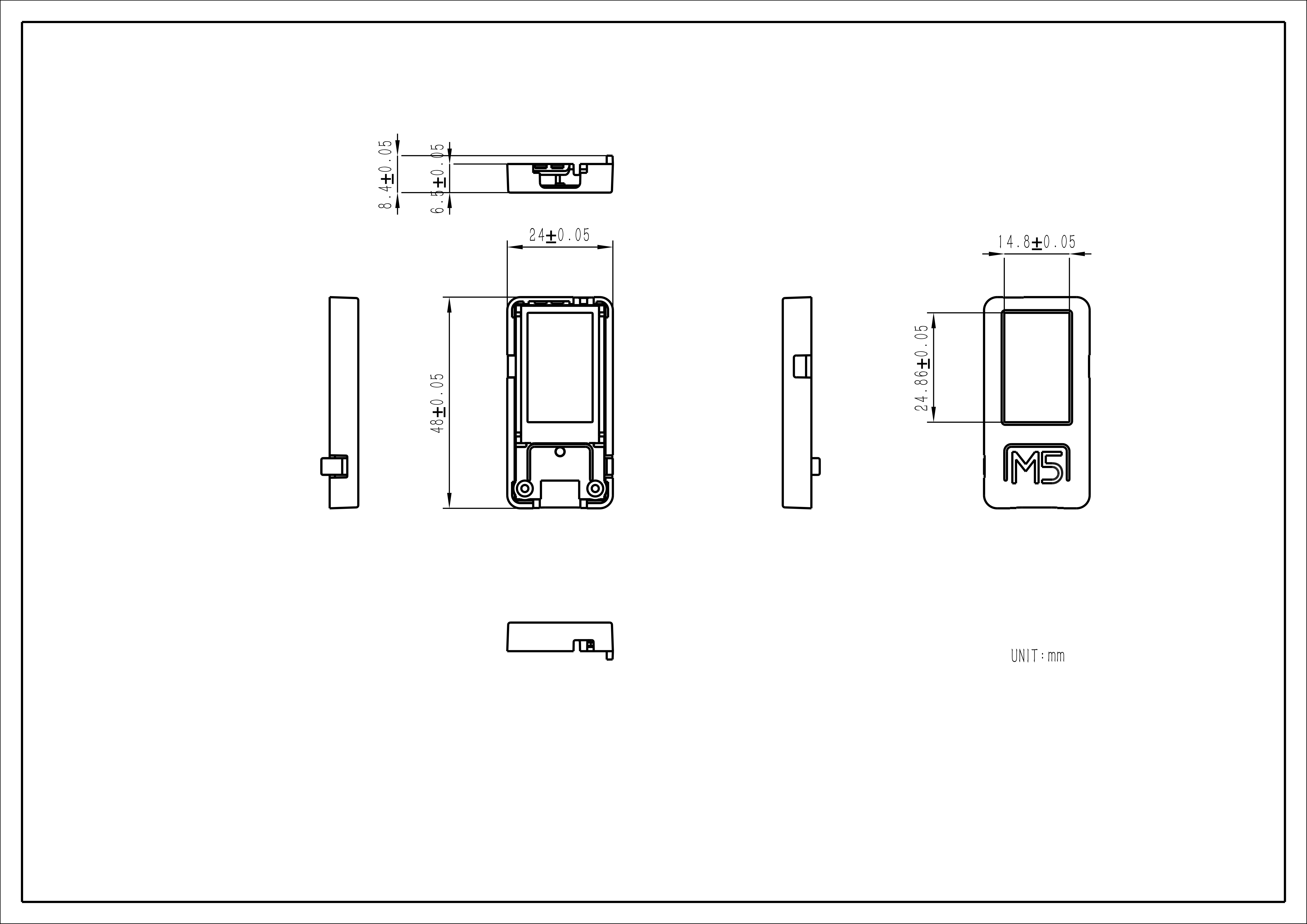
| Product Size | 48.0 x 24.0 x 8.4mm |
| Product Weight | 17.0g |
| Package Size | 104.4 x 65.0 x 18.0mm |
| Gross Weight | 25.3g |
Learn
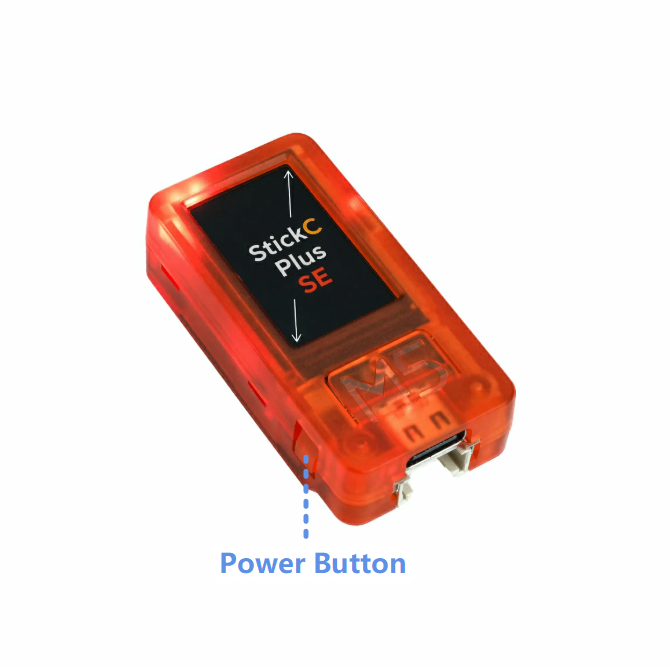
Power On/Off
- Power on / Reset: Press the power button once
- Power off: Press and hold the power button
Schematics
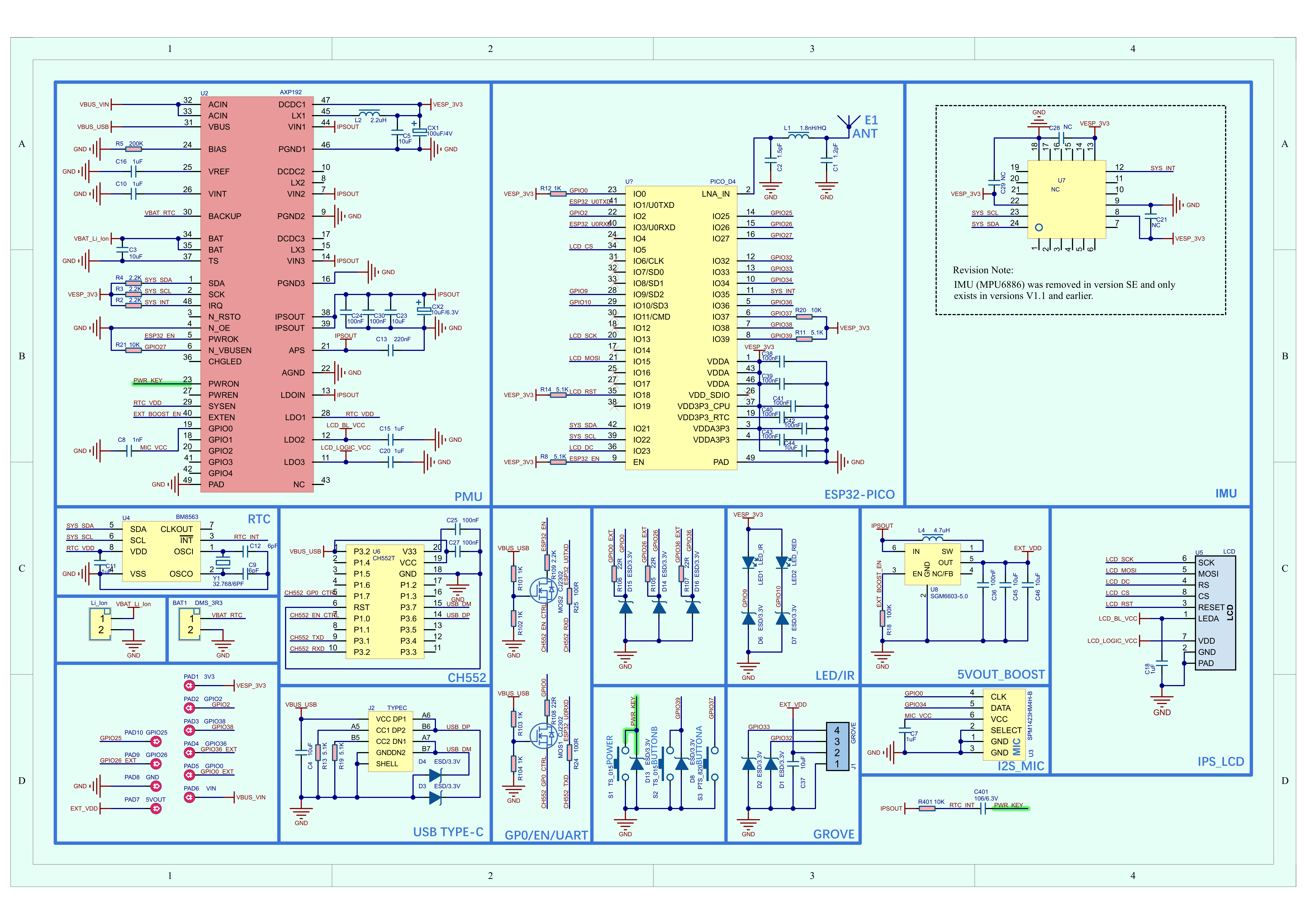
PinMap
LCD
| ESP32-PICO-D4 | G15 | G13 | G23 | G18 | G5 |
|---|---|---|---|---|---|
| ST7789v2 | LCD_MOSI | LCD_CLK | LCD_DC | LCD_RST | LCD_CS |
LED & IR & Buttons & Buzzer
| ESP32-PICO-D4 | G10 | G9 | G37 | G39 | G2 |
|---|---|---|---|---|---|
| LED_RED | LED | ||||
| IR_TX | TX | ||||
| Button A | Input | ||||
| Button B | Input | ||||
| Buzzer | Output |
Microphone
| ESP32-PICO-D4 | G0 | G34 |
|---|---|---|
| SPM1423 | CLK | DATA |
Power Management
| ESP32-PICO-D4 | G22 | G21 |
|---|---|---|
| AXP192 | SCL | SDA |
| AXP192 | LDO1 | LDO2 | LDO3 | GPIO0 | EXT_EN |
|---|---|---|---|---|---|
| RTC | RTC_VDD | ||||
| LCD | LCD_BL | LCD_LOGIC_VCC | |||
| MIC | MIC_VCC | ||||
| Grove 5V | EXT_BOOST_EN |
| APX192 | PWRON |
|---|---|
| Button PWR | PWR_KEY |
Hat-Bus
| Hat-Bus | StickC-Plus SE |
|---|---|
| 1 | GND |
| 2 | 5V_OUT |
| 3 | G26 |
| 4 | G36 |
| 5 | G0 |
| 6 | BAT |
| 7 | 3V3 |
| 8 | 5V_IN |
HY2.0-4P
| HY2.0-4P | Black | Red | Yellow | White |
|---|---|---|---|---|
| PORT.CUSTOM | GND | 5V | G32 | G33 |
Model Size
Datasheets
Softwares
Arduino
- StickC-Plus SE Arduino Quick Start
- StickC-Plus SE Arduino M5Unified Driver Library
- StickC-Plus SE Arduino M5GFX Driver Library
- StickC-Plus SE Factory Firmware
UiFlow1
UiFlow2
USB Driver
1500000 bps / 750000 bps / 500000 bps / 250000 bps / 115200 bps
- Select and download the driver file matching your operating system from the list below, then extract it. You can also visit the FTDI Chip official website to get additional FTDI driver versions.
| Driver name | Download link |
|---|---|
| Windows_Desktop_x64 | Download |
| Windows_Desktop_x86_32 | Download |
| Windows_Desktop_ARM | Download |
| MacOS_Intel | Download |
| MacOS_ARM64 | Download |
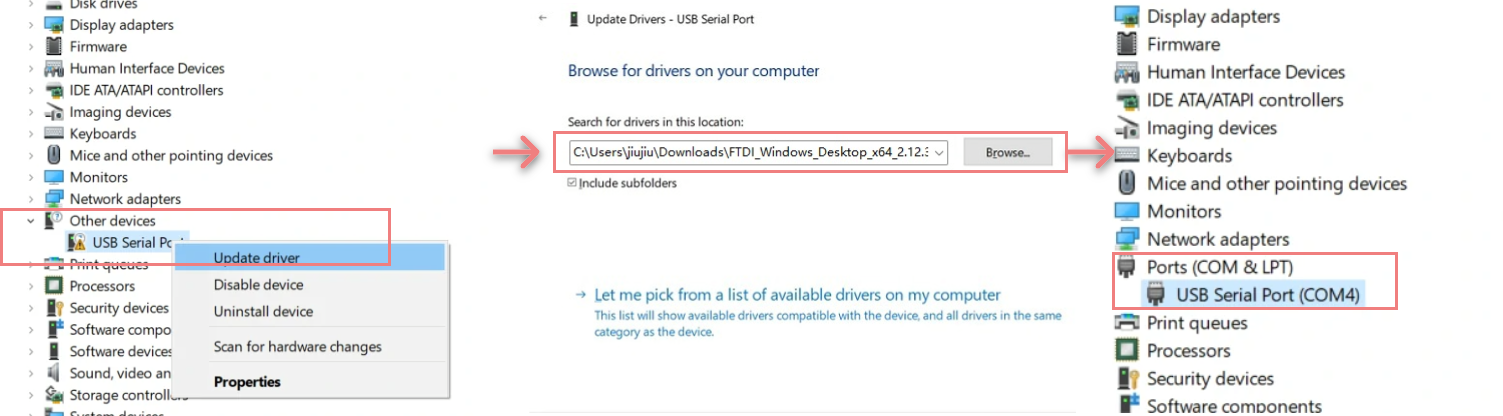
- Connect the device to your PC, open Device Manager, and install the FTDI driver (the screenshot below uses Windows 10 as an example). (Note: On some systems, you may need to install the driver twice for it to take effect. The unrecognized device is usually named
M5StackorUSB Serial.)
Note:
StickC-Plus SE supported baud rates: 1200 ~115200, 250K, 500K, 750K, 1500K
G36/G25 share the same port. When using one pin, set the other pin to floating input
For example, to use the G36 pin as an ADC input, configure the G25 pin as floating
The input range of VBUS_VIN and VBUS_USB is limited to 4.8-5.5V. When powered by VBUS, the AXP192 power management will charge the internal battery.
setup()
{
   M5.begin();
   pinMode(36,INPUT);
   gpio_pulldown_dis(GPIO_NUM_25);
   gpio_pullup_dis(GPIO_NUM_25);
}Easyloader
| Easyloader | Download Link | Remarks |
|---|---|---|
| StickC-Plus SE Factory Firmware Easyloader | download | / |
Video
Product Comparison
| Product Compare | StickC-Plus SE | StickC-Plus 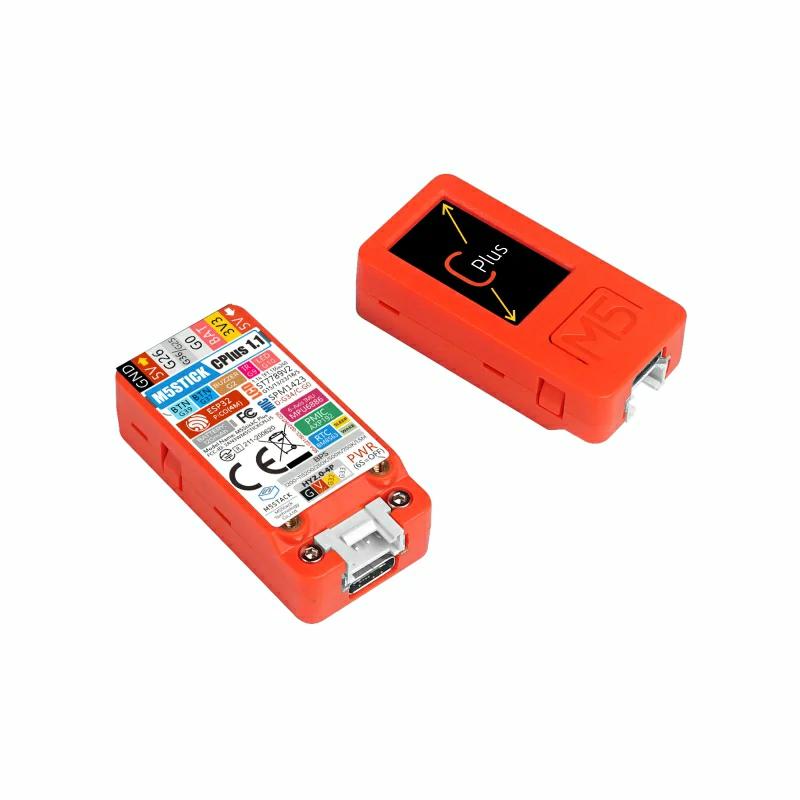 |
|---|---|---|
| IMU | ❌ | ✅ (MPU6886) |
| Enclosure Color | Orange, translucent | Orange, opaque |
To compare Stick series products, visit the Product Selection Table and select the target products to view the comparison results. The table covers key information such as core specifications and functional features, and supports simultaneous comparison of multiple products.