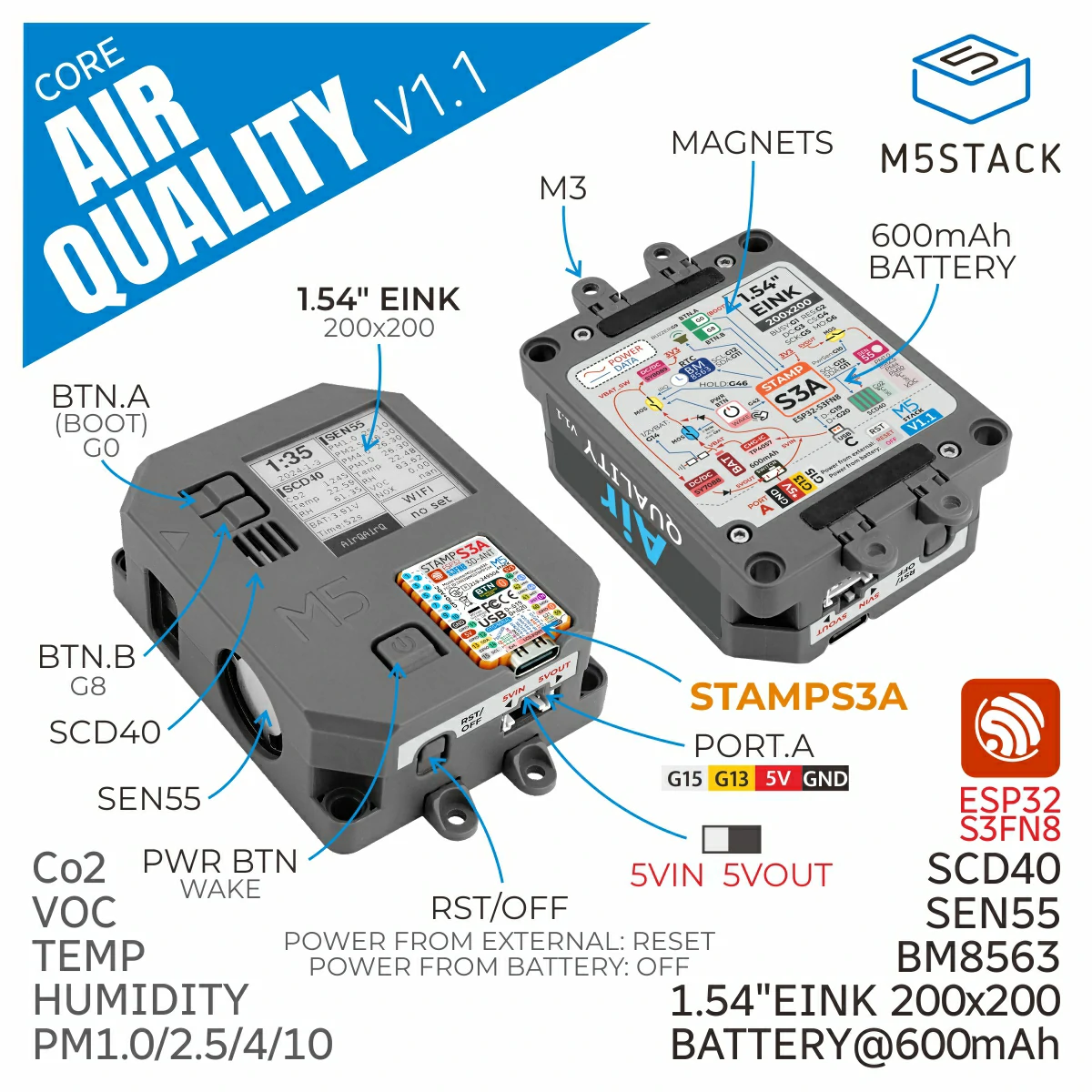
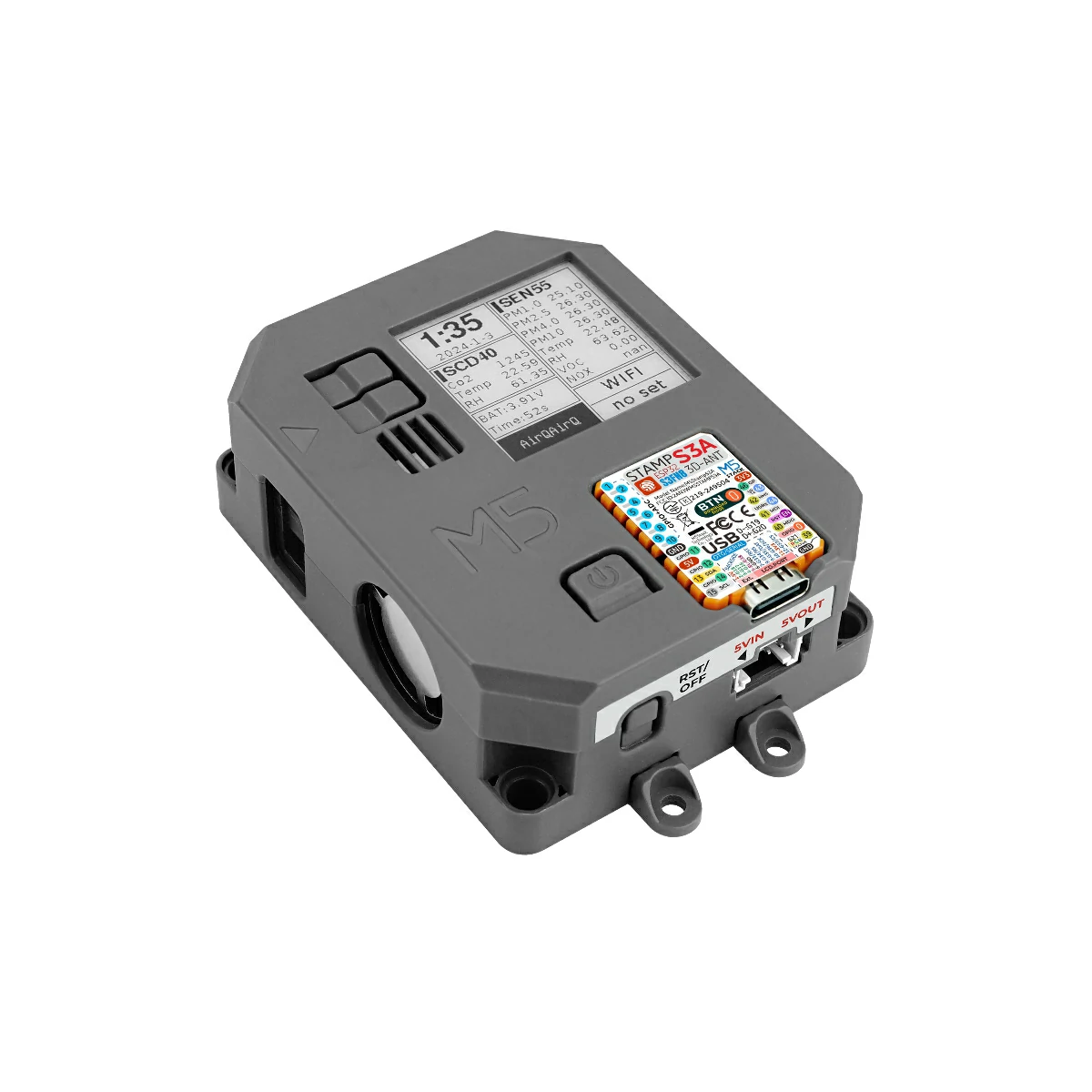
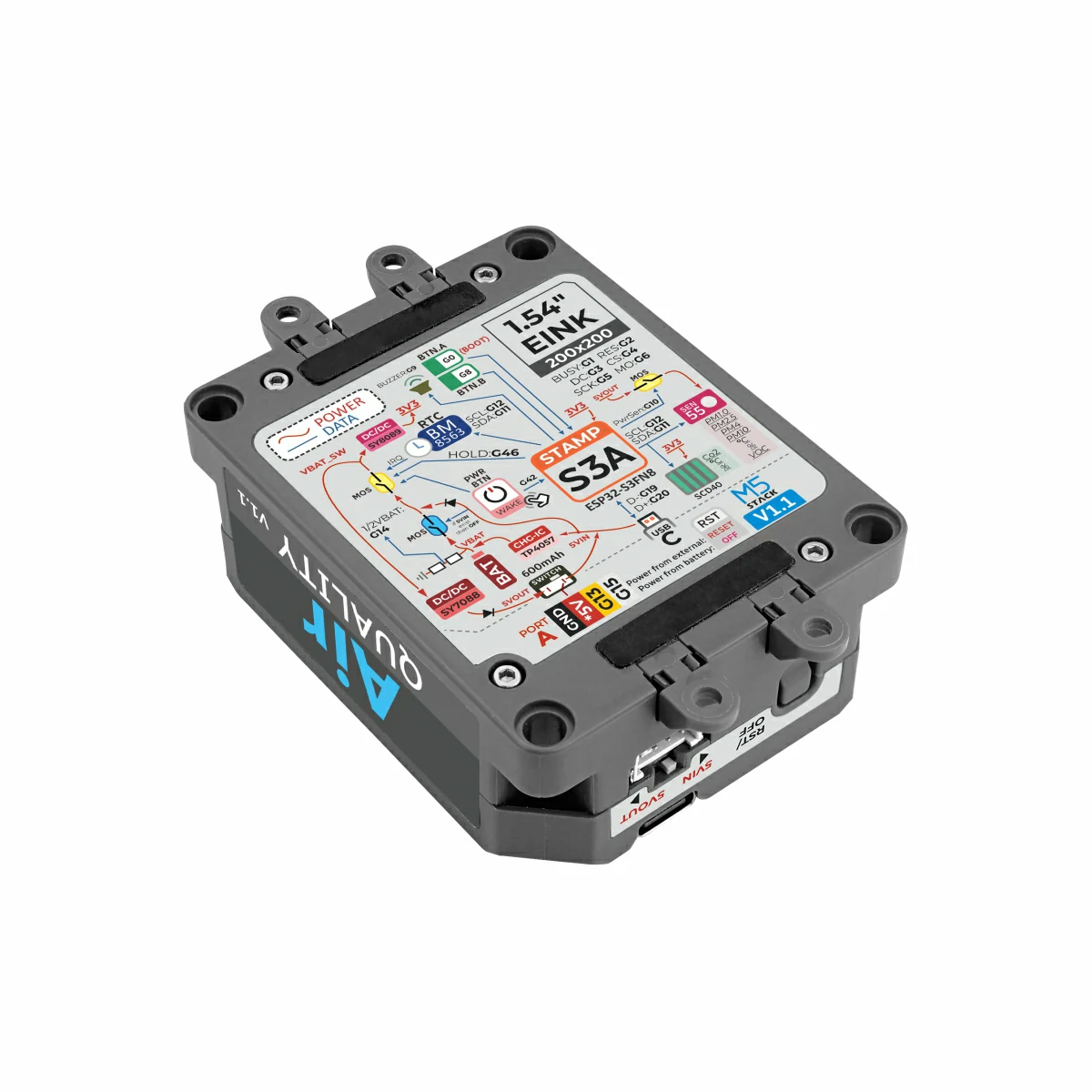
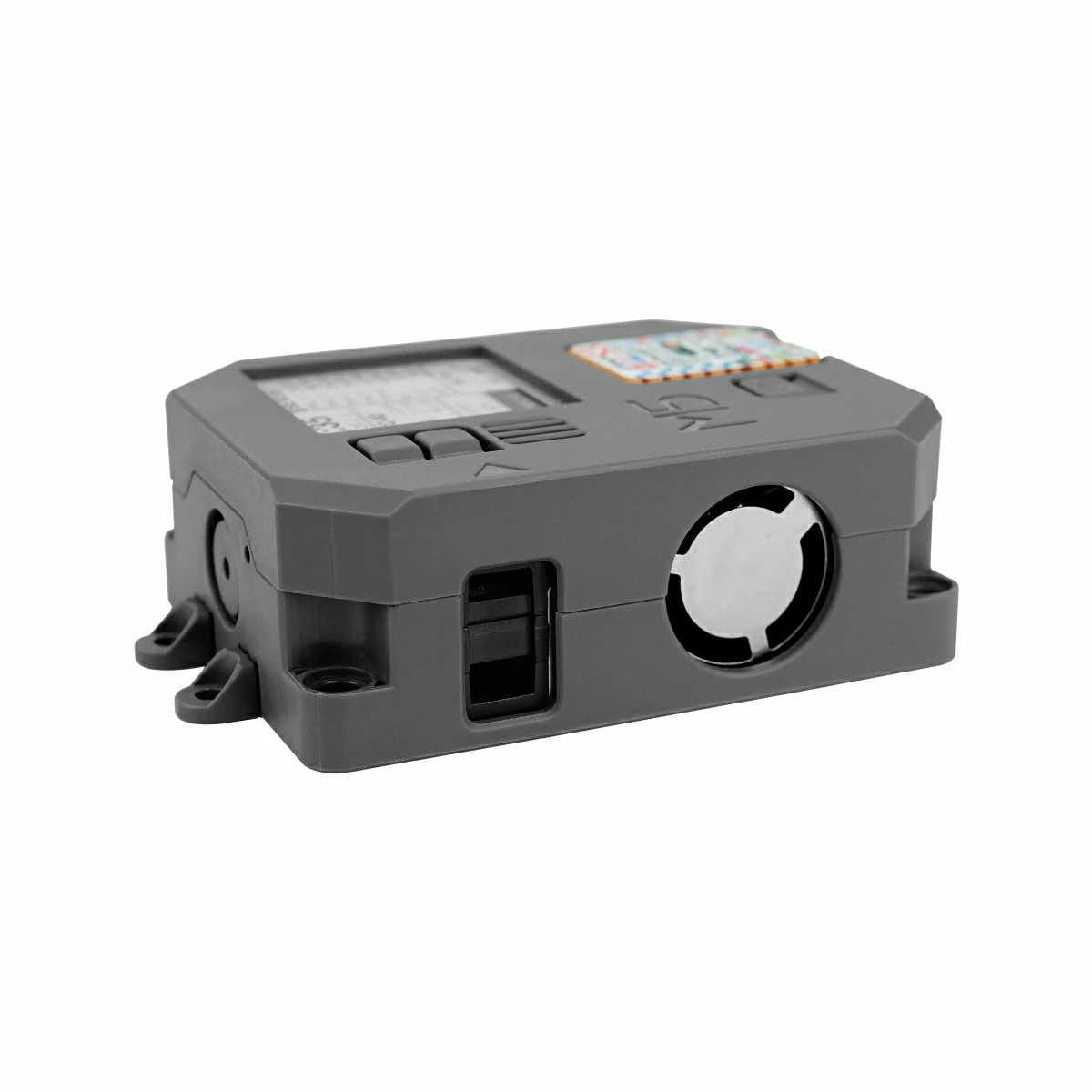
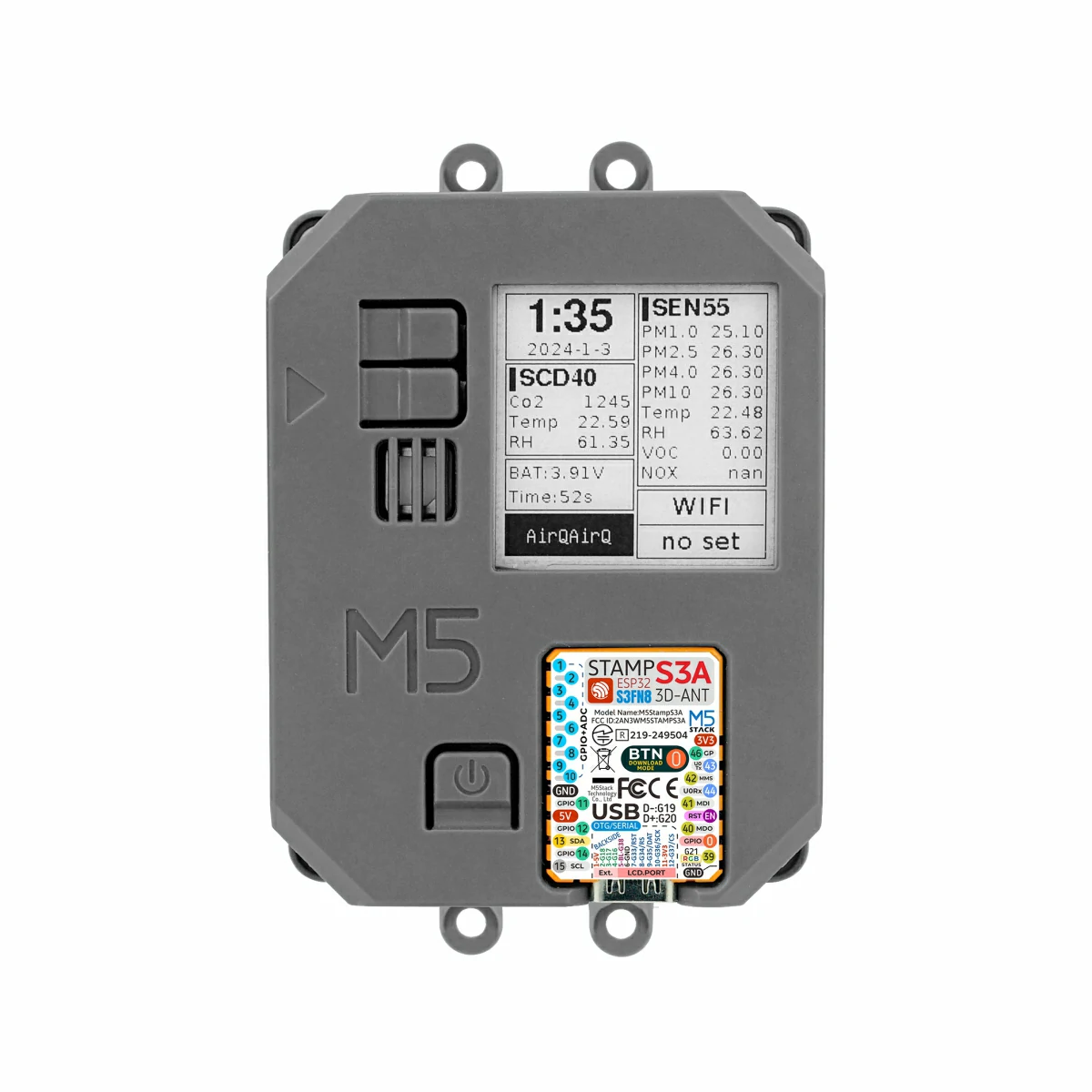
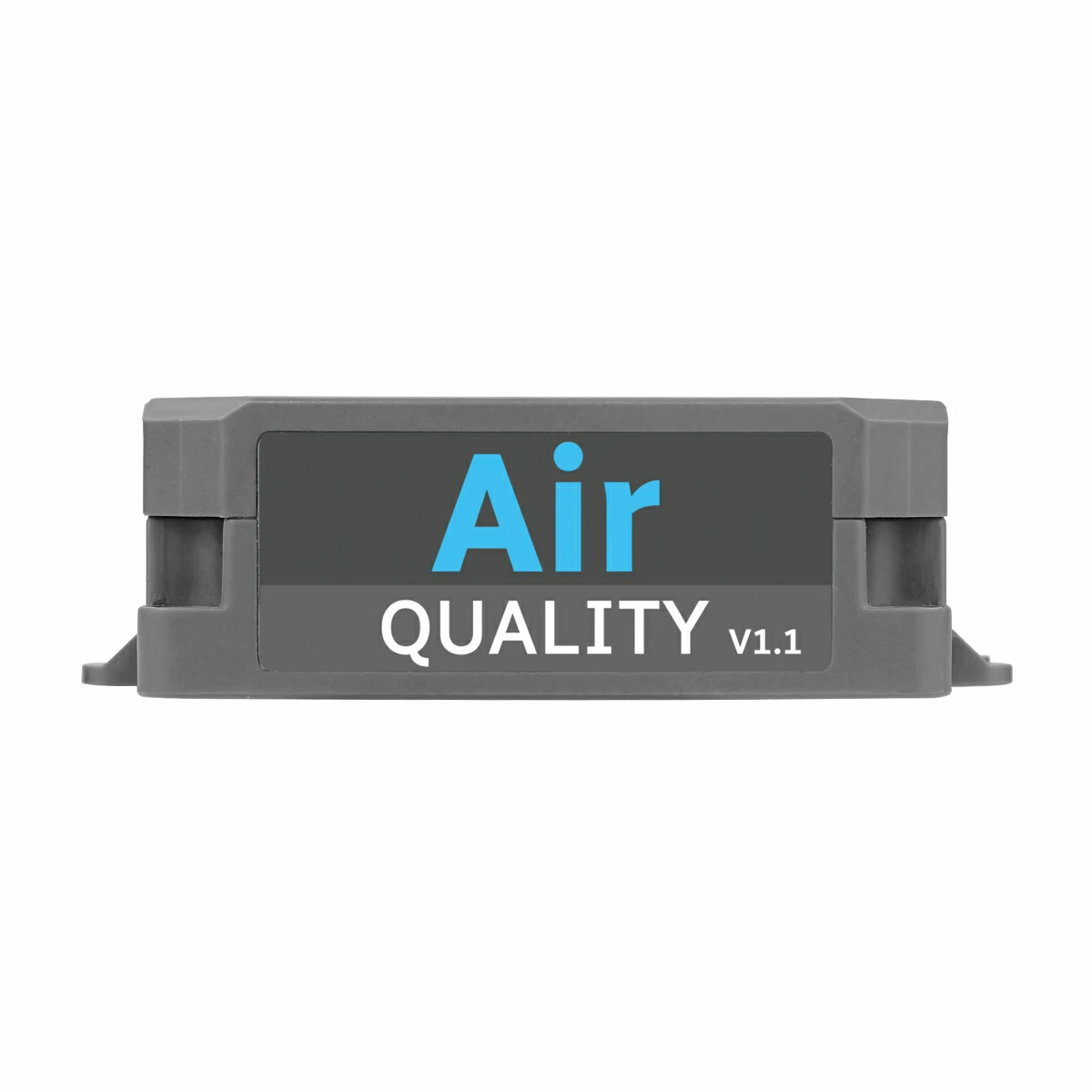
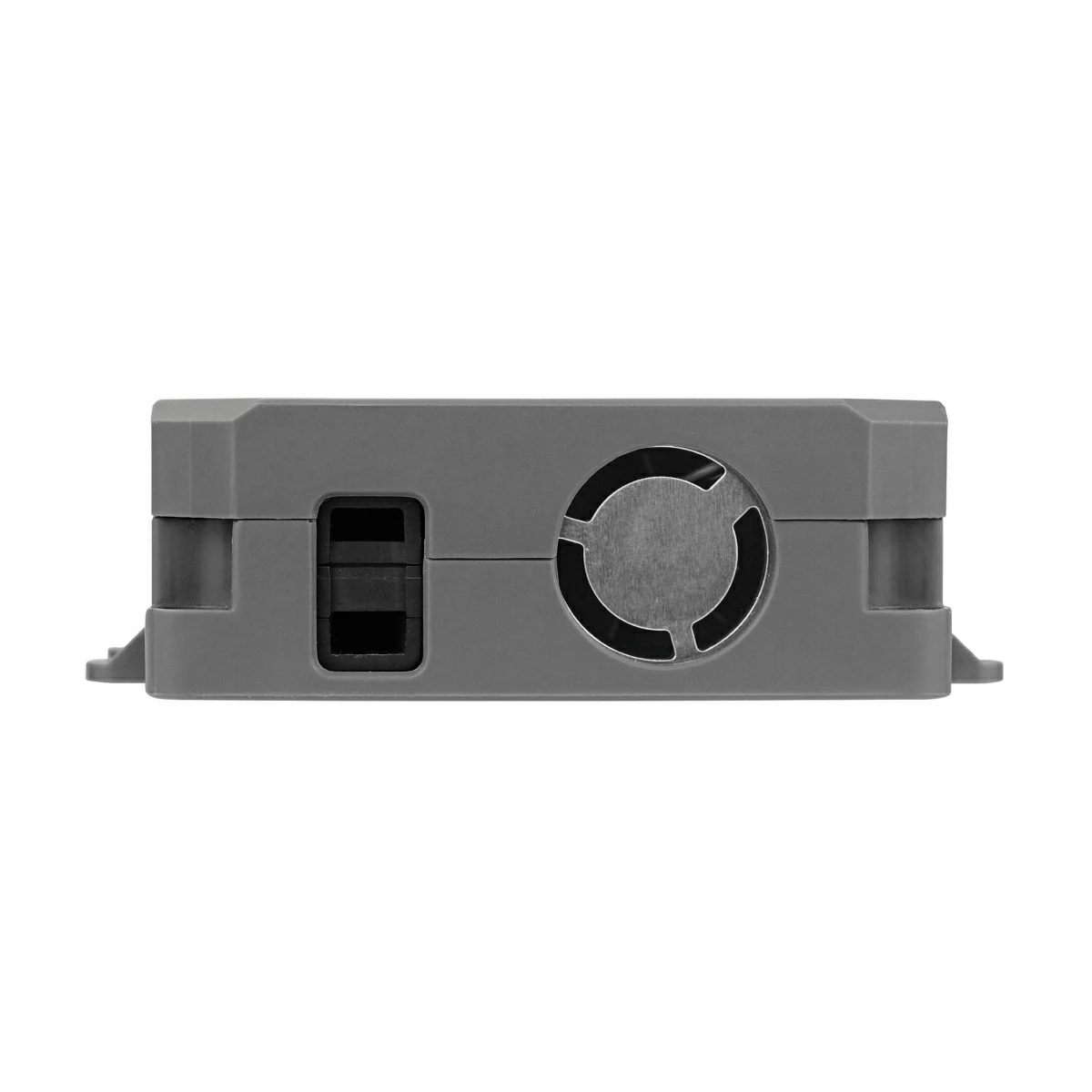
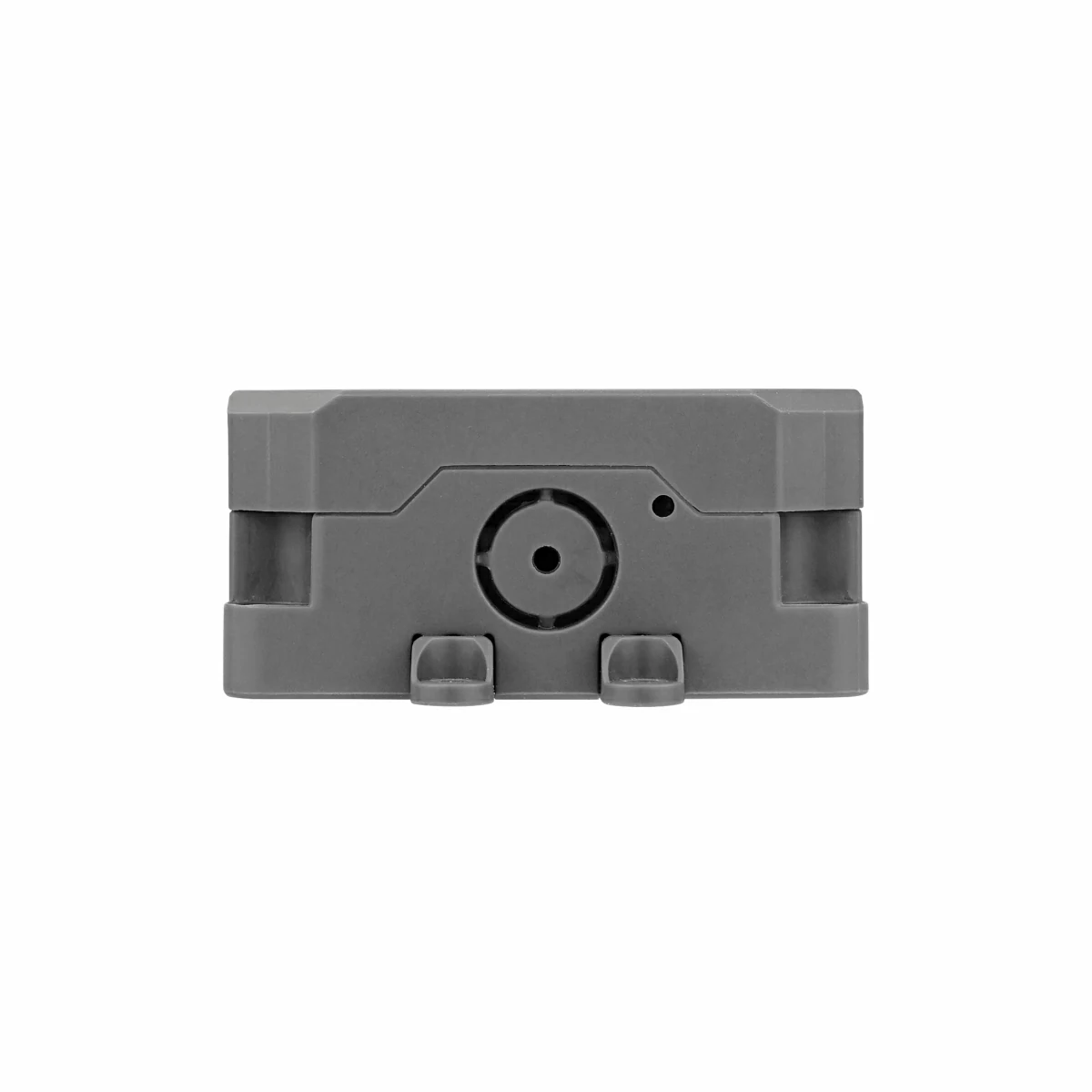
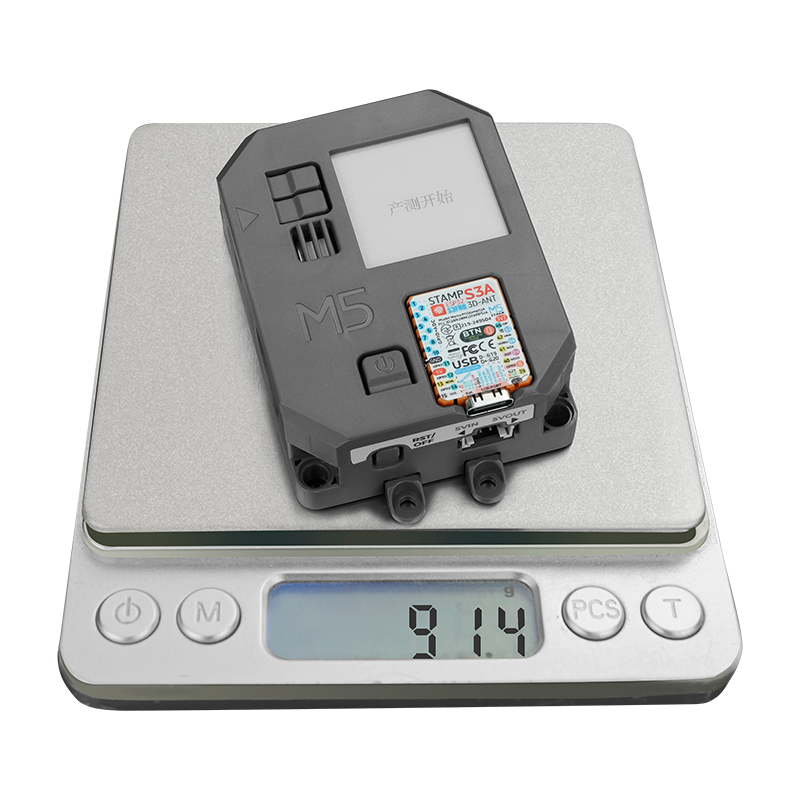
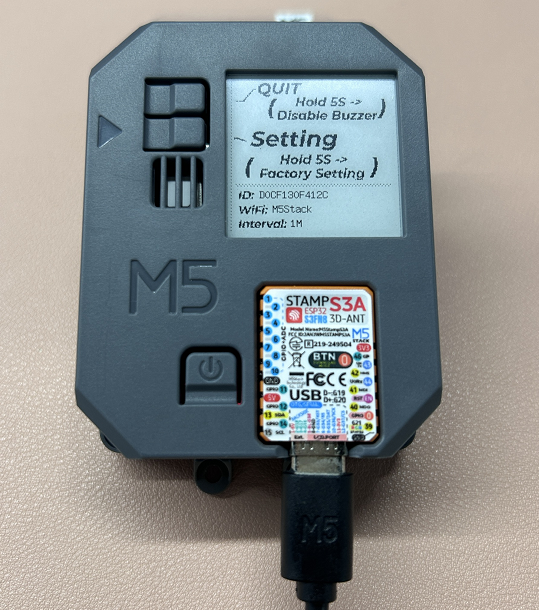
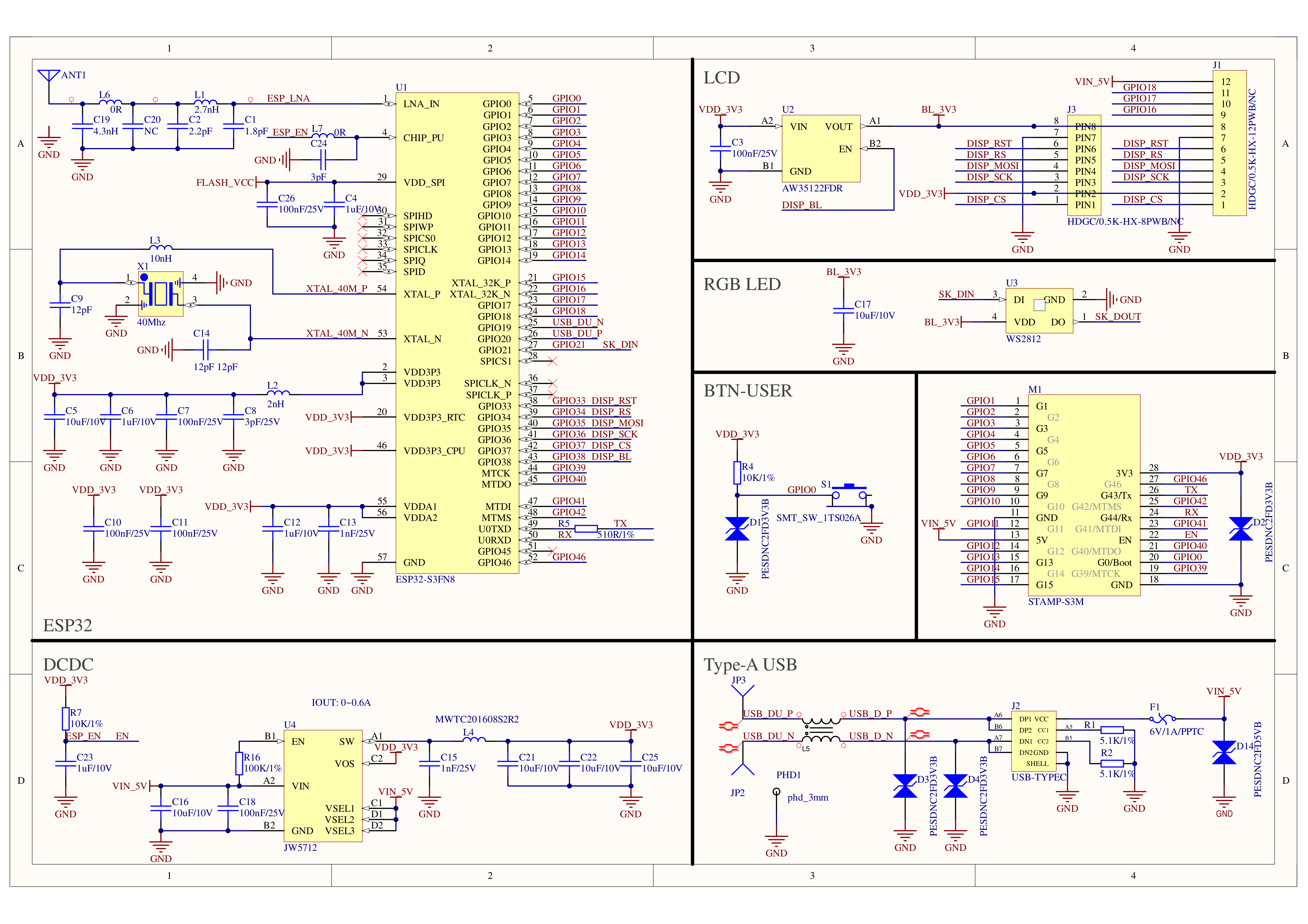
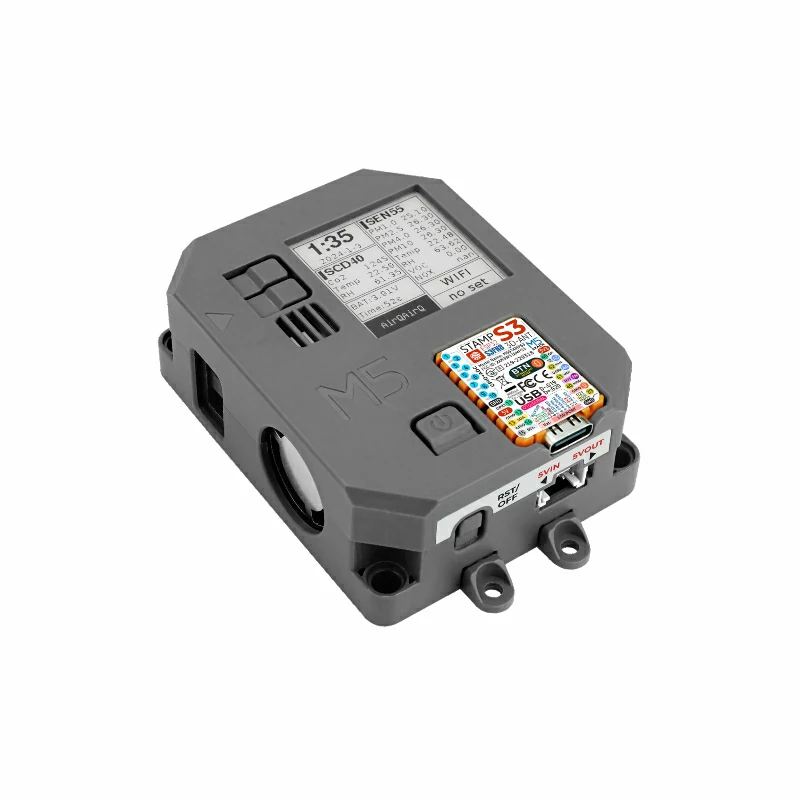
Air Quality v1.1 is an integrated low-power air quality monitoring device. Compared to the previous generation, the new version adopts the Stamp-S3A master control, with optimizations and improvements in overall power consumption and Wi-Fi antenna design.
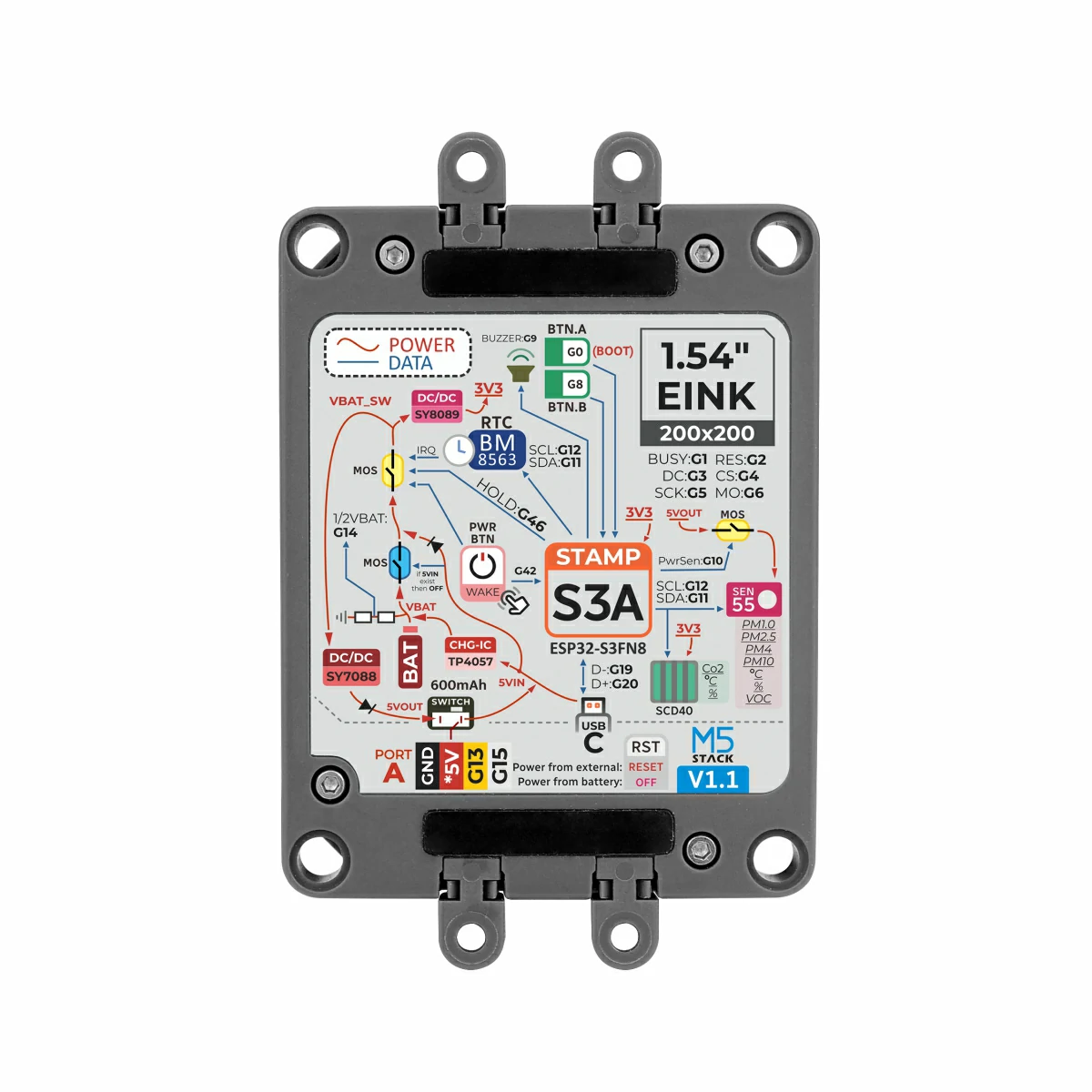
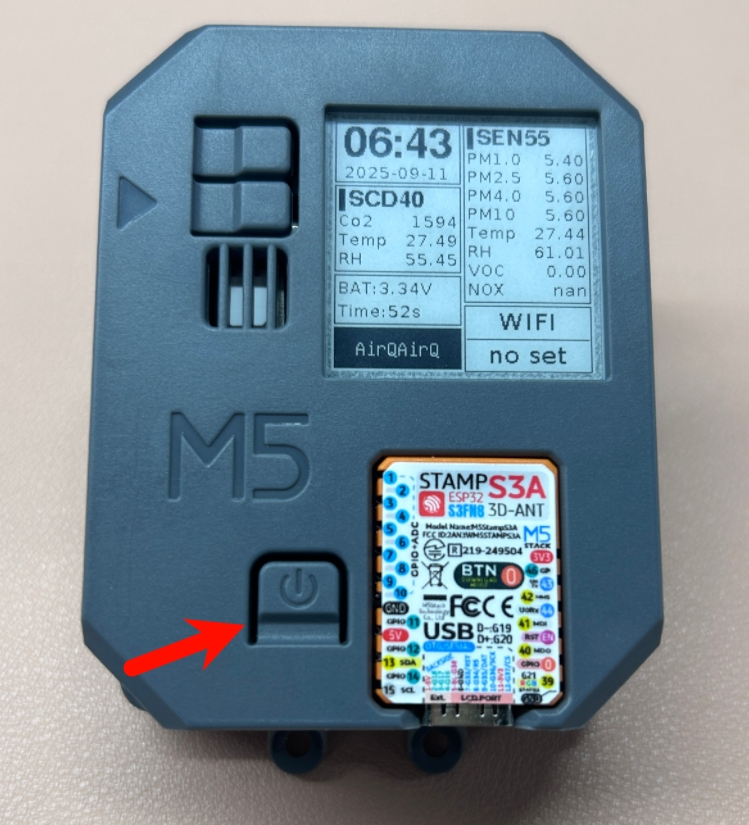
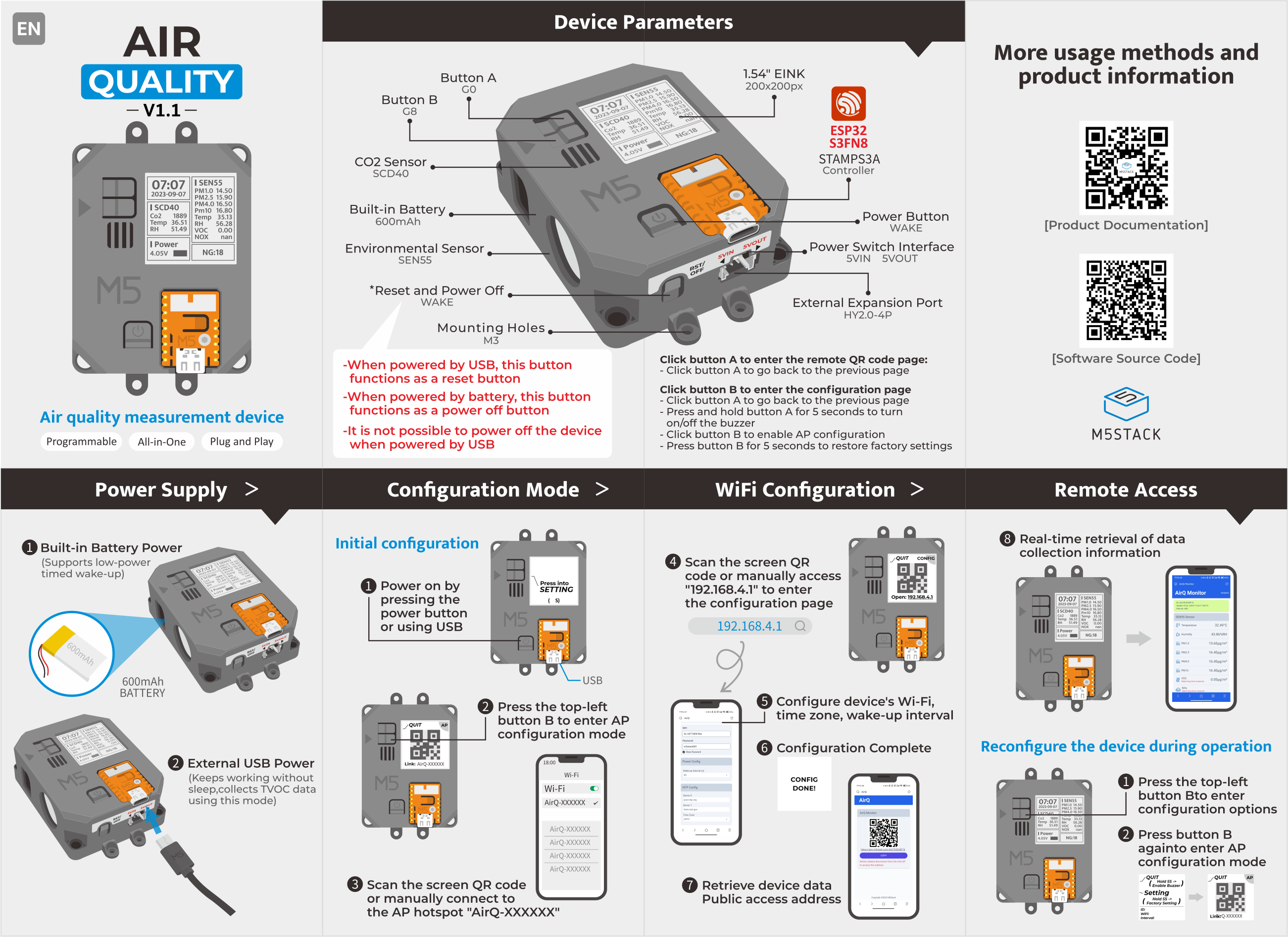
The device features a 1.54-inch e-ink screen with a resolution of 200 x 200. It is equipped with a multifunctional air quality sensor SEN55 and a CO2 sensor SCD40, capable of monitoring PM1.0, PM2.5, PM4, PM10 particulates, temperature, humidity, VOC, and CO2 concentration in the air. The built-in 600mAh lithium battery and RTC low-power power management circuit allow it to achieve sleep and timed wake-up functions. The factory firmware supports uploading air quality data to the M5Stack Ezdata cloud platform, providing users with a convenient remote data viewing function. The bottom structure offers LEGO-compatible mounting holes, a magnetic base, and 4 removable mounting lugs, supporting various mounting methods. Suitable for air monitoring in homes, schools, industrial sites, and medical environments.
Introducing how to integrate Air Quality V1.1 into Home Assistant
Features
Stamp-S3A master control
SEN55 and SCD40 sensors
1.54-inch e-ink screen (200 x 200 resolution)
Built-in 600mAh lithium battery
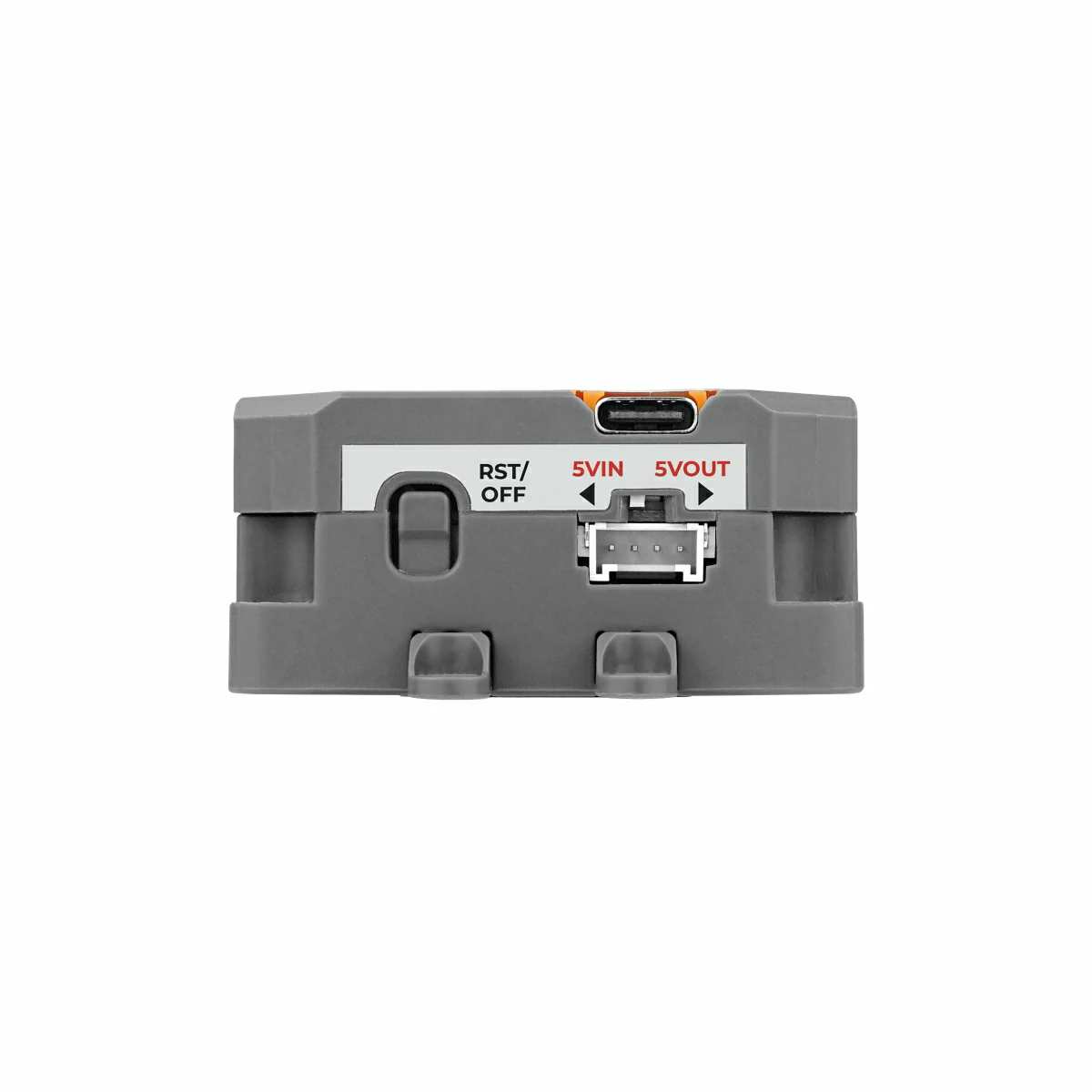
HY2.0-4P interface
EZDATA cloud platform access
RTC timed wake-up
Development Platform
UiFlow2
Arduino IDE
ESP-IDF
PlatformIO
Includes
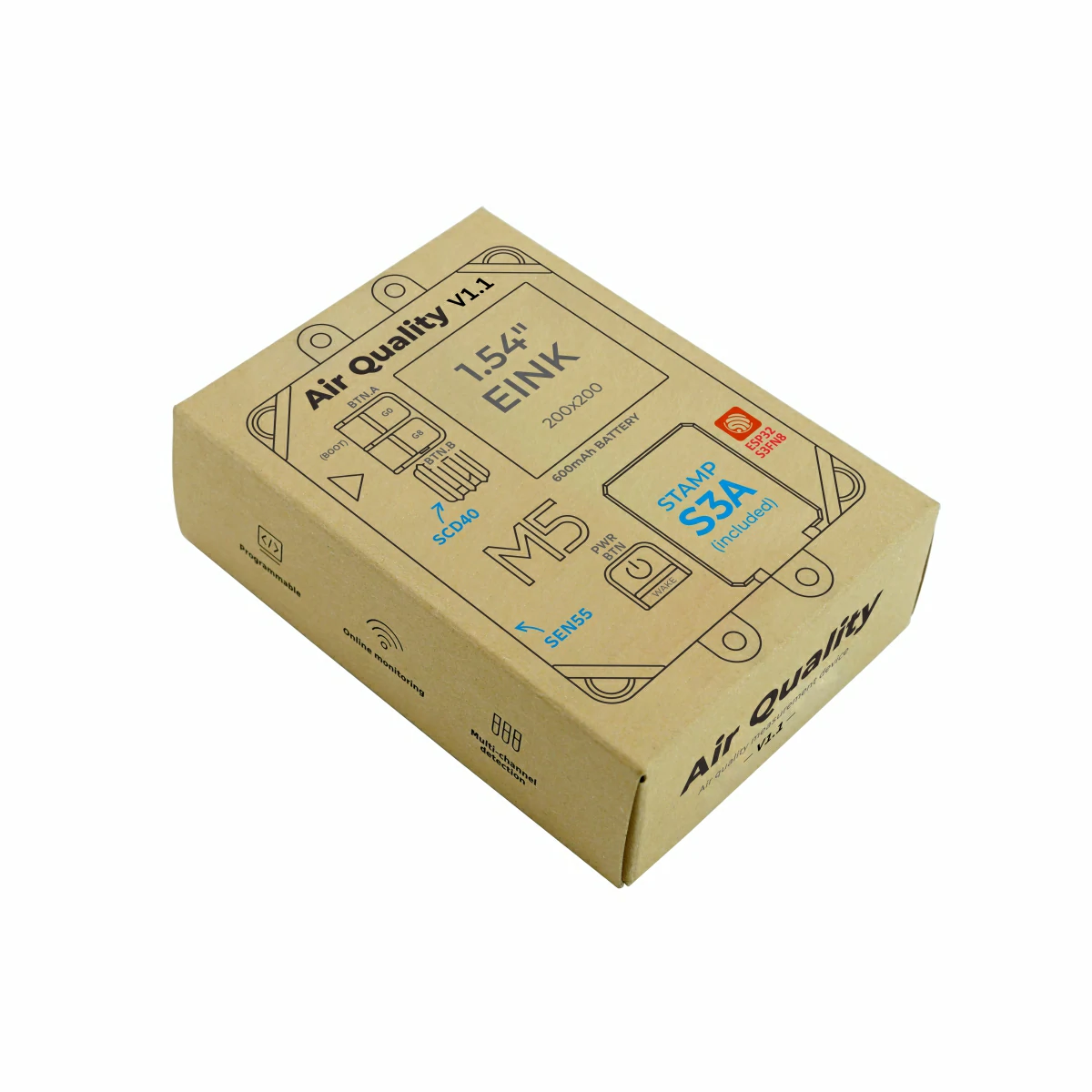
1 x Air Quality v1.1
1 x User Manual
Applications
Home environment monitoring
Industrial automation
Medical facilities
Scientific laboratories
Remote monitoring applications
Air conditioning system optimization
Construction sites
Specifications
Specification
Parameter
SoC
ESP32-S3FN8 @ Xtensa® 32-bit LX7 dual-core processor, clock frequency 240MHz
Flash
8MB
Display
GDEY0154D67@1.54"
Resolution
200 x 200px
SEN55
I2C @0x69
SCD40
I2C @0x62
Environmental Types
PM1.0, PM2.5, PM4, PM10 particulates, temperature, humidity, VOC, and CO2 concentration
RTC
RTC8563
Battery
600mAh@3.7V
Buttons
Button A, Button B, Power On button, Reset and Power Off
Grove Interface
HY2.0-4P
Buzzer
Onboard passive buzzer
Mounting Structure
LEGO mounting holes, magnetic base, and 4 M3 removable mounting lugs
Operating Temp.
0 ~ 40°C
Product Size
72.0 x 56.0 x 26.5mm
Product Weight
91.4g
Package Size
100.0 x 73.0 x 32.0mm
Gross Weight
120.0g
Learn
Power On/Off
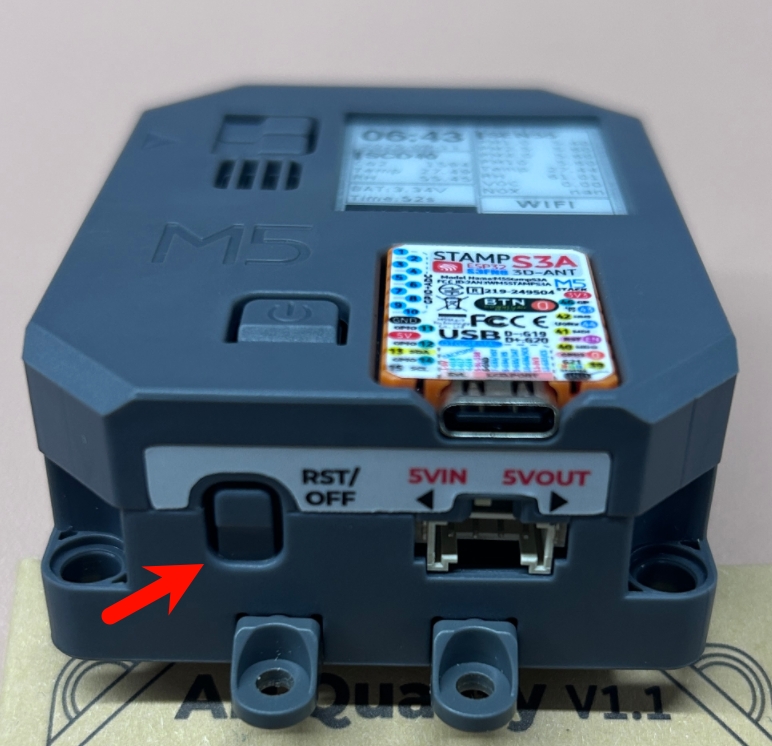
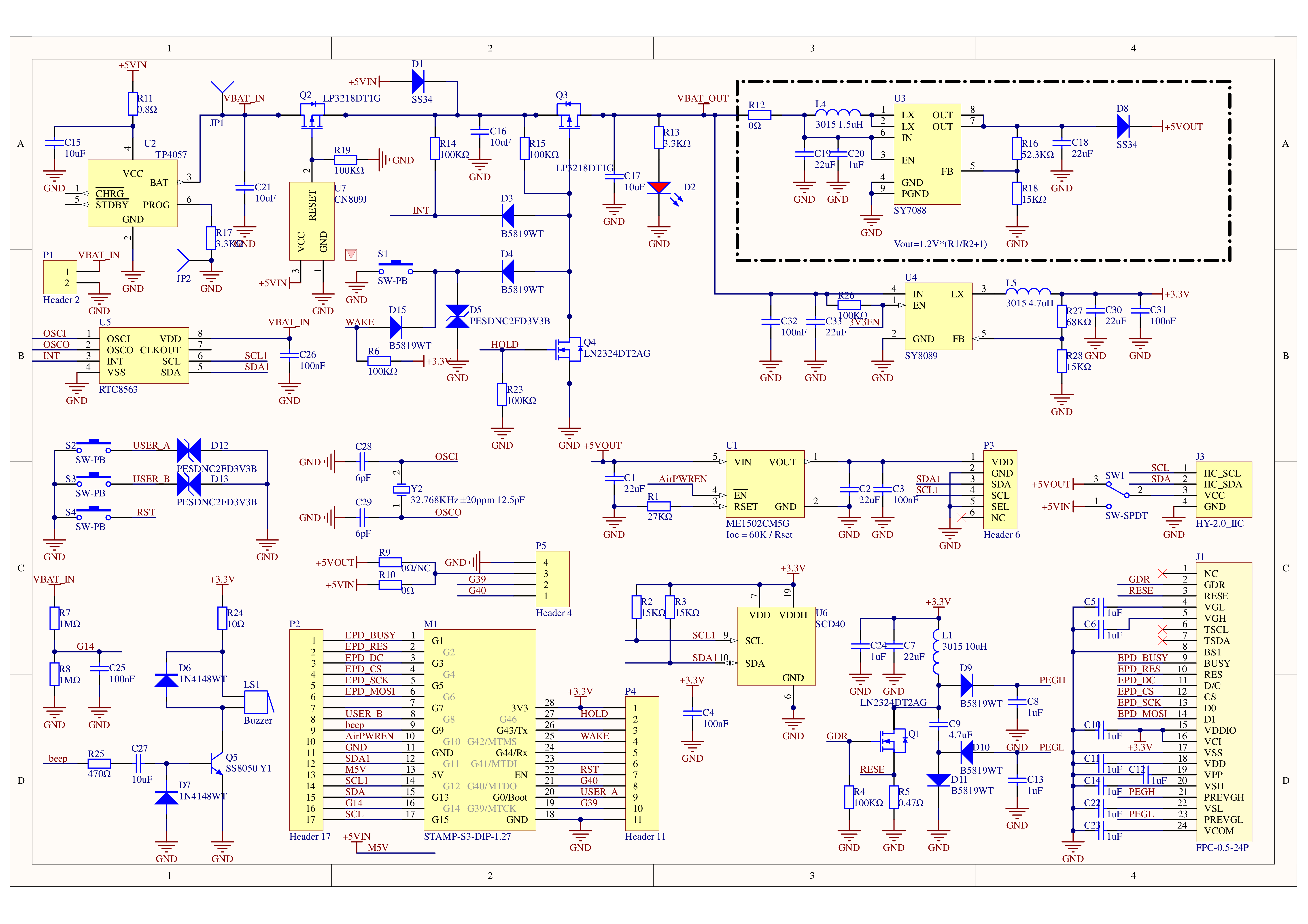
Power On: When the device is powered only by the battery, press the WAKE button or wake it via an IRQ signal triggered by the RTC timer. After the wake-up signal is triggered, set the HOLD (GPIO46) pin to high (1) in the program initialization to maintain power; otherwise, the device will return to sleep.
Power Off: When no external USB power is connected (battery power only), use either of the following methods:
(1) Press the RST/OFF button;
(2) Set HOLD (GPIO46) to 0 during program execution to cut off battery power.
Download Mode
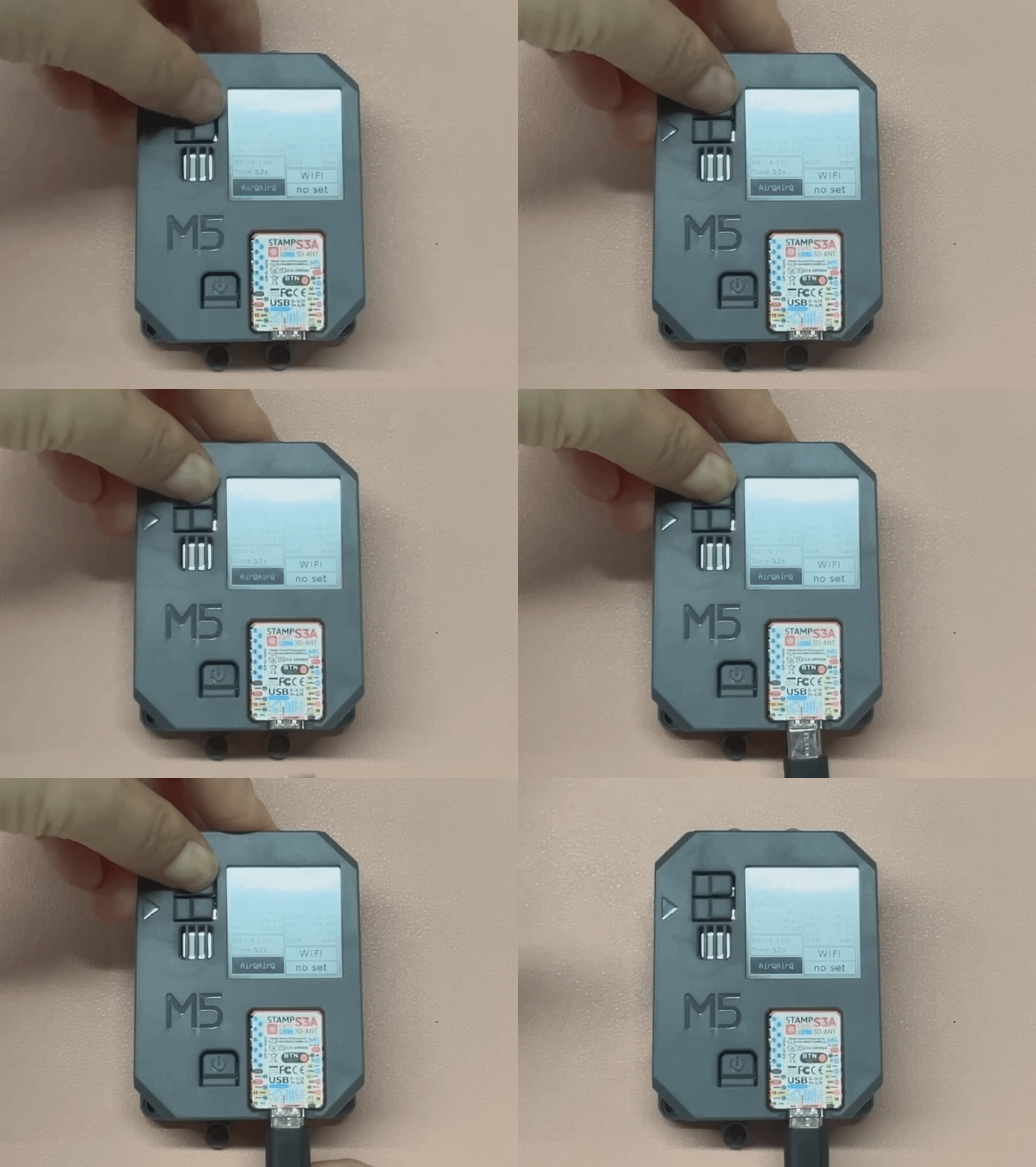
With the device powered off, press and hold the G0 button on the Stamp-S3A or the BOOT button on the Air Quality v1.1 while connecting the device to a computer via a USB Type-C data cable. Release the button after the device is powered on; the device enters download mode.
RGB LED Power Supply
RGB LED Power Supply Instructions
The device uses Stamp-S3A as its main controller. To optimize overall power consumption, Stamp-S3A adds an independent electronic switch for the RGB LED power supply compared with the previous Stamp-S3. Before controlling the RGB LED in software, set GPIO38, which controls this switch, to a high level.
If the Air Quality v1.1 device was previously flashed with UIFlow firmware and bound to a user, please unbind the device from the UiFlow2 device list before re-flashing the Air Quality v1.1 factory firmware. Otherwise, the factory firmware may not be able to upload data to Ezdata properly.