

Home Assistant
Home Assistant
Controller & Devices
Cameras
Components
Lighting
Interfaces and Expansion
Applications
Media Playback
Dashboard
Unit Step16 ESPHome Component
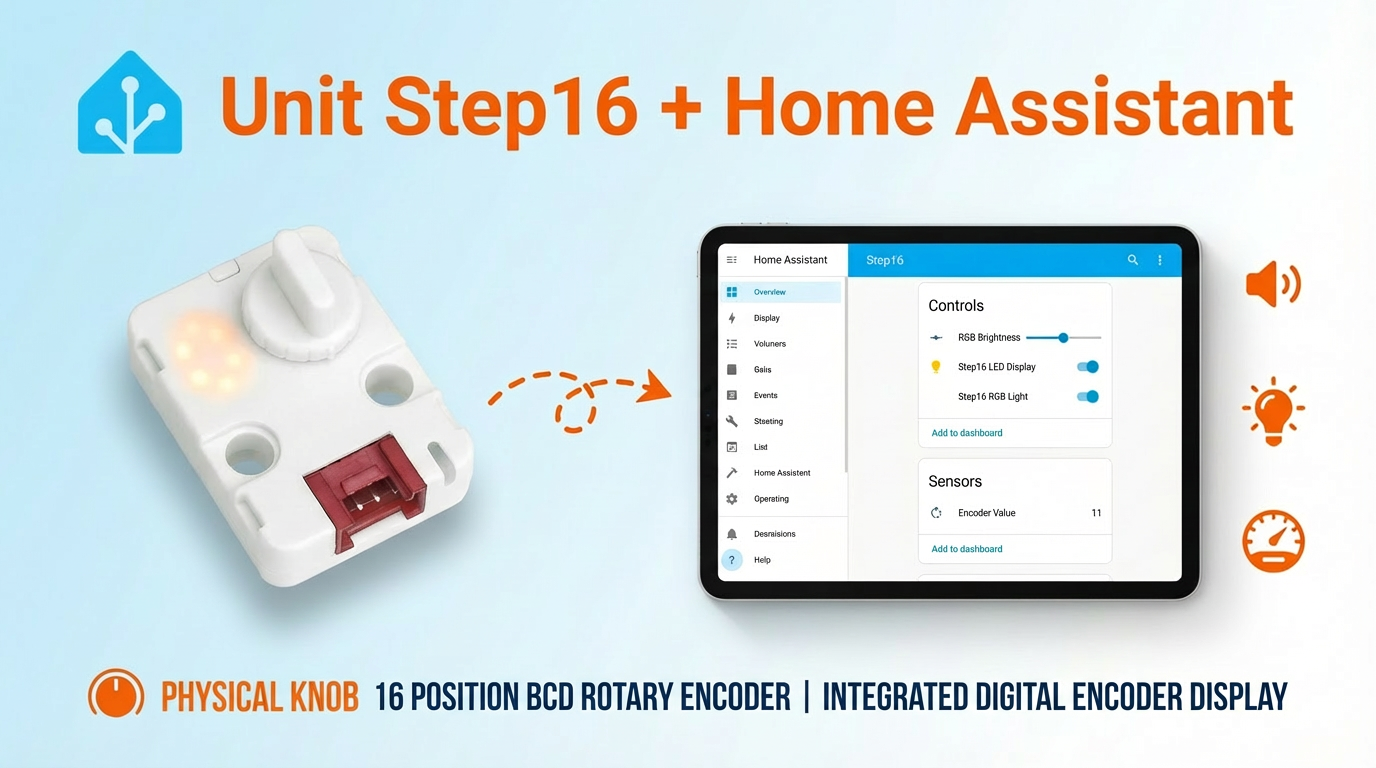
The Unit Step16 provides 16-position rotary encoder readings, 7-segment display brightness, and RGB lighting control.
1. Component Overview
| Item | Information |
|---|---|
| Product name | Unit Step16 |
| SKU | U198 |
| Main functions | 16-position rotary encoder, 7-segment display, and RGB lighting control |
| Communication interface | I2C |
| Default I2C address | 0x48 |
| ESPHome component | unit_step16 (external component) |
| ESPHome version requirement | / |
2. Component Details
Include the External Component
Add the External Components configuration:
external_components:
  - source: github://m5stack/esphome-yaml/components
    components: [unit_step16]
    refresh: 0s

unit_step16:
  id: my_step16
  i2c_id: bsp_iic
  address: 0x48
  led_brightness: 50
  led_enabled: true
  rgb_brightness: 50
  rgb_enabled: true
  rgb_red: 0
  rgb_green: 255
rgb_blue: 0The Hub component sets the initial enabled state, brightness, and color of the scale LEDs and RGB LEDs. led_brightness and rgb_brightness range from 0 to 100; RGB channel values range from 0 to 255.
Sensor: Encoder Value
Add a Sensor component:
sensor:
  - platform: unit_step16
    unit_step16_id: my_step16
    name: "Encoder Value"
update_interval: 100msThe default update interval is 60s; shorten update_interval as needed for real-time interaction.
Output: Lighting Outputs
Add an Output component:
output:
  - platform: unit_step16
    id: led_brightness_output
    unit_step16_id: my_step16
    channel: led_brightness

  - platform: unit_step16
    id: rgb_brightness_output
    unit_step16_id: my_step16
    channel: rgb_brightness

  - platform: unit_step16
    id: rgb_red_output
    unit_step16_id: my_step16
    channel: rgb_red

  - platform: unit_step16
    id: rgb_green_output
    unit_step16_id: my_step16
    channel: rgb_green

  - platform: unit_step16
    id: rgb_blue_output
    unit_step16_id: my_step16
channel: rgb_blueLight: Light Entities
Add a Light component:
light:
  - platform: rgb
    id: step16_rgb_light
    name: "Step16 RGB Light"
    red: rgb_red_output
    green: rgb_green_output
    blue: rgb_blue_output
    restore_mode: ALWAYS_ON
    default_transition_length: 0s

  - platform: monochromatic
    id: step16_led_display
    name: "Step16 LED Display"
    output: led_brightness_output
    restore_mode: ALWAYS_ON
default_transition_length: 0sNumber: RGB Brightness
Add a Number component:
number:
  - platform: template
    name: "RGB Brightness"
    min_value: 0
    max_value: 100
    step: 1
    optimistic: true
    initial_value: 50
    on_value:
      then:
        - output.set_level:
            id: rgb_brightness_output
level: !lambda "return x / 100.0;"3. Reference Example
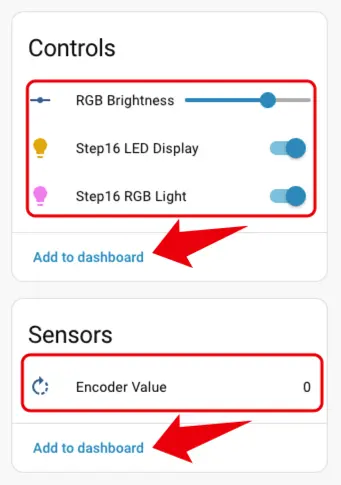
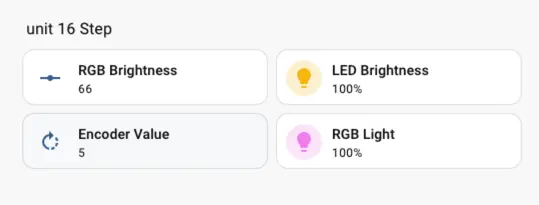
The complete example includes the Unit Step16 external component, I2C bus, encoder Sensor, lighting Output, and brightness Number configuration:
4. Related Links
5. Related Video
Page Tools