

Home Assistant
Media Player
Expansion
Sensor
Unit CO2/CO2L Home Assistant Integration
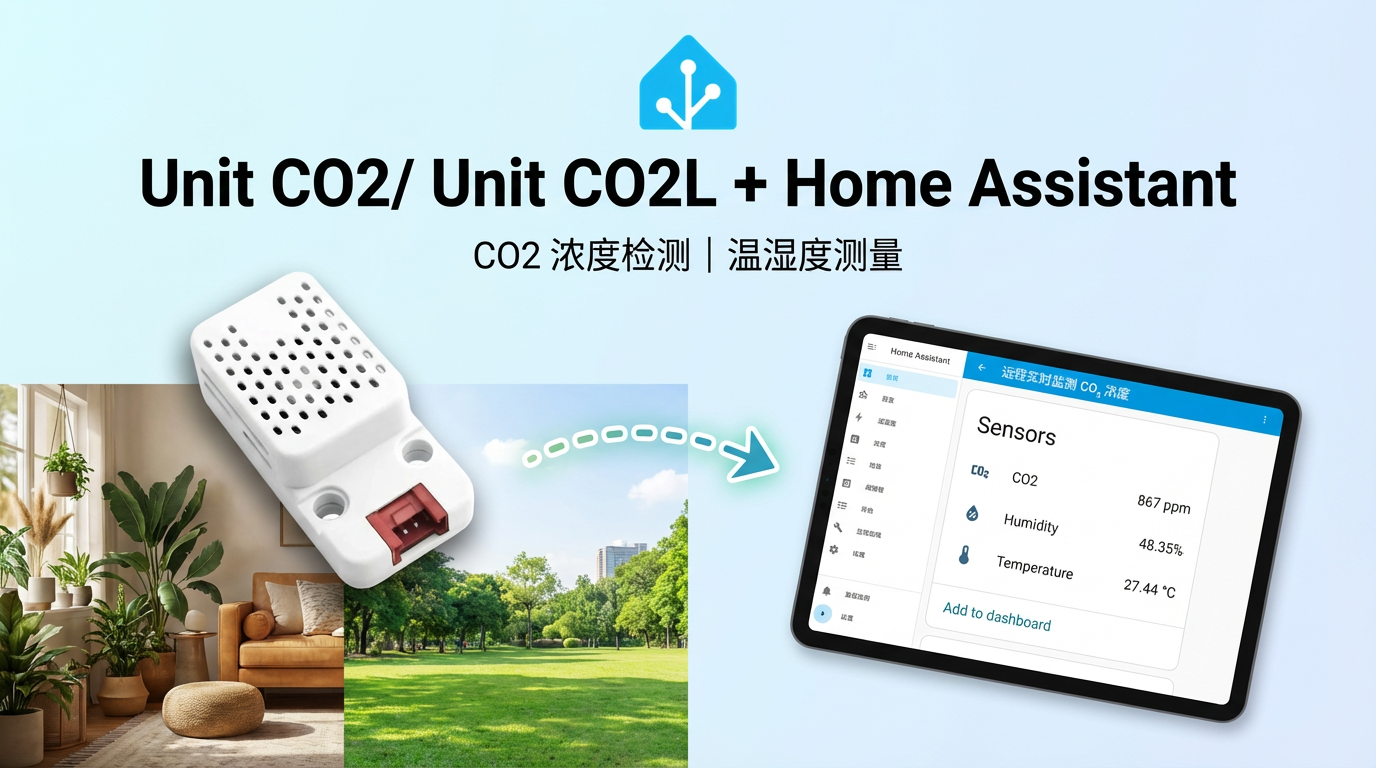
This tutorial will introduce how to use the Unit CO2/CO2L sensor to integrate into Home Assistant, achieving real-time monitoring of carbon dioxide, temperature, and humidity.
1. Preparation
Environment Setup
- Install Home Assistant by following the official Home Assistant documentation.
- Install the ESPHome Device Builder add-on by following the official ESPHome documentation.
- Refer to the following resources:
Hardware Products
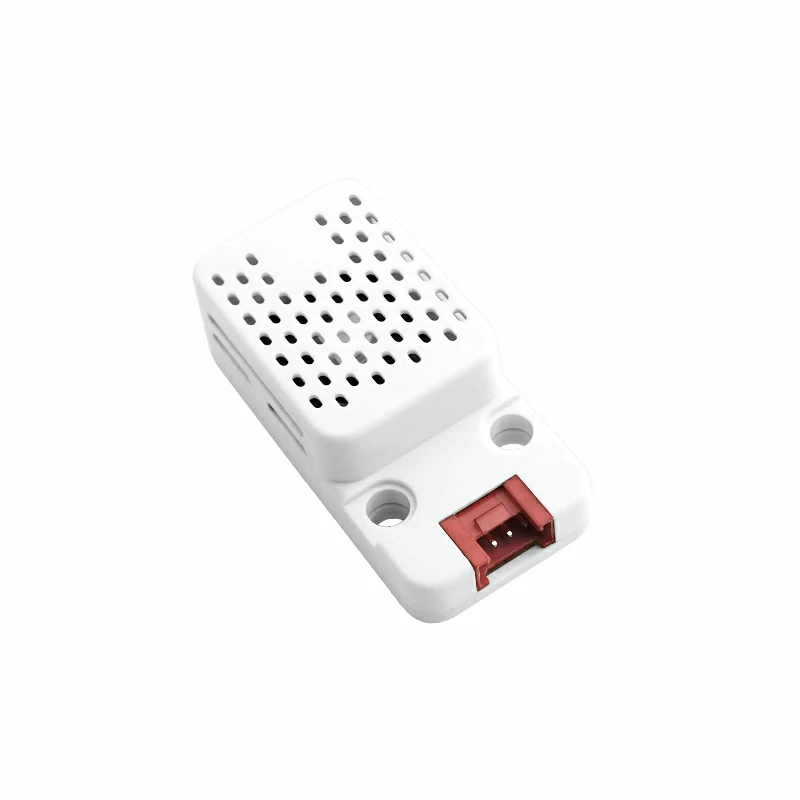
- Unit CO2
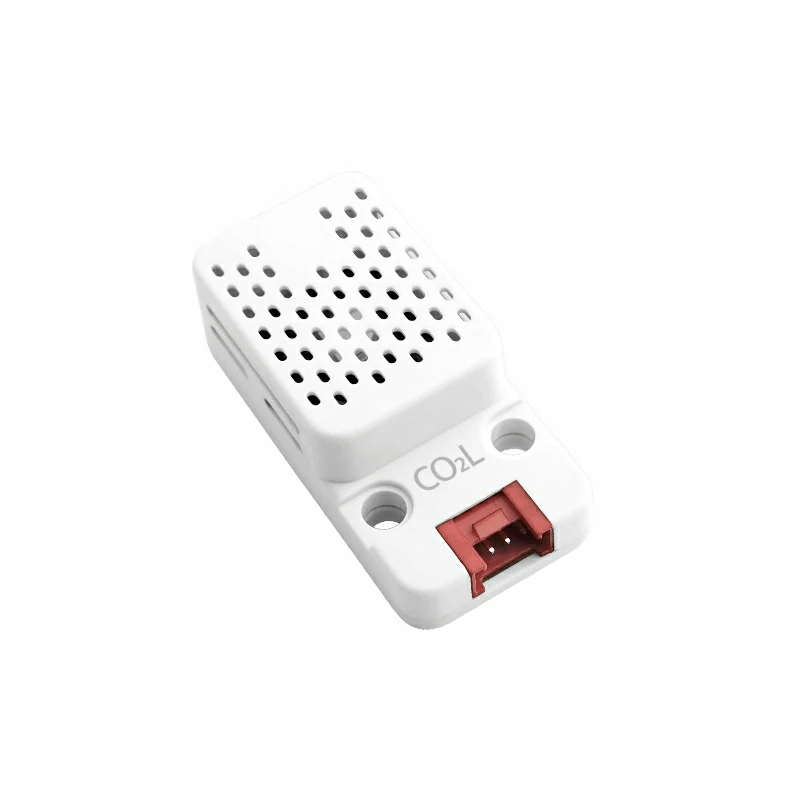
- Unit CO2L
- A compatible controller (such as an Atom, Stamp, Stick, Core, or Basic series device)
Note
Unit CO2 requires a compatible controller to integrate with Home Assistant. Select the controller model and interface pins according to your project.
2. Modify Configuration
The I²C component needs to be enabled in the ESPHome configuration:
# Example configuration entry for ESP32
i2c:
  sda: GPIOXX
  scl: GPIOXX
scan: trueThe GPIO pins here vary depending on the main controller used. For example, using Atom Lite as the controller:
# I2C Bus on Grove Port (HY2.0-4P)
i2c:
  sda: GPIO26
scl: GPIO32Example configuration for Unit CO2/CO2L:
yaml
1 2 3 4 5 6 7 8
sensor:
  - platform: scd4x
    co2:
      name: "CO2"
    temperature:
      name: "Temperature"
    humidity:
name: "Humidity"3. Getting Started
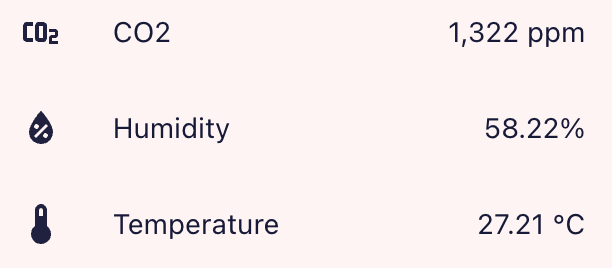
Once added to the Dashboard, you can view the sensor data in Home Assistant.
4. Related Video
Page Tools