

StackFlow AI Platform
Devices & Quick Start
Models
Qwen3
DeepSeek-R1
AI Pyramid Applications
Module LLM Applications
CV Vision Application
Vision Language Model (VLM)
Large Language Model (LLM)
Voice Assistant
AI Pyramid ADB Connection Debugging
ADB Installation
AI Pyramid can be debugged using the ADB debugging tool. This tutorial explains how to access the AI Pyramid terminal and transfer files via the ADB tool. Before proceeding, please download ADB Platform-Tools according to your operating system.
File Transfer
- Connect the AI Pyramid USB ADB interface to the PC.
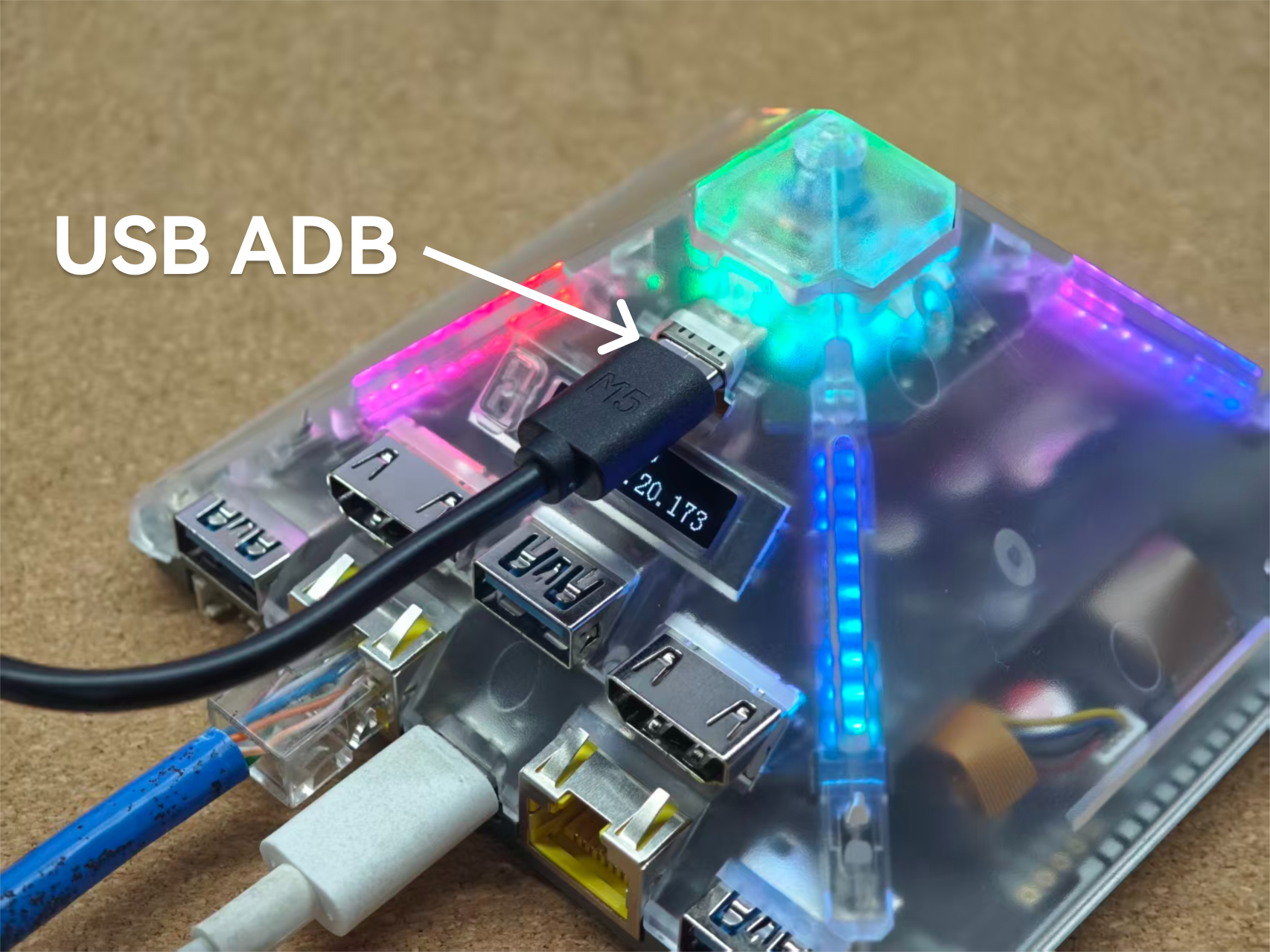
- Switch to the directory where the ADB tool is located and use the
pushcommand to transfer files. If the message “permission denied” is displayed, please execute the following command.
adb.exe kill-server- Transfer the file.
# adb.exe push local remote
adb.exe push data.json /opt- Enter the device terminal.
adb.exe shellsh-5.1# ls /opt/
bin containerd data etc lib lost+foundPage Tools