

StackFlow AI Platform
Devices & Quick Start
Models
Qwen3
DeepSeek-R1
AI Pyramid Applications
Module LLM Applications
CV Vision Application
Vision Language Model (VLM)
Large Language Model (LLM)
Voice Assistant
AI Pyramid Image Flashing
Image Flashing
This method is used for full system upgrades or recovery in case of system corruption. The flashing tool currently supports Windows only. Please follow the instructions below.
1. Flashing Tool & Driver
- Download the latest firmware package (
.axp)
| Firmware Version | Download Link |
|---|---|
| AI_Pyramid_emmc_ubuntu_rootfs_desktop_V3.6.4 | Download |
| AI_Pyramid_openclaw_emmc_ubuntu_rootfs_desktop_V3.6.4 | Download |
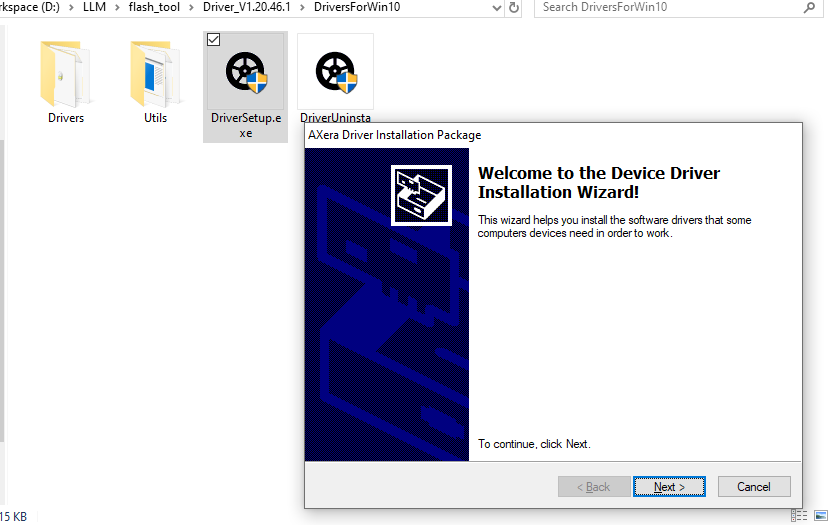
- Download the flashing tool and drivers, and complete the driver installation.
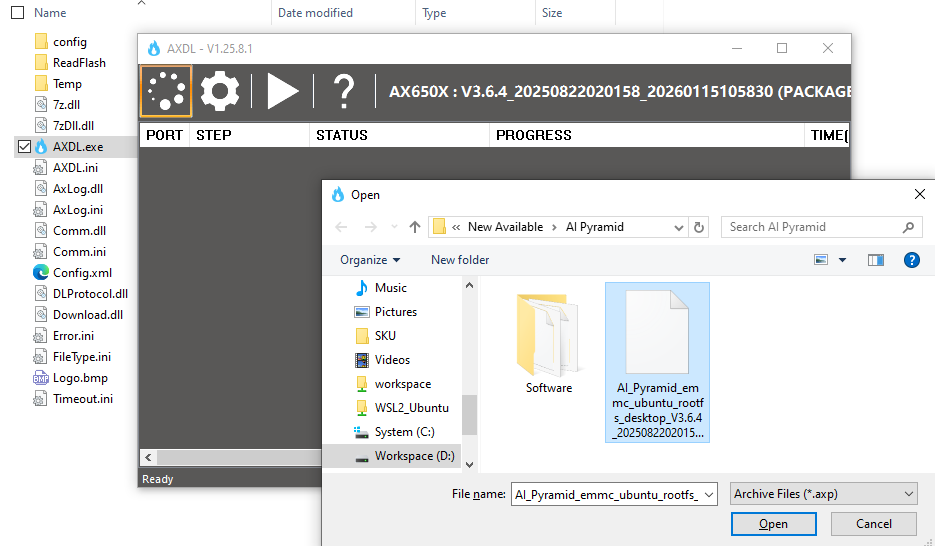
- Open the flashing tool and click the Load button in the upper-left corner to load the firmware package.
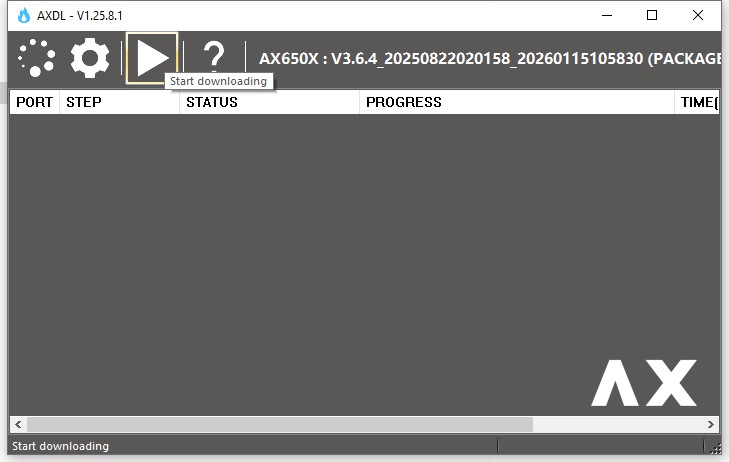
- Click the Start button. The tool will enter flashing standby mode and wait for the device port to be detected.
2. Firmware Flashing
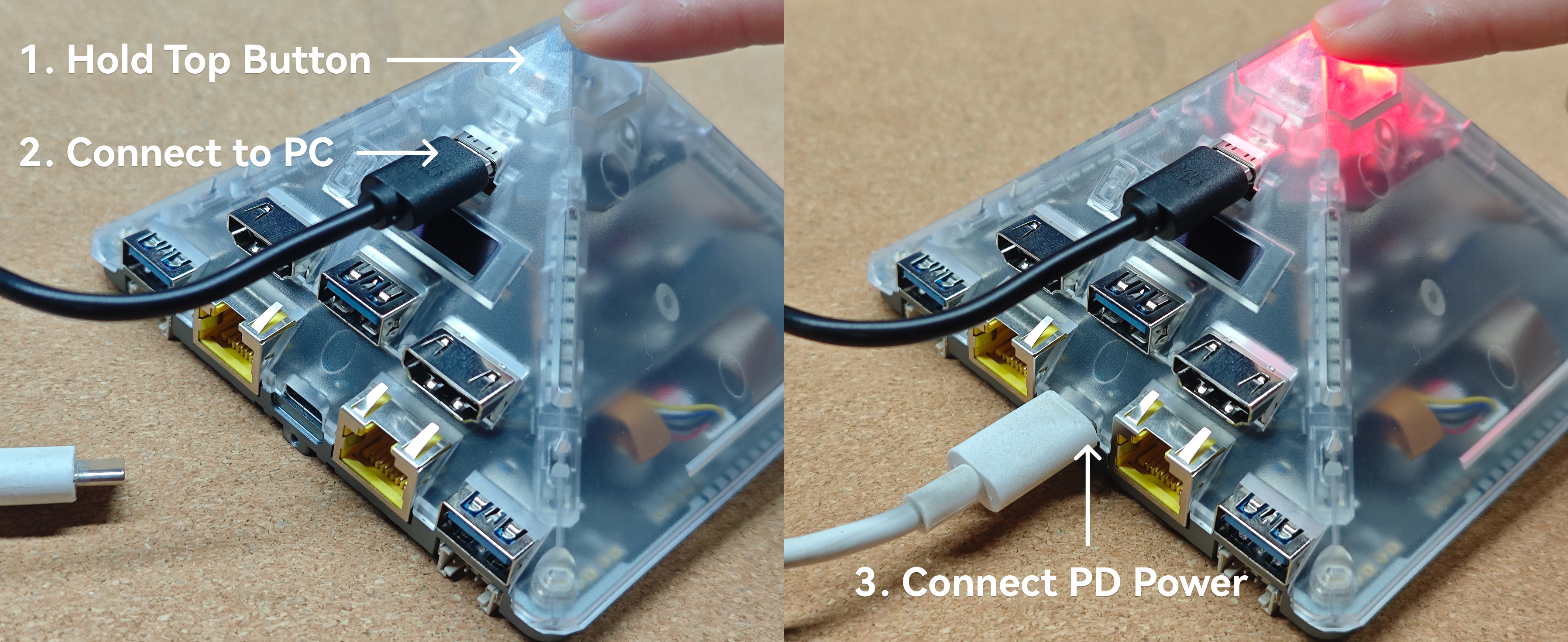
- Disconnect the device from power. Connect the USB download interface to the PC (this interface is for communication only and does not provide power). Press and hold the BOOT button on the top of the device.
- Connect the bottom USB PD power interface to power on the device. Note: Please use a PD power adapter. The device power requirement is DC 9V@3A (27W) or higher. Using DC 5V power will prevent the device from starting properly.
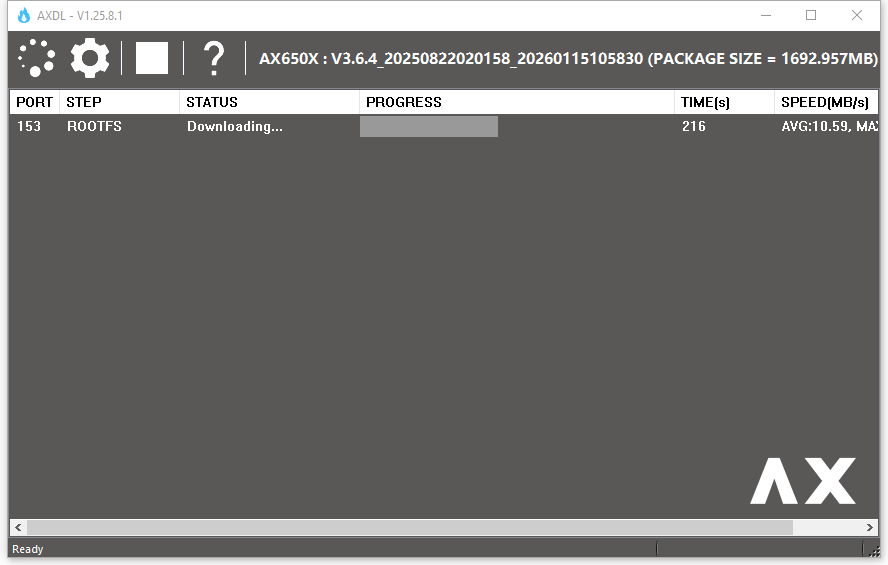
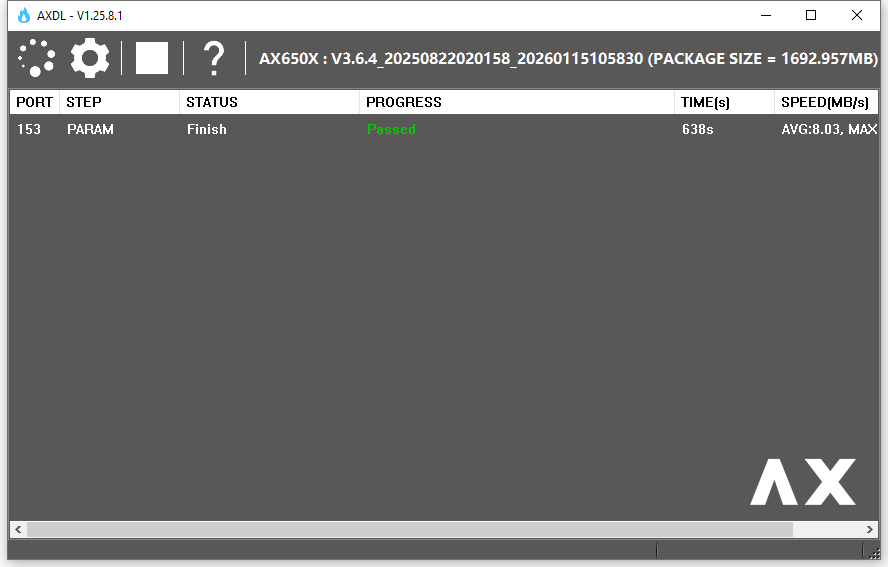
- The device will enter download mode, and the flashing software will automatically start flashing the firmware.
Page Tools