

StackFlow AI Platform
Devices & Quick Start
Models
Qwen3
DeepSeek-R1
AI Pyramid Applications
Module LLM Applications
CV Vision Application
Vision Language Model (VLM)
Large Language Model (LLM)
Voice Assistant
OpenAI API
We provide a usage method compatible with the OpenAI API. You only need to install the StackFlow package to get started.
Preparation
- Refer to AI Pyramid Software Package Update to complete the installation of the following model packages and software packages.
apt install lib-llm llm-sys llm-llm llm-openai-apiapt install llm-model-qwen2.5-1.5b-int4-ax650Note
After installing a new model each time, you need to manually execute systemctl restart llm-openai-api to update the model list.
Curl Call
curl http://127.0.0.1:8000/v1/models \
  -H "Content-Type: application/json"
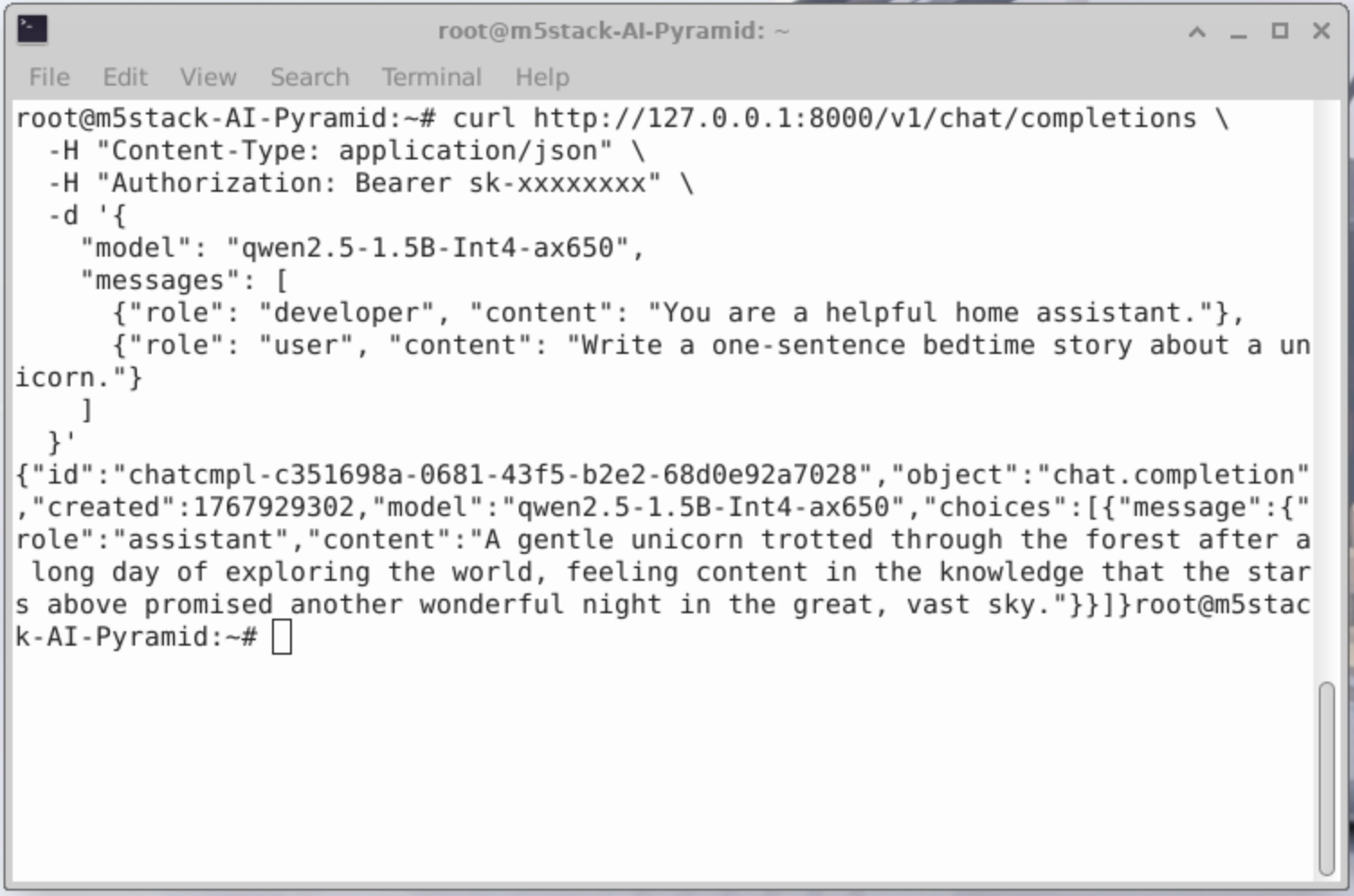
curl http://127.0.0.1:8000/v1/chat/completions \
-H "Content-Type: application/json" \
-H "Authorization: Bearer sk-xxxxxxxx" \
-d '{
"model": "qwen2.5-1.5B-Int4-ax650",
"messages": [
{"role": "developer", "content": "You are a helpful home assistant."},
{"role": "user", "content": "Write a one-sentence bedtime story about a unicorn."}
]
}'
Python Call
from openai import OpenAI
client = OpenAI(
    api_key="sk-",
    base_url="http://127.0.0.1:8000/v1"
)

client.models.list()
print(client.models.list())
from openai import OpenAI
client = OpenAI(
api_key="sk-",
base_url="http://127.0.0.1:8000/v1"
)
completion = client.chat.completions.create(
model="qwen2.5-1.5B-Int4-ax650",
messages=[
{"role": "developer", "content": "You are a helpful home assistant."},
{"role": "user", "content": "Turn on the light!"}
]
)
print(completion.choices[0].message)ChatBox Call
Get ChatBox
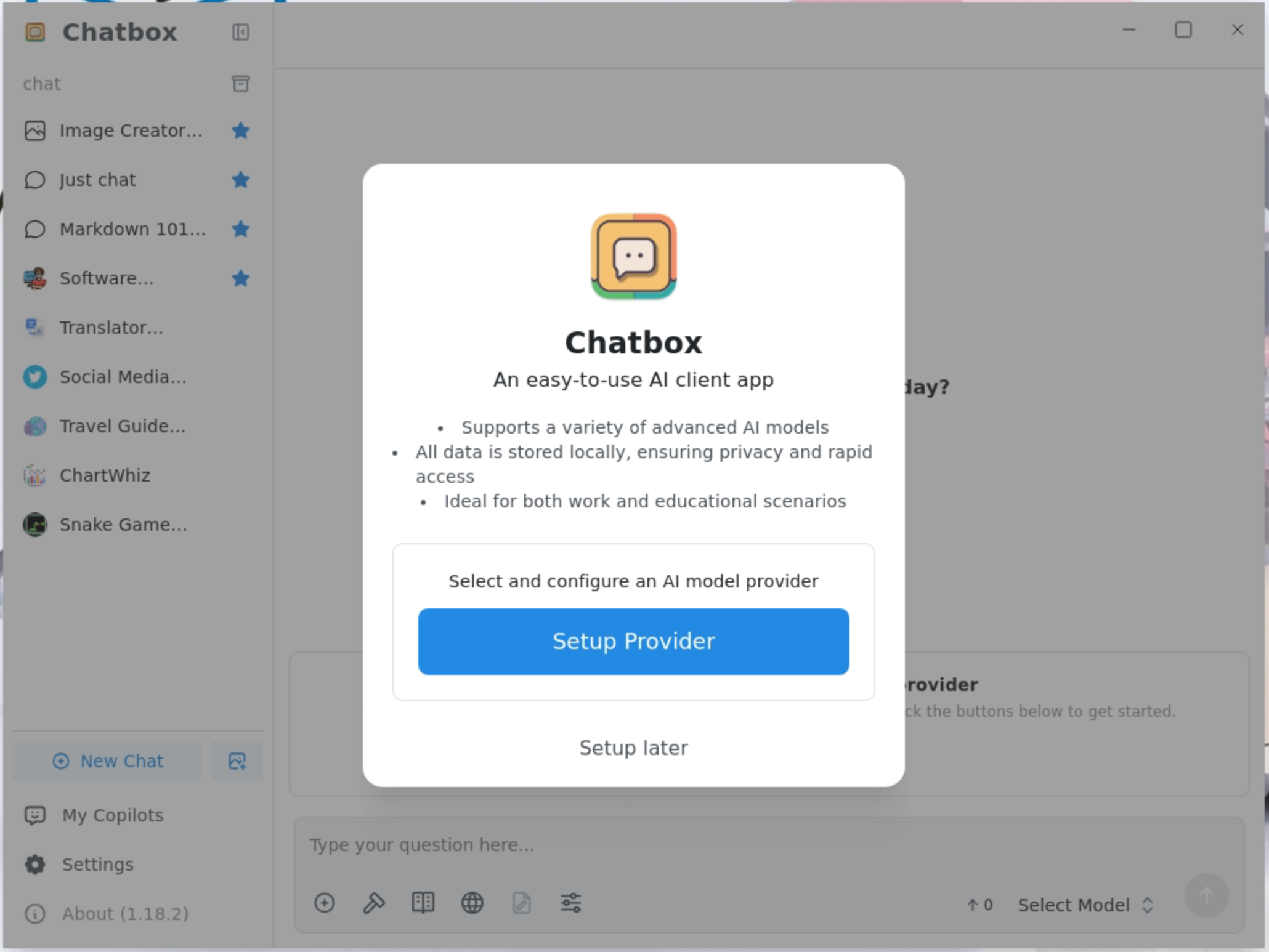
Click Setup Provider to add a model provider.
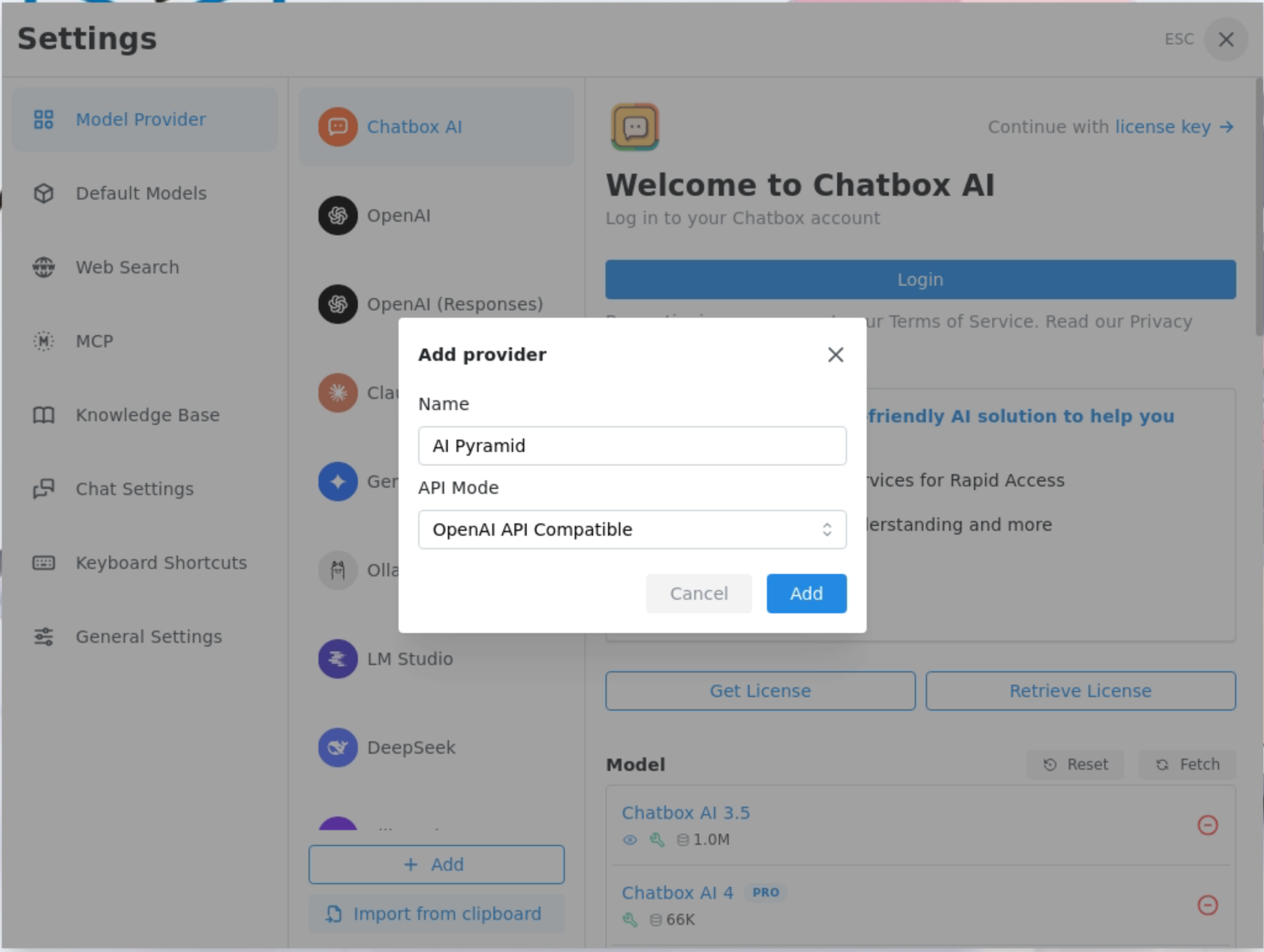
In Add provider, set Name to AI Pyramid, and select OpenAI API Compatible for API Mode.
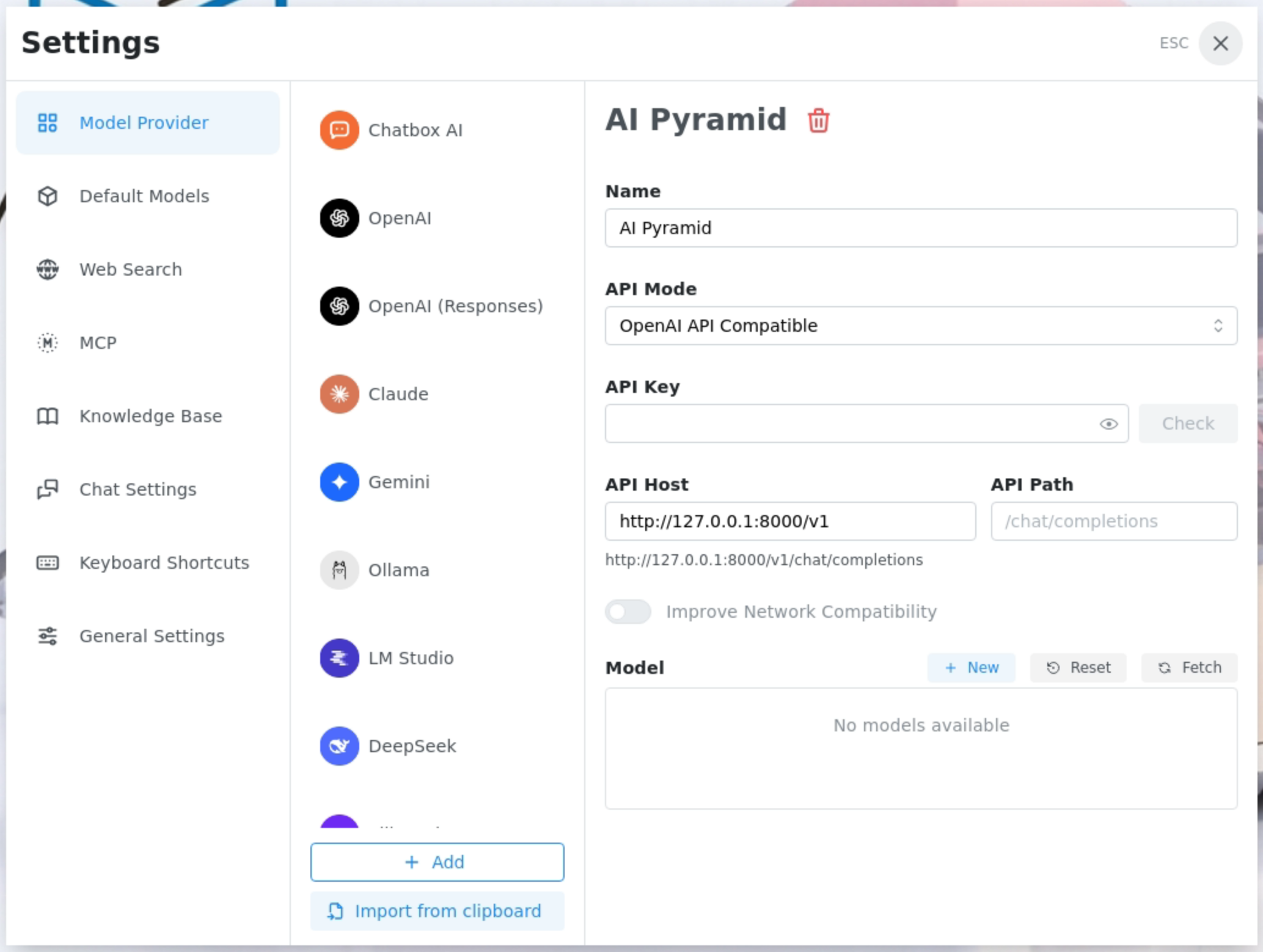
In API Host, enter the IP address and API path of AI Pyramid, then retrieve and add the installed models.
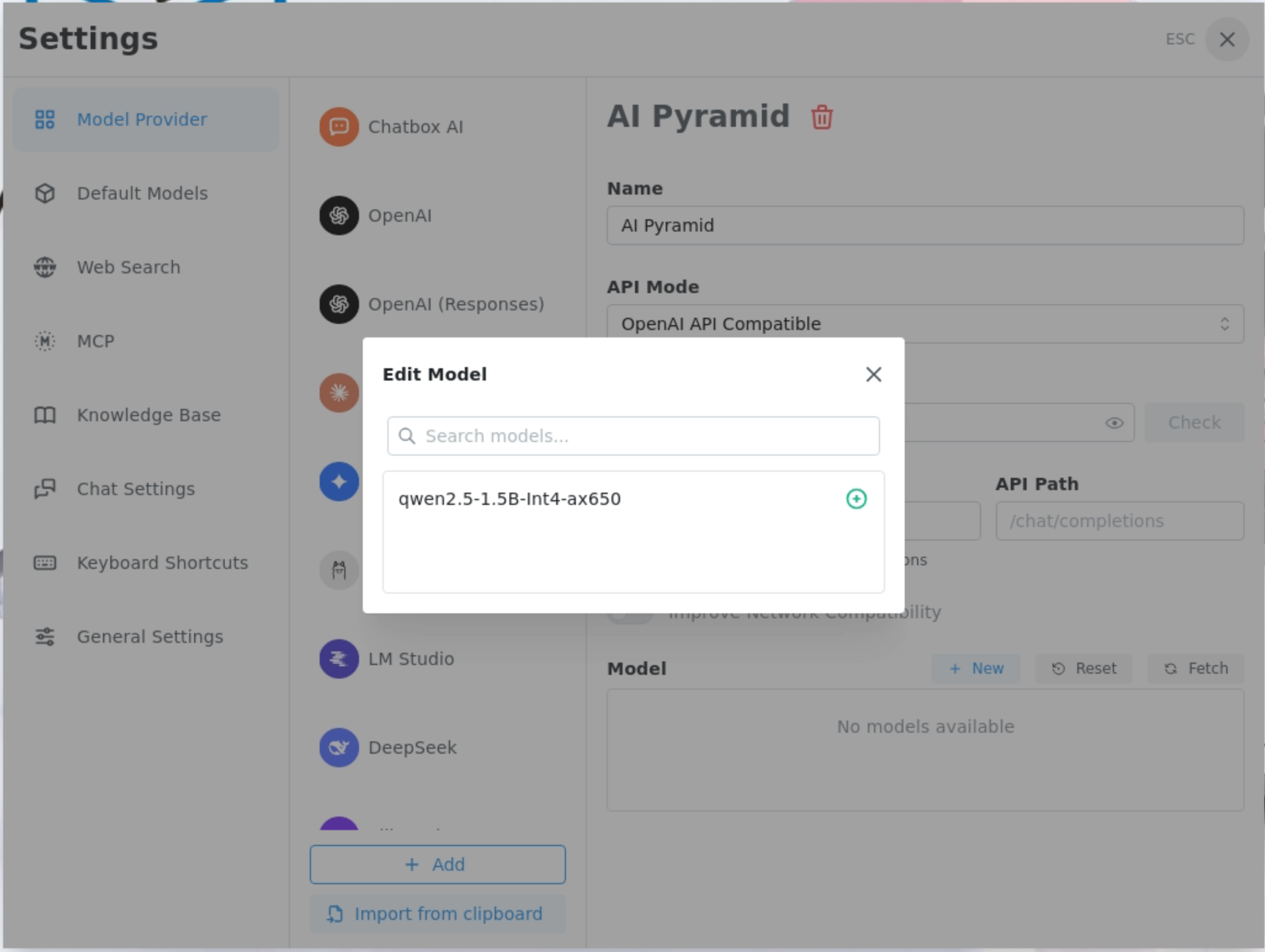
Add the qwen2.5-1.5B-Int4-ax650 model provided by LLM8850.
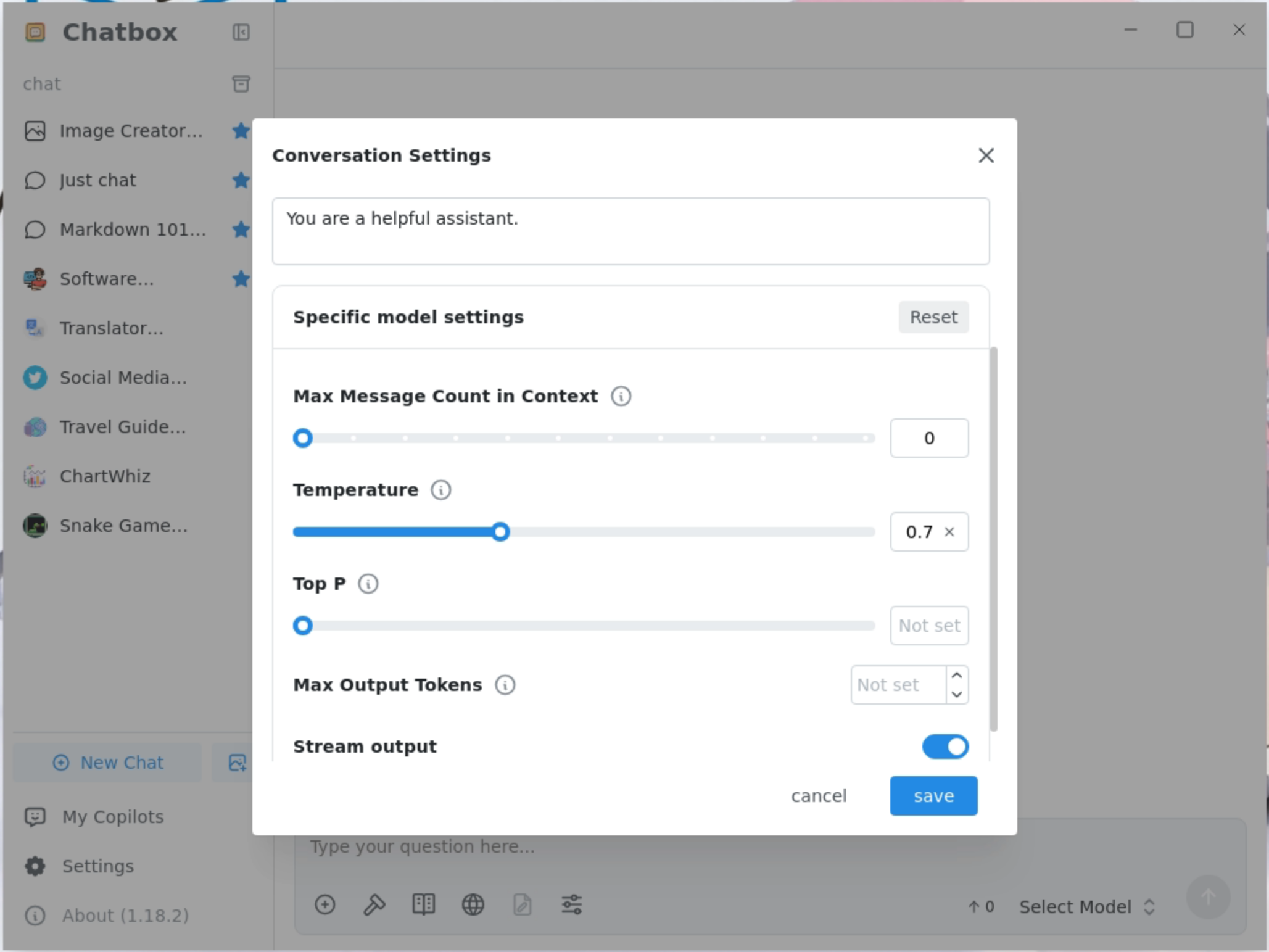
Set the maximum context message length to 0.
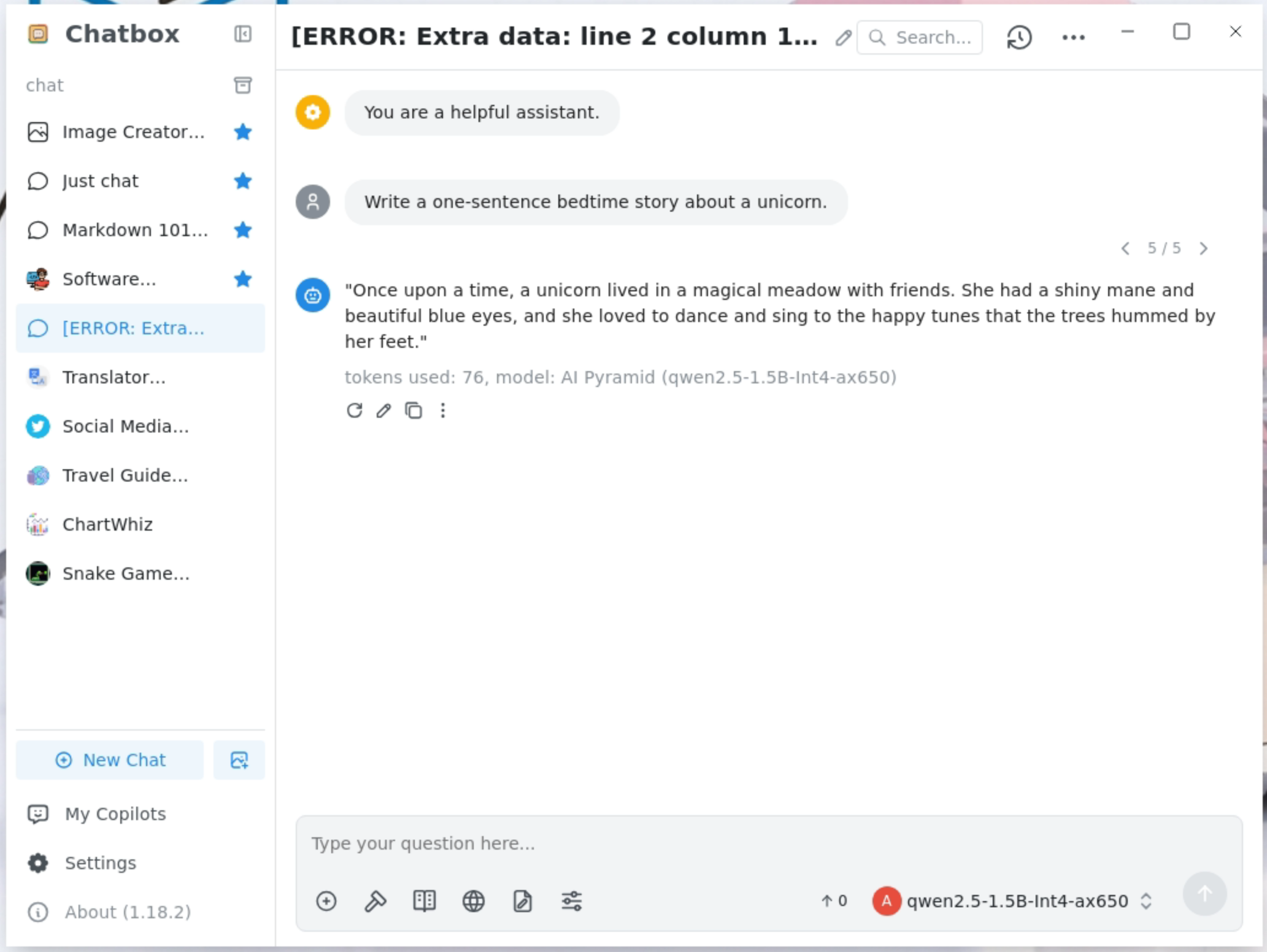
Streaming output is supported.
 ````
````Page Tools