

Product Guide
Linux PC
AI Accelerator Card
LLM-8850 Card
Large Language Models
AI & Agent
Real-Time AI Voice Assistant
XiaoZhi Voice Assistant
AtomS3R-M12 Volcengine Kit
Offline Voice Recognition
Industrial Control
IoT Measuring Instruments
Air Quality
PowerHub
Module13.2 PPS
VAMeter
T-Lite
Input & Output Devices
Ethernet Camera
PoECAM
Wi-Fi Camera
Unit CamS3/-5MP
AI Camera
LoRa & LoRaWAN
Motor Control
Restore Factory Firmware
DIP Switch Usage Guide
CoreS3 Xiaoling Voice Assistant
This tutorial uses the CoreS3 controller to flash the Xiaoling Voice Assistant firmware via M5Burner, building a personal voice assistant application.
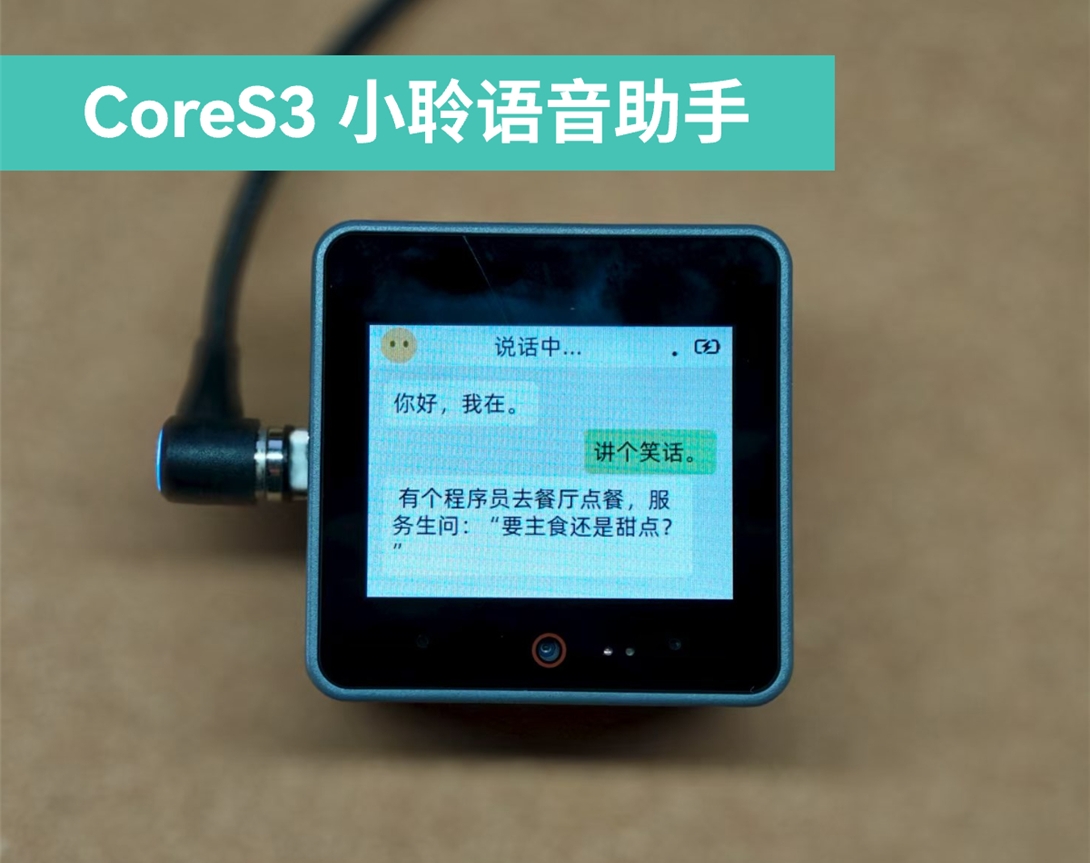
1. Preparation
Please download the appropriate M5Burner firmware flashing tool according to your operating system by clicking the button below, then extract and open the application.
| Software Version | Download Link |
|---|---|
| M5Burner_Windows | Download |
| M5Burner_MacOS | Download |
| M5Burner_Linux | Download |
2. Firmware Flashing
- Double-click to open the Burner flashing tool. In the left menu, select the corresponding device type
CORES3, then clickDownloadto download theCoreS3 Xiaoling Voice Assistantfirmware.
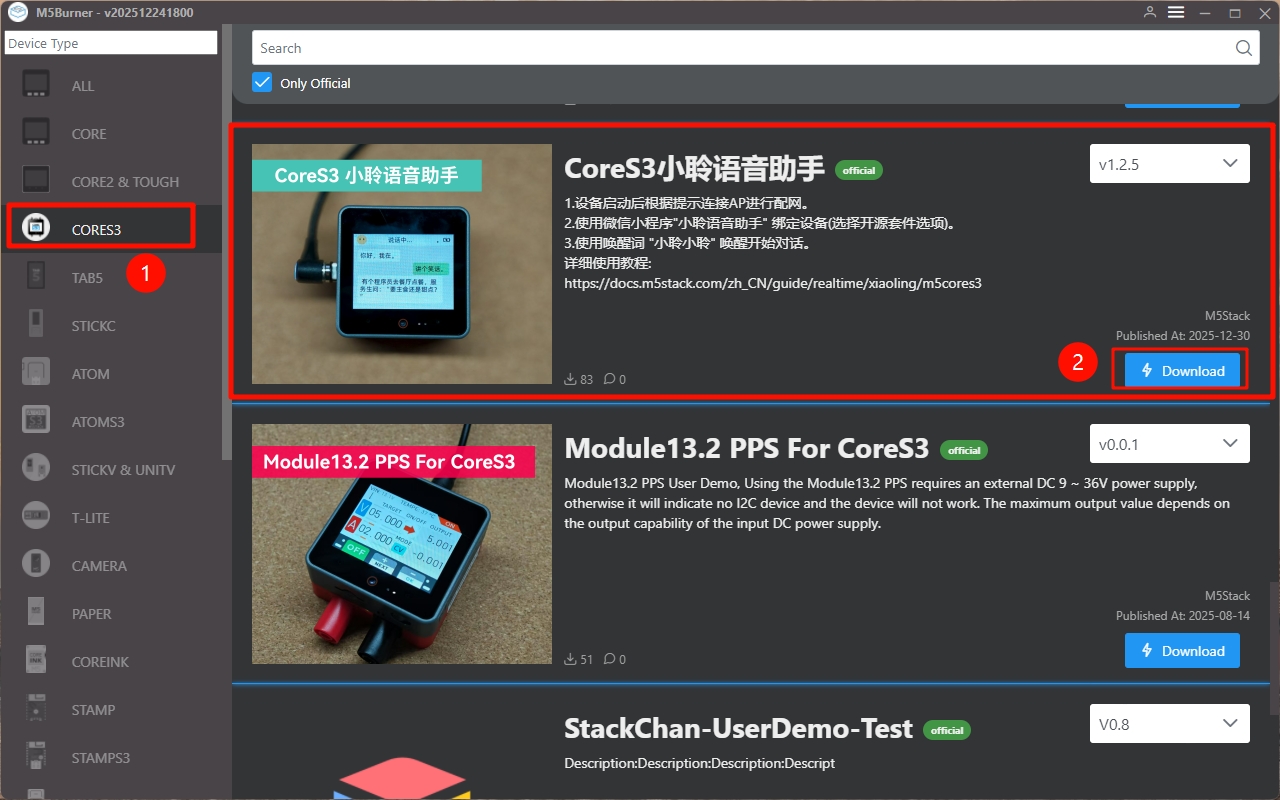
- After connecting the device via USB, press and hold the reset button (about 2 seconds) until the internal green LED lights up, then release it. The device is now in download mode and ready for flashing. The green LED turns off after the button is released, confirming that the device is in download mode.
.gif)
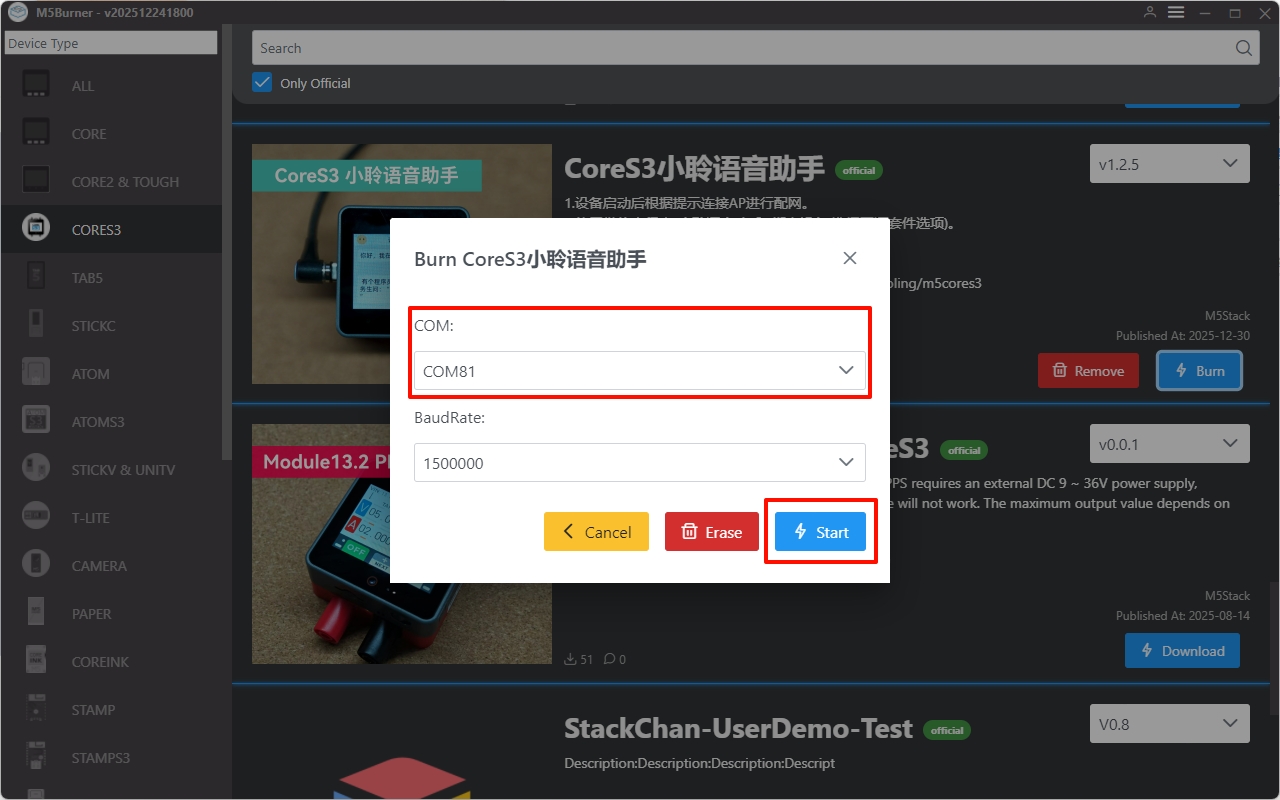
- Click
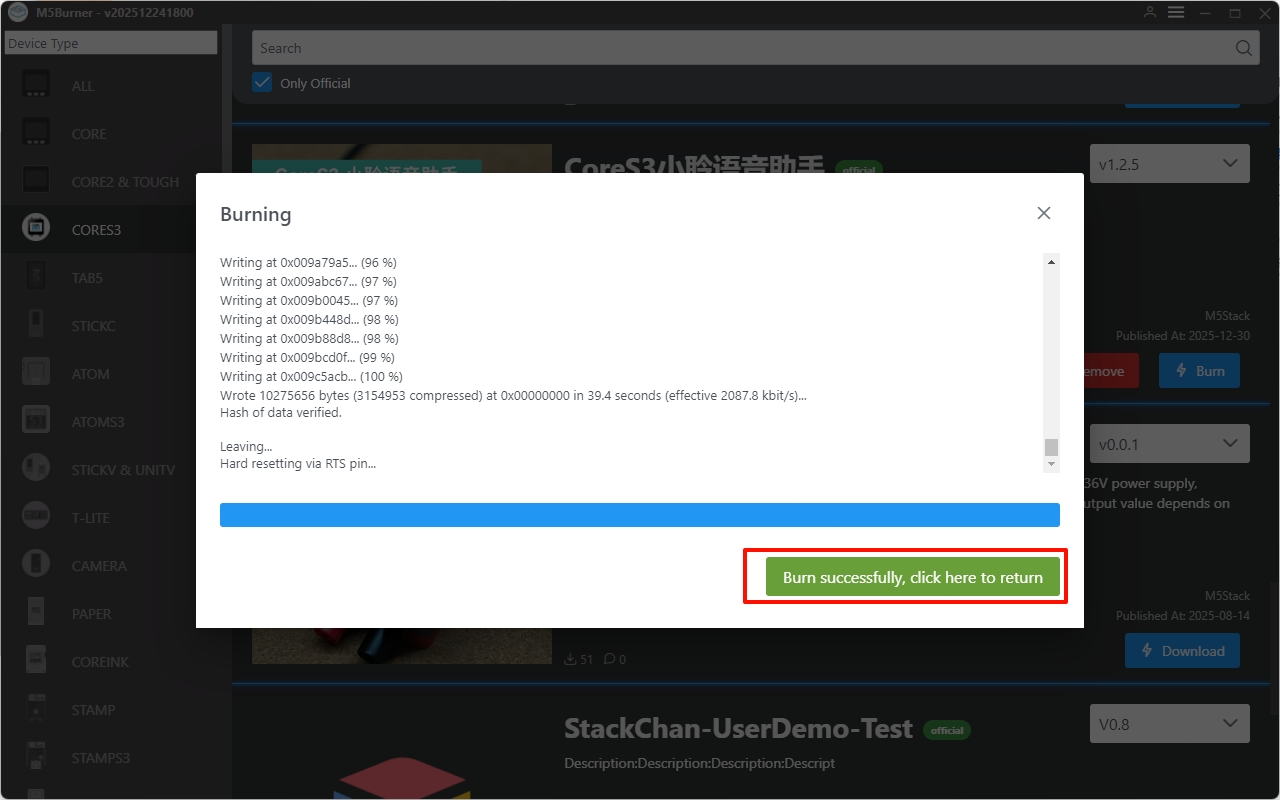
Burn, select the corresponding device port, then clickStartand wait for the flashing process to complete.
3. Network Configuration via Bluetooth
- After the firmware flashing is completed, the device enters Bluetooth network configuration mode.
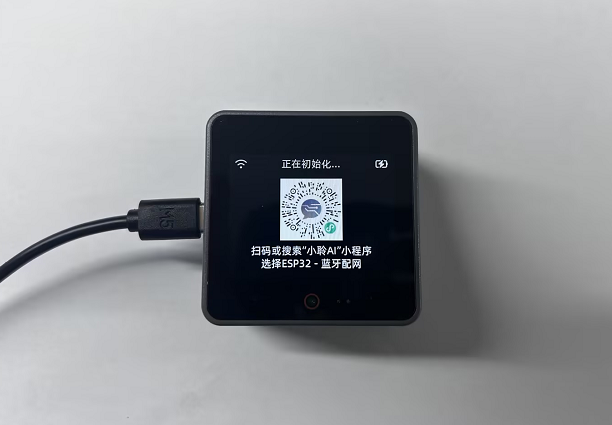
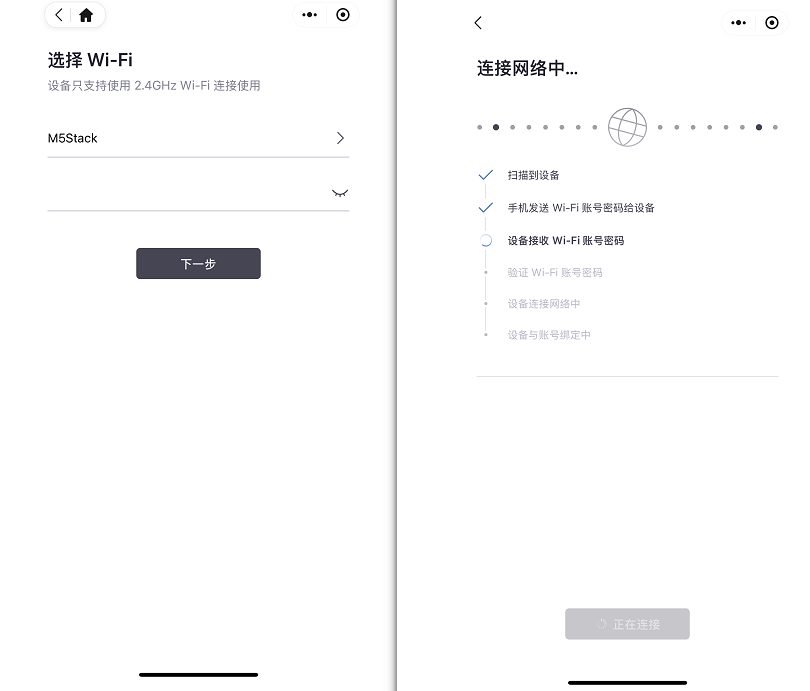
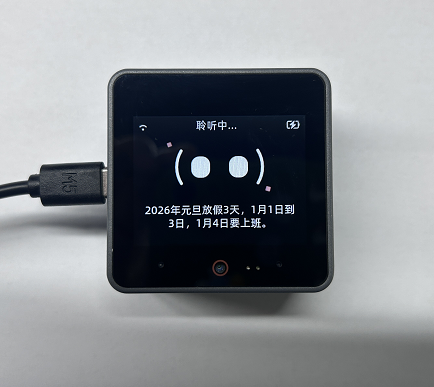
- Use WeChat to scan the QR code displayed on the screen. After entering the Wi-Fi name and password, the device will automatically start network configuration and binding. Once the configuration is successful, the Xiaoling Voice Assistant enters listening mode and is ready for conversation.
4. Bind WeChat Mini Program
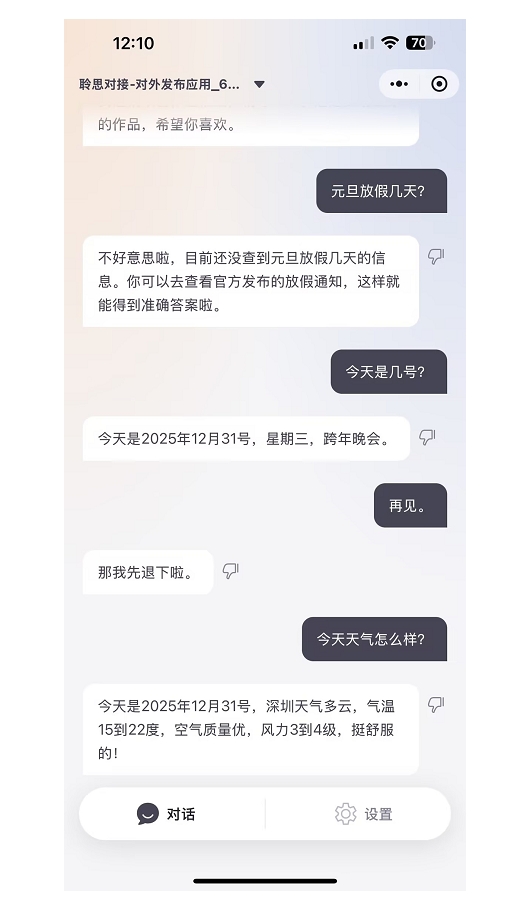
After the Wi-Fi configuration is successful, the device will automatically bind to the WeChat mini program Xiaoling Voice Assistant. You can configure the device and view historical conversation information within the mini program.
5. Device Unbinding
On the Xiaoling Voice Assistant mini program interface, click Settings → Unbind → Confirm to unbind the device.
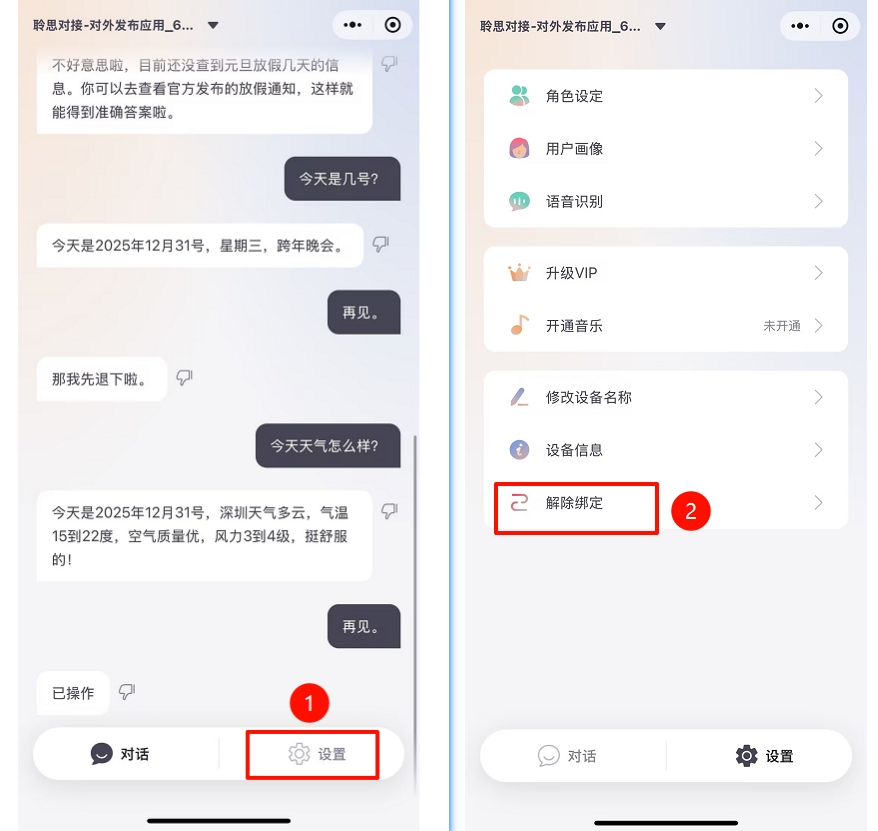
After the device is unbound, if you need to rebind the device, you can restart it. During the restart process, tap the device screen once, and the Bluetooth network configuration interface will be displayed again.