

Arduino入門
2. デバイス&サンプル
3. M5Unified
4. M5GFX
5. 拡張モジュール&サンプル
Unit
Module
Atomic
Tab5
IoT
アクセサリー
Arduino Nesso N1 IR NEC 赤外線
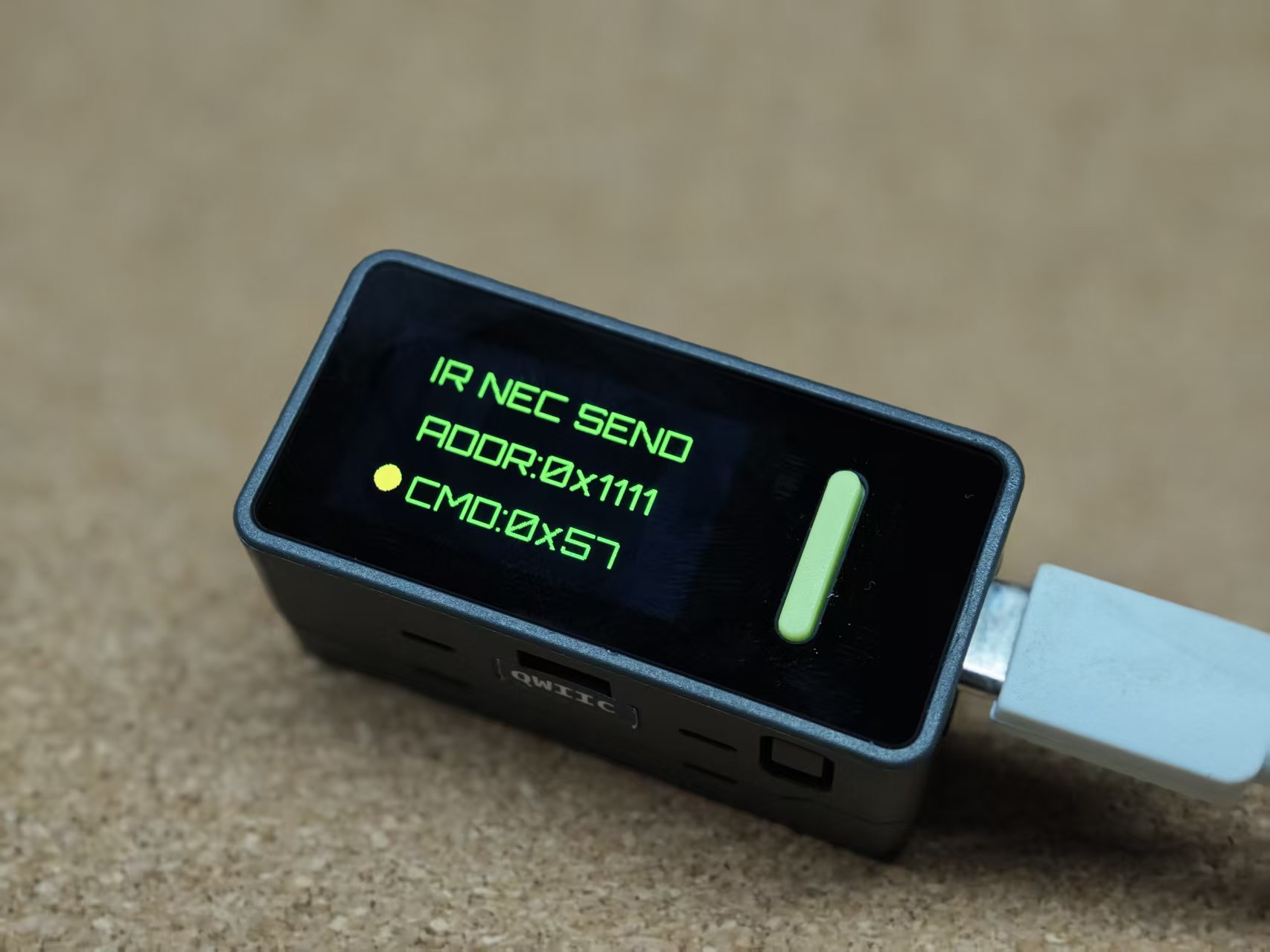
Arduino Nesso N1 の IR ドライバサンプルプログラム。本サンプルは Arduino-IRremote - Lib を使用して NEC コーディングを実現しています。
サンプルプログラム
コンパイル要件
- M5Stack ボードマネージャバージョン >= 3.2.5
- ボードオプション = ArduinoNessoN1
- M5GFX ライブラリバージョン >= 0.2.17
- M5Unified ライブラリバージョン >= 0.2.11
cpp
1 2 3 4 5 6 7 8 9 10 11 12 13 14 15 16 17 18 19 20 21 22 23 24 25 26 27 28 29 30 31 32 33 34 35 36 37 38 39 40 41 42 43 44 45 46 47 48 49 50 51 52 53 54 55 56 57 58
#define DISABLE_CODE_FOR_RECEIVER  // 各送信後に受信機を再起動しないようにします。
                                   // 受信機機能を使用しない場合、約450バイトのプログラムメモリと
                                   // 約269バイトのRAMを節約します。
#define SEND_PWM_BY_TIMER
#define IR_TX_PIN 9

#include "M5Unified.h"
#include <IRremote.hpp>  // ライブラリをインクルード
// IRremote: https://github.com/Arduino-IRremote/Arduino-IRremote

uint8_t sCommand = 0x34;
uint8_t sRepeats = 0;

void setup() {
    auto cfg = M5.config();
    M5.begin(cfg);
    M5.Display.setRotation(1);
    M5.Display.setTextColor(GREEN);
    M5.Display.setTextDatum(middle_center);
    M5.Display.setTextFont(&fonts::Orbitron_Light_24);
    M5.Display.setTextSize(1);

    IrSender.begin(DISABLE_LED_FEEDBACK);  // IR_SEND_PIN を送信ピンとして開始
    IrSender.setSendPin(IR_TX_PIN);
}

void loop() {
    Serial.println();
    Serial.print(F("Send now: address=0x1111, command=0x"));
    Serial.print(sCommand, HEX);
    Serial.print(F(", repeats="));
    Serial.print(sRepeats);
    Serial.println();

    M5.Display.clear();
    M5.Display.drawString("IR NEC SEND", M5.Display.width() / 2,
                                M5.Display.height() / 2 - 40);

    M5.Display.drawString("ADDR:0x1111", M5.Display.width() / 2,
                                M5.Display.height() / 2);

    M5.Display.drawString("CMD:0x" + String(sCommand, HEX),
                                M5.Display.width() / 2,
                                M5.Display.height() / 2 + 40);

    Serial.println(F("Send standard NEC with 16 bit address"));

    M5.Display.fillCircle(32, 105, 8, GREEN);
    IrSender.sendNEC(0x1111, sCommand, sRepeats);
    // IrSender.sendOnkyo(0x1111, 0x2223, sRepeats);
    /*
     * 送信値をインクリメント
     */
    sCommand += 1;
    delay(500);
    M5.Display.fillCircle(32, 105, 8, YELLOW);
    delay(500);
}
Page Tools