

Arduino Quick Start
2. Devices & Examples
3. M5Unified
4. M5GFX
5. Extensions
Unit
Module
Atomic
Tab5
IoT
Accessories
Atomic HDriver Base Arduino Tutorial
1. Preparation
Environment Configuration: Refer to the Arduino IDE Quick Start Tutorial to install the IDE, add the board manager entries for your board, and install any required drivers and libraries.
Driver libraries used:
Hardware products used:

2. Example
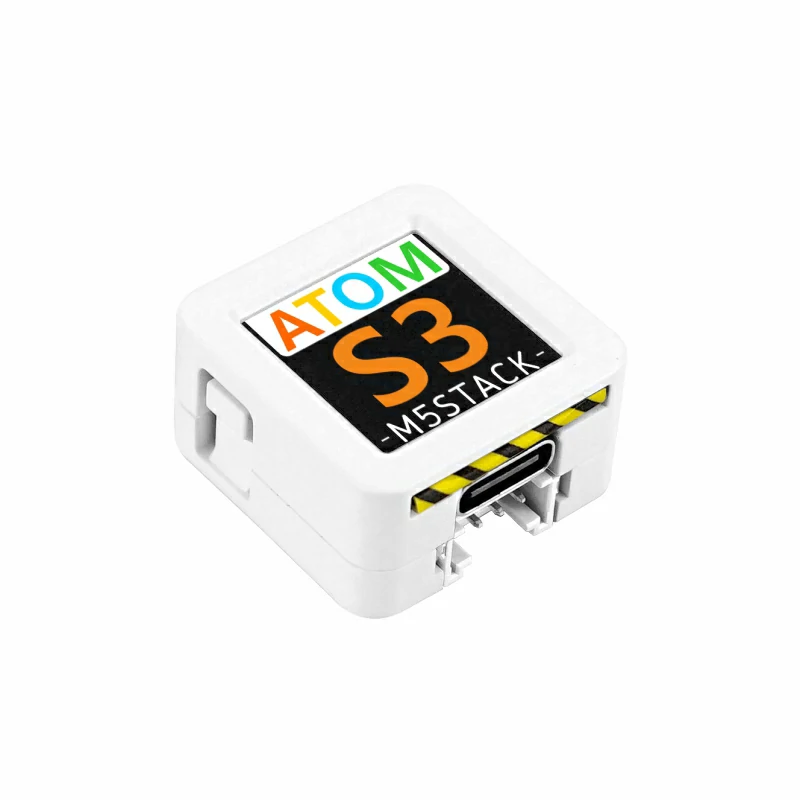
- In this tutorial, the main controller is the AtomS3 paired with the Atomic HDriver Base. The signal output pins are
G6 (IN1)andG7 (IN2).
cpp
1 2 3 4 5 6 7 8 9 10 11 12 13 14 15 16 17 18 19 20 21 22 23 24 25 26 27 28 29 30 31 32 33 34 35 36 37 38 39 40 41 42 43 44 45 46 47 48 49 50
#include "M5Unified.h"

const int IN1_PIN       = 6;
const int IN2_PIN       = 7;
const int VIN_PIN       = 8;
const int FAULT_PIN     = 5;

int freq          = 10000;
int resolution    = 10;
bool direction    = true;

void setup() {
    M5.begin();

    M5.Display.setTextColor(GREEN);
    M5.Display.setTextDatum(middle_center);
    M5.Display.setFont(&fonts::Orbitron_Light_24);
    M5.Display.drawString("H-Driver", M5.Display.width() / 2, M5.Display.height() / 2);

    ledcAttach(IN1_PIN, freq, resolution);
    ledcAttach(IN2_PIN, freq, resolution);
    pinMode(VIN_PIN, INPUT);
    pinMode(FAULT_PIN, INPUT);
    ledcWrite(IN1_PIN, 0);
    ledcWrite(IN2_PIN, 0);
}

void loop() {
    if (M5.BtnA.pressedFor(1000)) {
        ledcWrite(IN1_PIN, 0);
        ledcWrite(IN2_PIN, 0);
    }

    if (M5.BtnA.wasPressed()) {
        if (direction) {
            ledcWrite(IN1_PIN, 300);
            ledcWrite(IN2_PIN, 0);
        } else {
            ledcWrite(IN1_PIN, 0);
            ledcWrite(IN2_PIN, 300);
        }
        direction = !direction;
    }

    M5.update();
    if (digitalRead(FAULT_PIN) == 0) {
        M5.Display.clear();
        M5.Display.drawString("FAULT!", M5.Display.width() / 2, M5.Display.height() / 2);
    }
}3. Compile and Upload
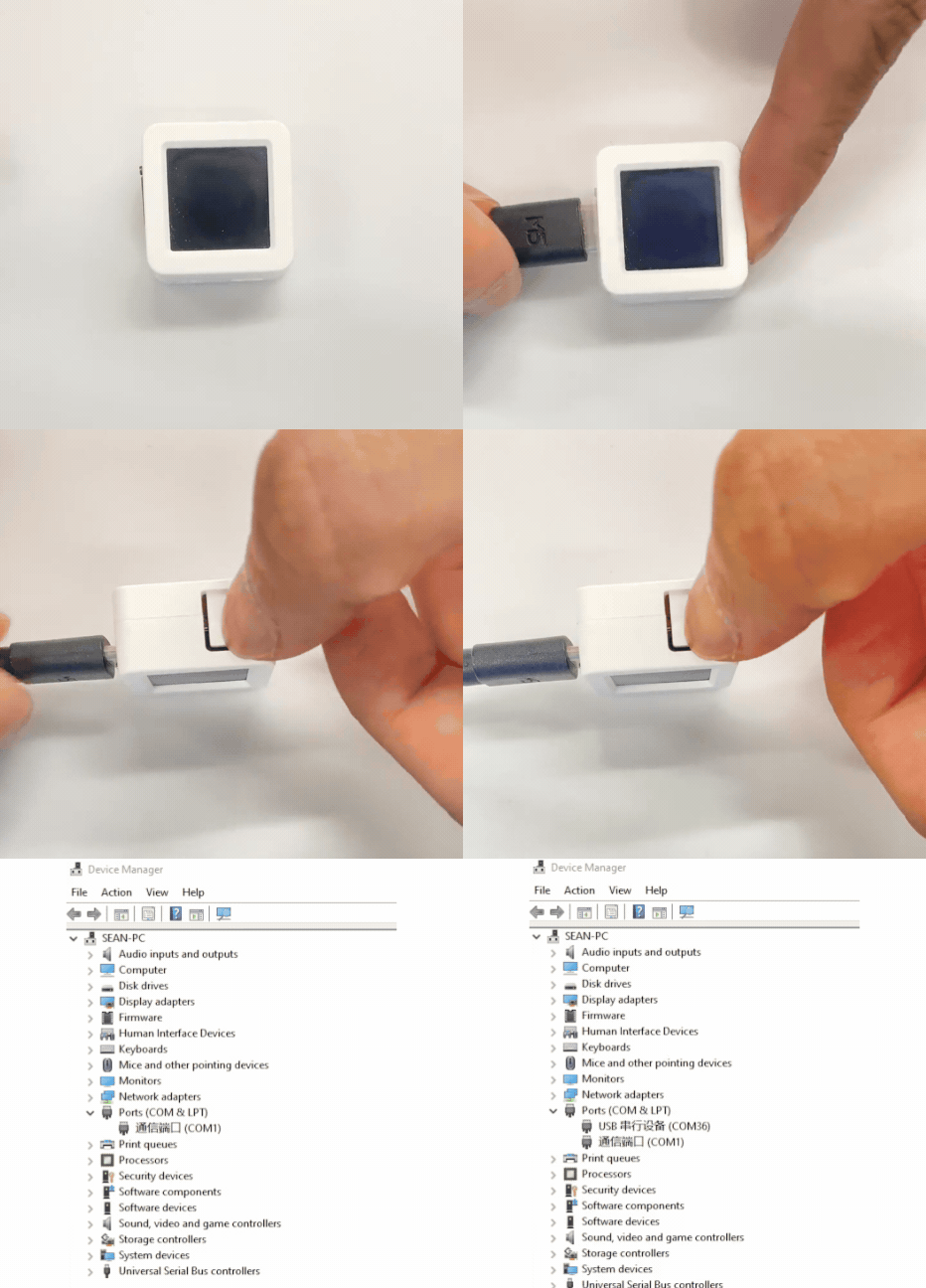
- 1. To enter download mode on AtomS3: press and hold the reset button for about 2 seconds until the internal green LED lights, then release — the device will enter download mode and is ready for flashing. The green LED turns off after the button is released, confirming that the device is in download mode.
Note
Different devices require different steps to enter download mode before flashing. See the device-specific download instructions at the bottom of the Arduino IDE Quick Start Tutorial page for details.
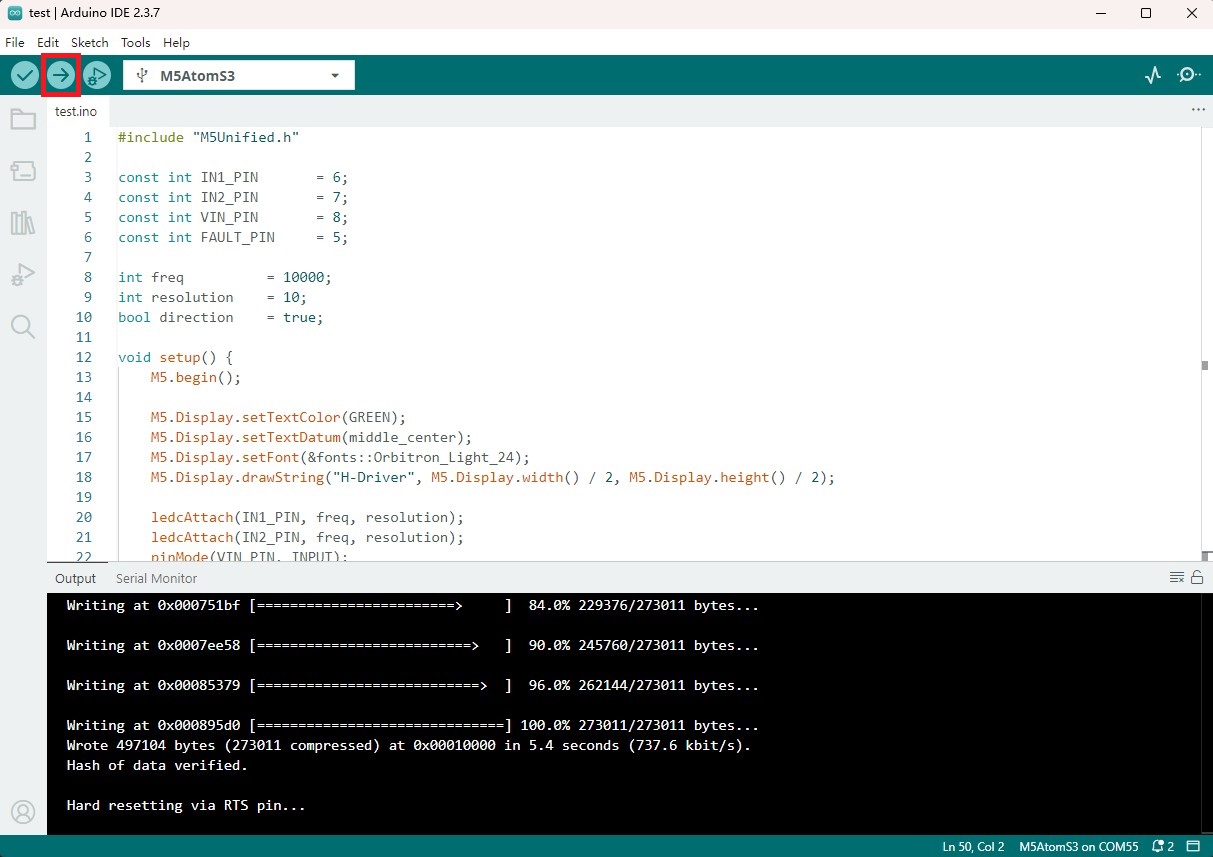
- 2. Select the device port, click the Compile and Upload button in the upper left of Arduino IDE, and wait for the program to complete compilation and upload to the device.
4. DC Motor Control
- After power-up, press the button on the device screen and the DC motor will start rotating forward. Press the button again and the motor will rotate in reverse. Press and hold the button for 1 second to stop the motor. (The N20 DC vibration motor is used in the video below)
Page Tools