

Arduino 上手教程
2. 设备开发 & 案例程序
3. M5Unified
4. M5GFX
5. 扩展模块
Unit
Module
Atomic
Tab5
IoT
Unit LCD Arduino 使用教程
1. 准备工作
- 环境配置:参考 Arduino IDE 上手教程 完成 IDE 安装,并根据实际使用的开发板安装对应的板管理器和所需驱动库。
- 使用到的驱动库:
M5UnitLCD已包含在 M5GFX 中,无需单独安装。- 使用到的硬件产品:
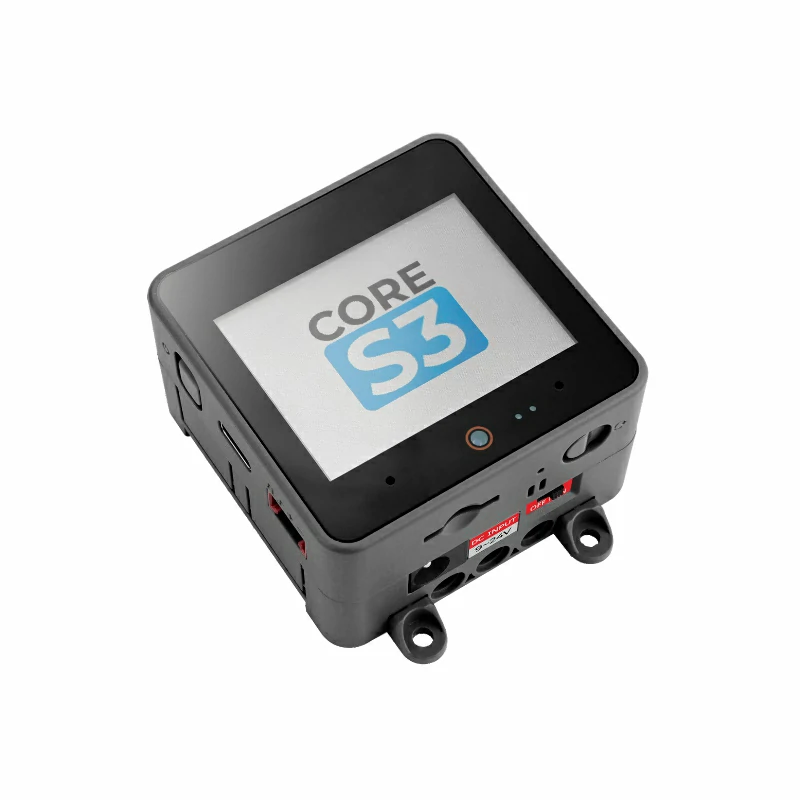
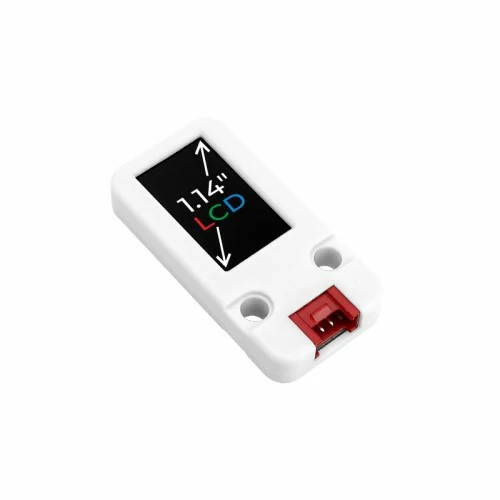
2. 注意事项
引脚兼容性
由于每款主机的引脚配置不同,为了让用户更方便地使用,M5Stack 官方提供了引脚兼容性表,方便用户查看,请根据实际引脚连接情况修改案例程序。
3. 案例程序
- 本教程中使用的主控设备为 CoreS3,搭配 Unit LCD。例程参考 M5Unified 的通用图形绘制方式,使用
draw_function(LovyanGFX* gfx)在 Unit LCD 上随机绘制圆形和方块。Unit LCD 采用 I2C 通信,默认地址为0x3E,通信频率为 400kHz,设备连接到 CoreS3 的 Port A 后对应的引脚为G2 (SDA)、G1 (SCL)。
cpp
1 2 3 4 5 6 7 8 9 10 11 12 13 14 15 16 17 18 19 20 21 22 23 24 25 26 27 28 29 30 31 32 33 34 35 36 37 38 39 40 41 42 43 44 45 46 47 48 49 50 51 52 53 54
#include <M5Unified.h>
#include <M5UnitLCD.h>

M5UnitLCD unit_lcd;
M5Canvas lcd_canvas(&unit_lcd);

void draw_function(LovyanGFX* gfx)
{
    int x      = rand() % gfx->width();
    int y      = rand() % gfx->height();
    int r      = (gfx->width() >> 4) + 2;
    uint16_t c = rand();
    gfx->fillRect(x - r, y - r, r * 2, r * 2, c);
}

void setup()
{
    auto cfg = M5.config();
    M5.begin(cfg);
    const int sda = M5.getPin(m5::pin_name_t::port_a_sda);
    const int scl = M5.getPin(m5::pin_name_t::port_a_scl);
    if (!unit_lcd.init(sda, scl, 400000)) {
        M5.Display.fillScreen(TFT_RED);
        M5.Display.setTextSize(2);
        M5.Display.setCursor(12, 32);
        M5.Display.println("Unit LCD init failed");
        while (true) {
            delay(1000);
        }
    }

    unit_lcd.setRotation(3);
    lcd_canvas.setColorDepth(16);
    lcd_canvas.createSprite(unit_lcd.width(), unit_lcd.height());
    lcd_canvas.fillScreen(TFT_BLACK);
    int textsize = lcd_canvas.height() / 60;
    if (textsize == 0) {
        textsize = 1;
    }
    lcd_canvas.setTextSize(textsize);
}

void loop()
{
    int x      = rand() % lcd_canvas.width();
    int y      = rand() % lcd_canvas.height();
    int r      = (lcd_canvas.width() >> 4) + 2;
    uint16_t c = rand();
    lcd_canvas.fillCircle(x, y, r, c);
    draw_function(&lcd_canvas);
    lcd_canvas.pushSprite(0, 0);
    unit_lcd.waitDisplay();
    delay(50);
}4. 编译上传
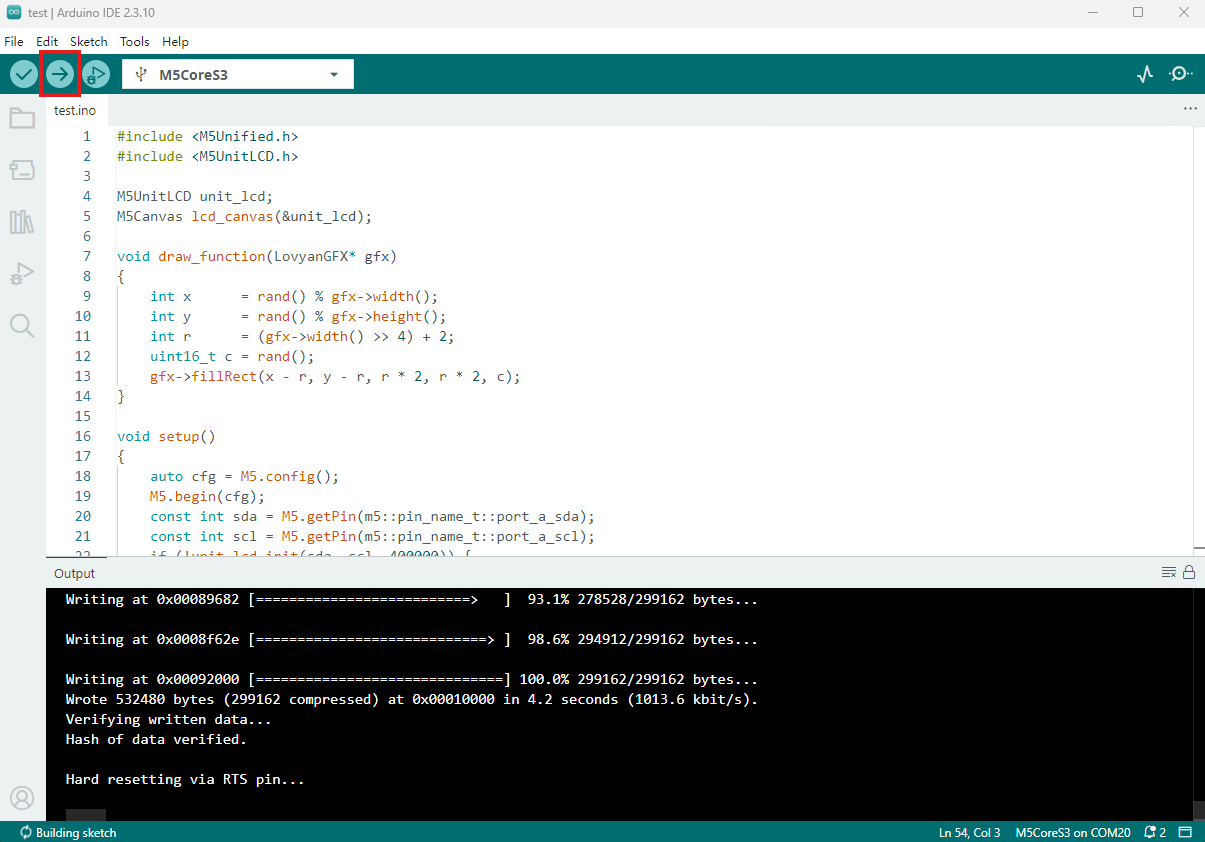
- 复制粘贴上述例程代码到项目代码区,选中设备端口(详情请参考 程序编译与烧录),点击 Arduino IDE 左上角编译上传按钮,等待程序完成编译并上传至设备。
5. 随机图形显示
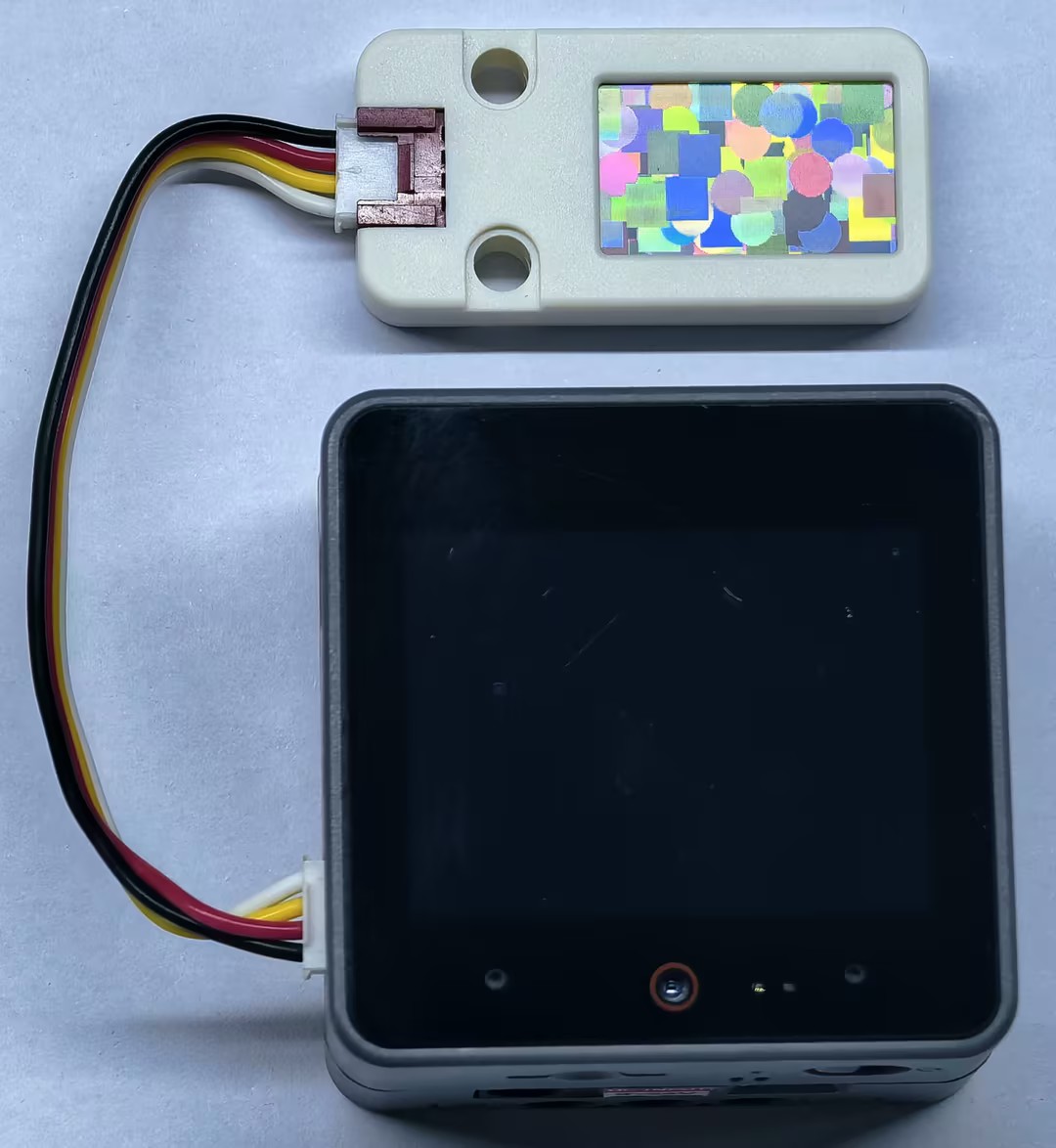
- 程序运行后,CoreS3 会在 Unit LCD 的画布上持续叠加随机圆形和方块。
Page Tools