

Arduino 上手教程
2. 设备开发 & 案例程序
3. M5Unified
4. M5GFX
5. 扩展模块
Unit
Module
Atomic
Tab5
IoT
Chain MIC 使用教程
1.准备工作
- 环境配置:参考 Arduino IDE 上手教程 完成 IDE 安装,并根据实际使用的开发板安装对应的板管理与需要的驱动库。
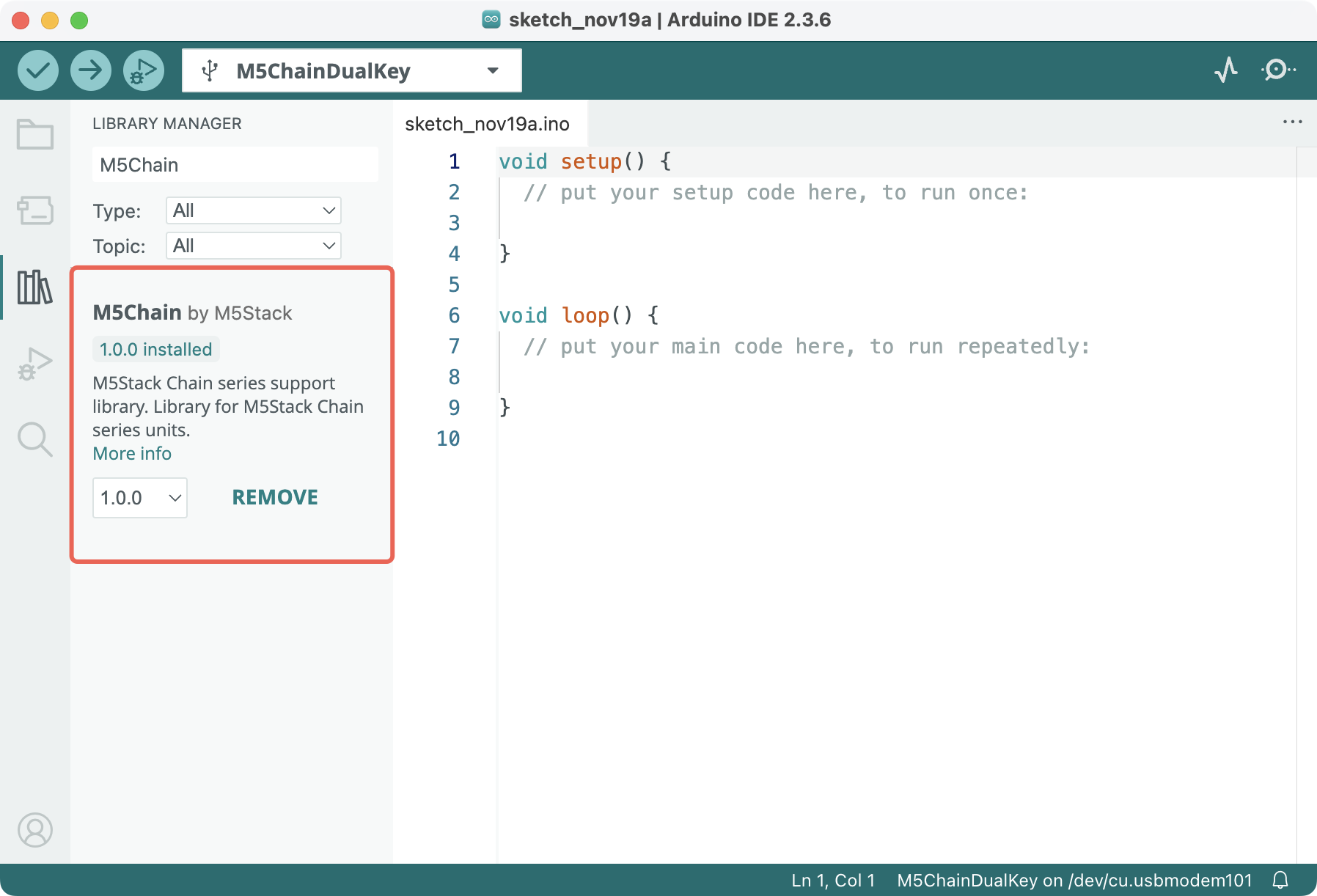
- 使用到的驱动库:
- 使用到的硬件产品:
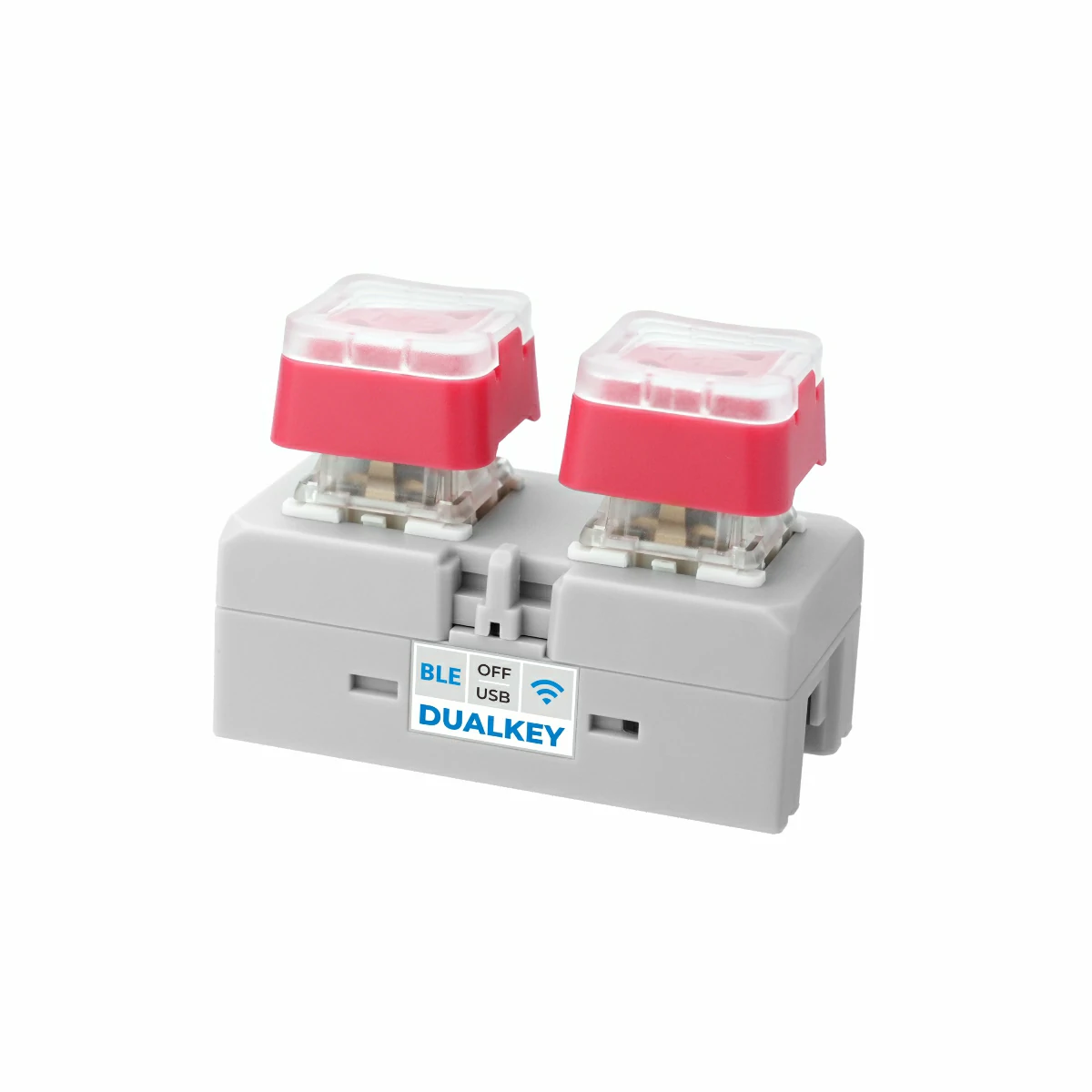
- Chain DualKey
- Chain 系列连接器,如 Chain Bridge 或 Chain Return
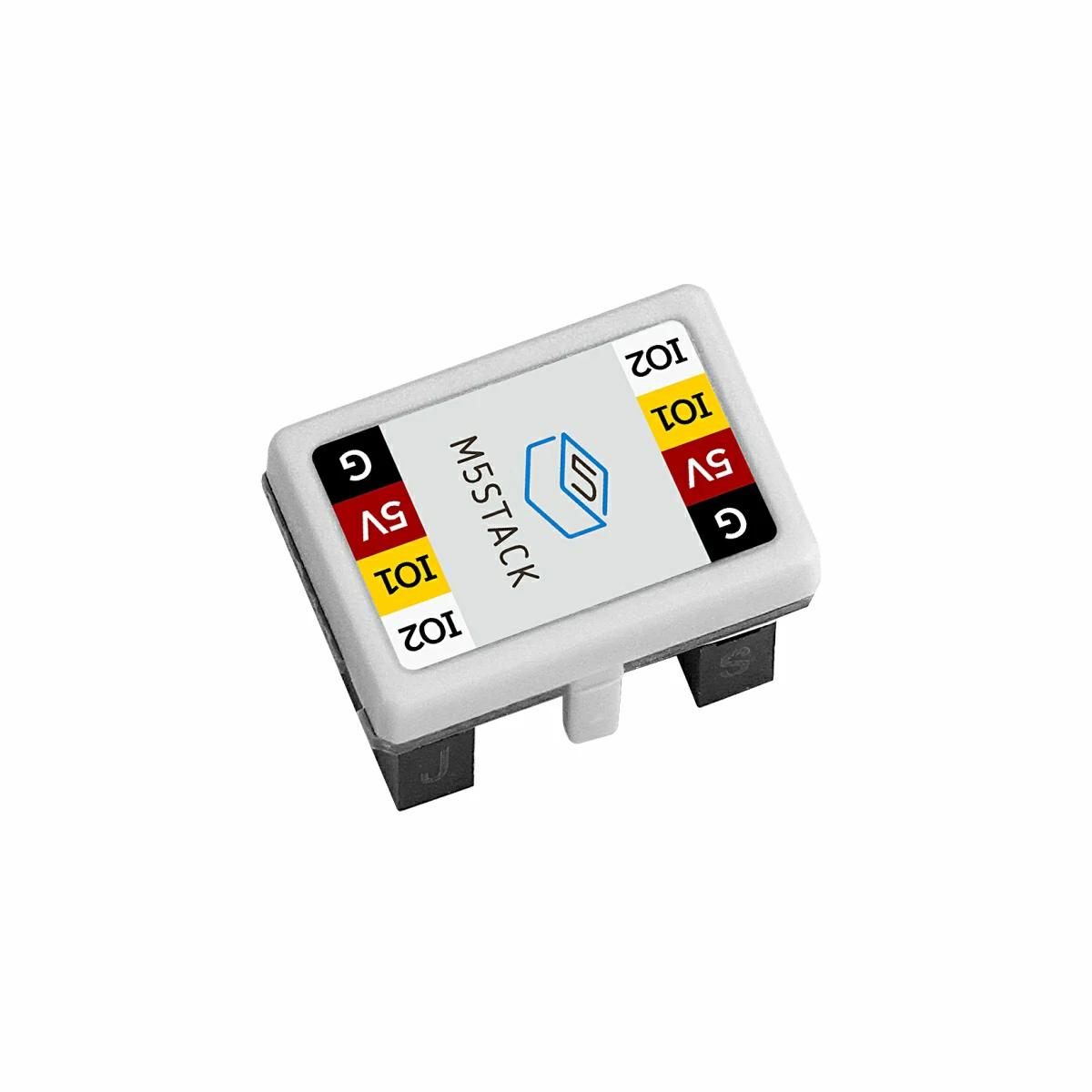
- Chain MIC
2.示例程序
编译要求
M5Stack 板管理版本 >= 3.2.4
M5Chain 库版本 >= 1.0.10
M5Chain 库版本 >= 1.0.10
cpp
1 2 3 4 5 6 7 8 9 10 11 12 13 14 15 16 17 18 19 20 21 22 23 24 25 26 27 28 29 30 31 32 33 34 35 36 37 38 39 40 41 42 43 44 45 46 47 48 49 50 51 52 53 54 55 56 57 58 59 60 61 62 63 64 65 66 67 68 69 70 71 72 73 74 75 76 77 78 79 80 81 82 83 84 85 86 87 88 89 90 91
#include "M5Chain.h"

#define RXD_PIN GPIO_NUM_5  // 48 for the other side of Chain DualKey
#define TXD_PIN GPIO_NUM_6  // 47 for the other side of Chain DualKey

Chain M5Chain;

device_info_t devices[8];
device_list_t device_list = {0, devices};
uint16_t device_count = 0;
#define START_KEY_PIN GPIO_NUM_0
#define STOP_KEY_PIN GPIO_NUM_17

uint8_t mic_id = 0;
bool mic_found = false;
bool print_adc = false;
bool start_key_last = HIGH;
bool stop_key_last = HIGH;

void setup() {
  Serial.begin(115200);
  delay(1000);
  Serial.println("===========================");
  Serial.println("M5Stack Chain MIC Test");

  pinMode(START_KEY_PIN, INPUT_PULLUP);
  pinMode(STOP_KEY_PIN, INPUT_PULLUP);

  M5Chain.begin(&Serial2, 115200, RXD_PIN, TXD_PIN);
  while (!M5Chain.isDeviceConnected()) {
    Serial.println("No device connected");
    delay(1000);
  }

  if (M5Chain.getDeviceNum(&device_count) != CHAIN_OK || device_count == 0) {
    Serial.println("Failed to get device count");
    return;
  }
  device_list.count = device_count < 8 ? device_count : 8;
  if (!M5Chain.getDeviceList(&device_list)) {
    Serial.println("Failed to get device list");
    return;
  }

  for (uint16_t i = 0; i < device_list.count; i++) {
    if (device_list.devices[i].device_type == CHAIN_MIC_TYPE_CODE) {
      mic_id = device_list.devices[i].id;
      mic_found = true;
      Serial.printf("ID[%d] is Chain MIC\n", mic_id);
      break;
    }
  }

  if (!mic_found) {
    Serial.println("Chain MIC not found");
    return;
  }

  Serial.println("Press KEY1 to start ADC output");
  Serial.println("Press KEY2 to stop ADC output");
}

void loop() {
  const bool start_key = digitalRead(START_KEY_PIN);
  const bool stop_key = digitalRead(STOP_KEY_PIN);

  if (start_key == LOW && start_key_last == HIGH) {
    print_adc = true;
    Serial.println("ADC_PRINT_START");
  }
  if (stop_key == LOW && stop_key_last == HIGH) {
    print_adc = false;
    Serial.println("ADC_PRINT_STOP");
  }
  start_key_last = start_key;
  stop_key_last = stop_key;

  if (!mic_found || !print_adc) {
    delay(10);
    return;
  }

  uint16_t adc = 0;
  if (M5Chain.getMIC12BitAdc(mic_id, &adc) == CHAIN_OK) {
    Serial.print("MIC ADC=");
    Serial.println(adc);
  } else {
    Serial.println("MIC ADC read failed");
  }
  delay(100);
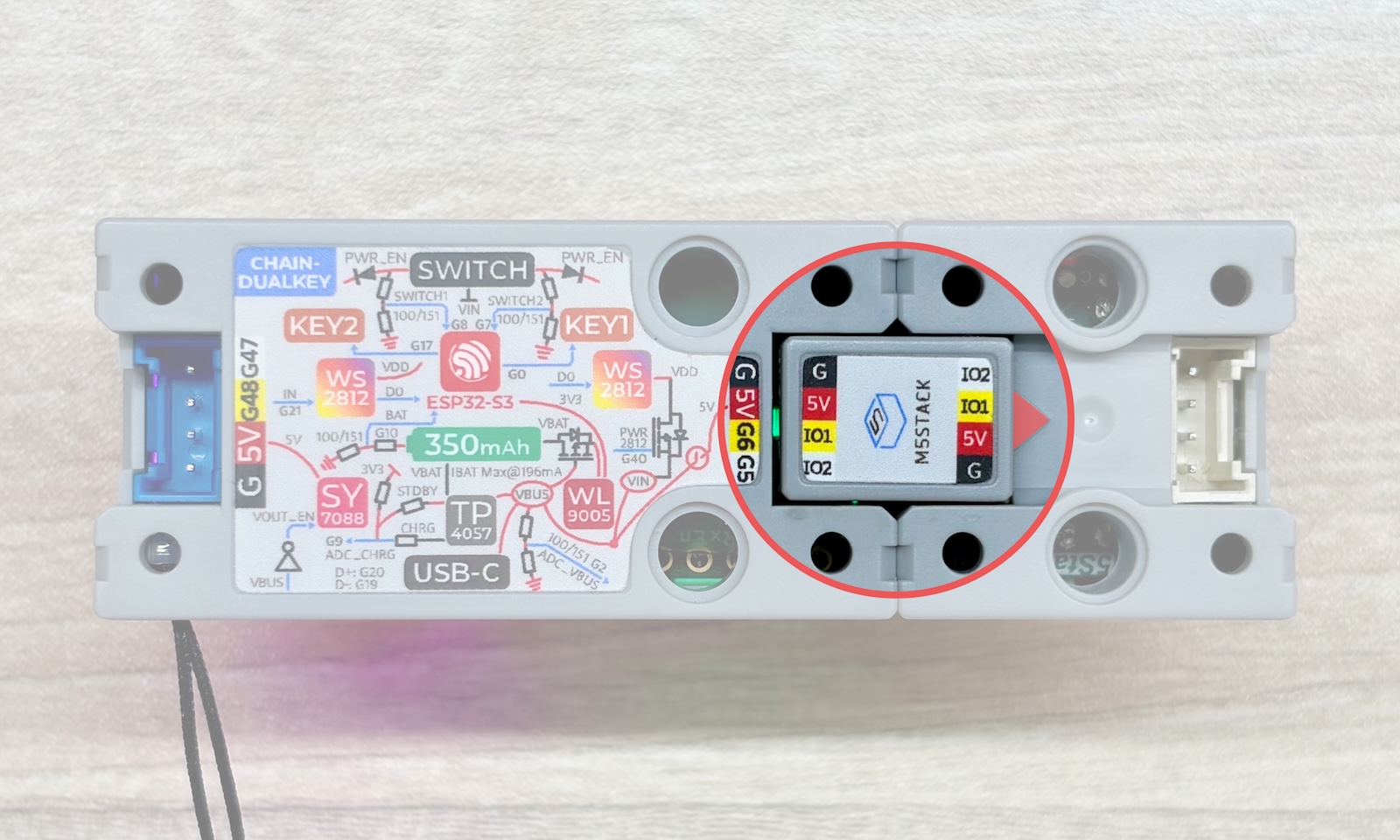
}用 Chain Bridge 连接器连接主控 Chain DualKey 和 Chain MIC。连接时需要注意方向,三角箭头从主控 Chain DualKey 指向外侧,如图:
IO 引脚配置
RXD_PIN = GPIO_NUM_5(GPIO5)
TXD_PIN = GPIO_NUM_6(GPIO6)
START_KEY_PIN = GPIO_NUM_0(KEY1)
STOP_KEY_PIN = GPIO_NUM_17(KEY2)
TXD_PIN = GPIO_NUM_6(GPIO6)
START_KEY_PIN = GPIO_NUM_0(KEY1)
STOP_KEY_PIN = GPIO_NUM_17(KEY2)
本案例使用 Chain DualKey 的 GPIO5 作为 RX、GPIO6 作为 TX,KEY1(GPIO0)作为开始按键,KEY2(GPIO17)作为停止按键。若将 Chain MIC 连接到 Chain DualKey 的另一侧接口,请根据实际接线修改程序中的 RXD_PIN 和 TXD_PIN。
将以上程序编译并上传至 Chain DualKey,点击 Arduino IDE 右上角的按钮打开串口监视器(Serial Monitor)。按下 KEY1 后开始打印 Chain MIC 的 12 位 ADC 值(范围 0 ~ 4095),每 100 ms 输出一次;按下 KEY2 后停止打印。串口输出 ADC_PRINT_START 或 ADC_PRINT_STOP 可用于确认按键状态。
例程效果如下:

3.参考链接
Page Tools